
Clubs
A club in Velos is one of the bodies your federation, club or academy is made up of — a range, a university team, a training group. Athletes are affiliated to one, entries are filed under one, and results are read back by one. Everything on the following pages is about keeping that list of clubs, and the people inside them, honest.
Where clubs live
Section titled “Where clubs live”Every club is on one list, under Archery → Clubs.
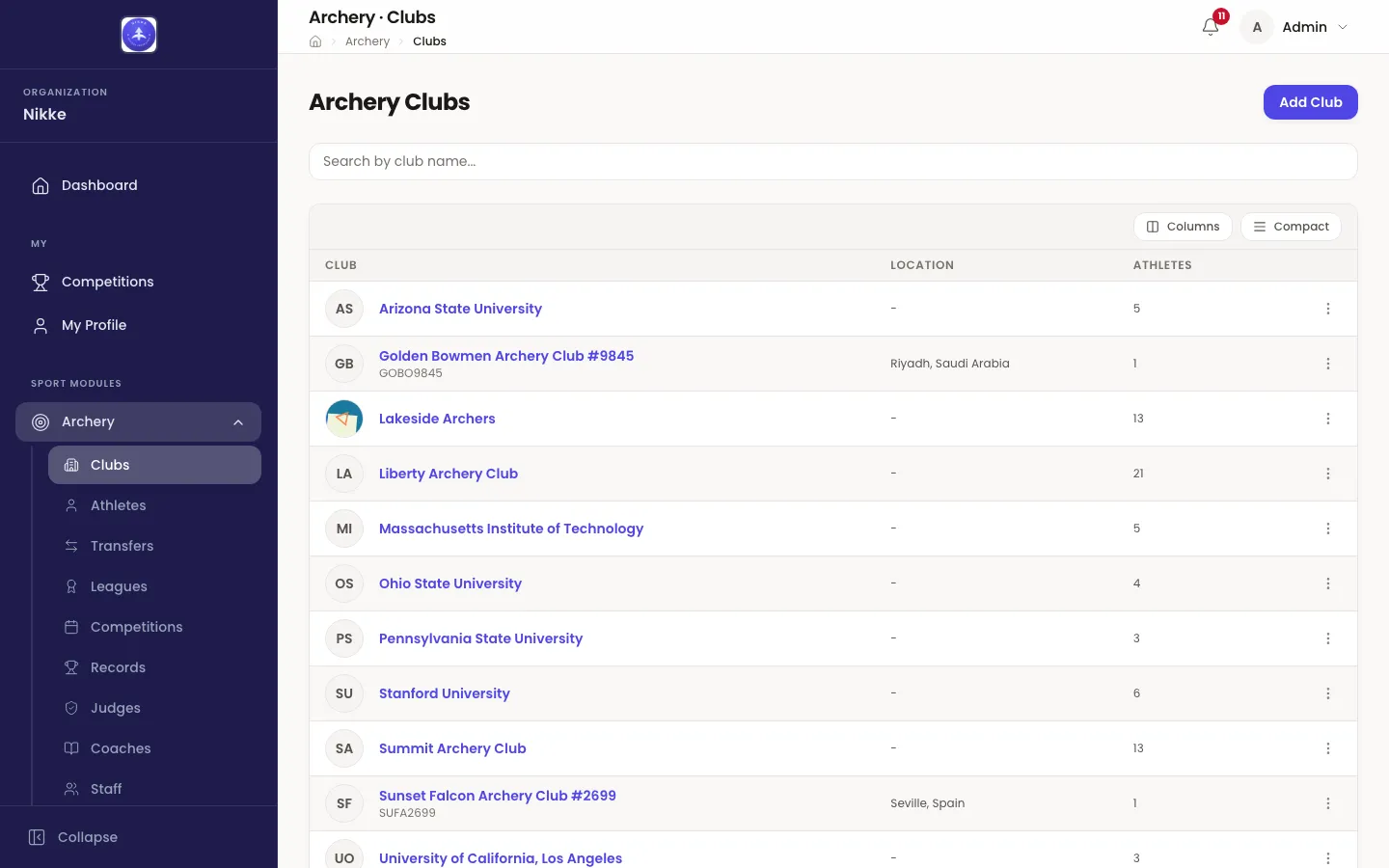
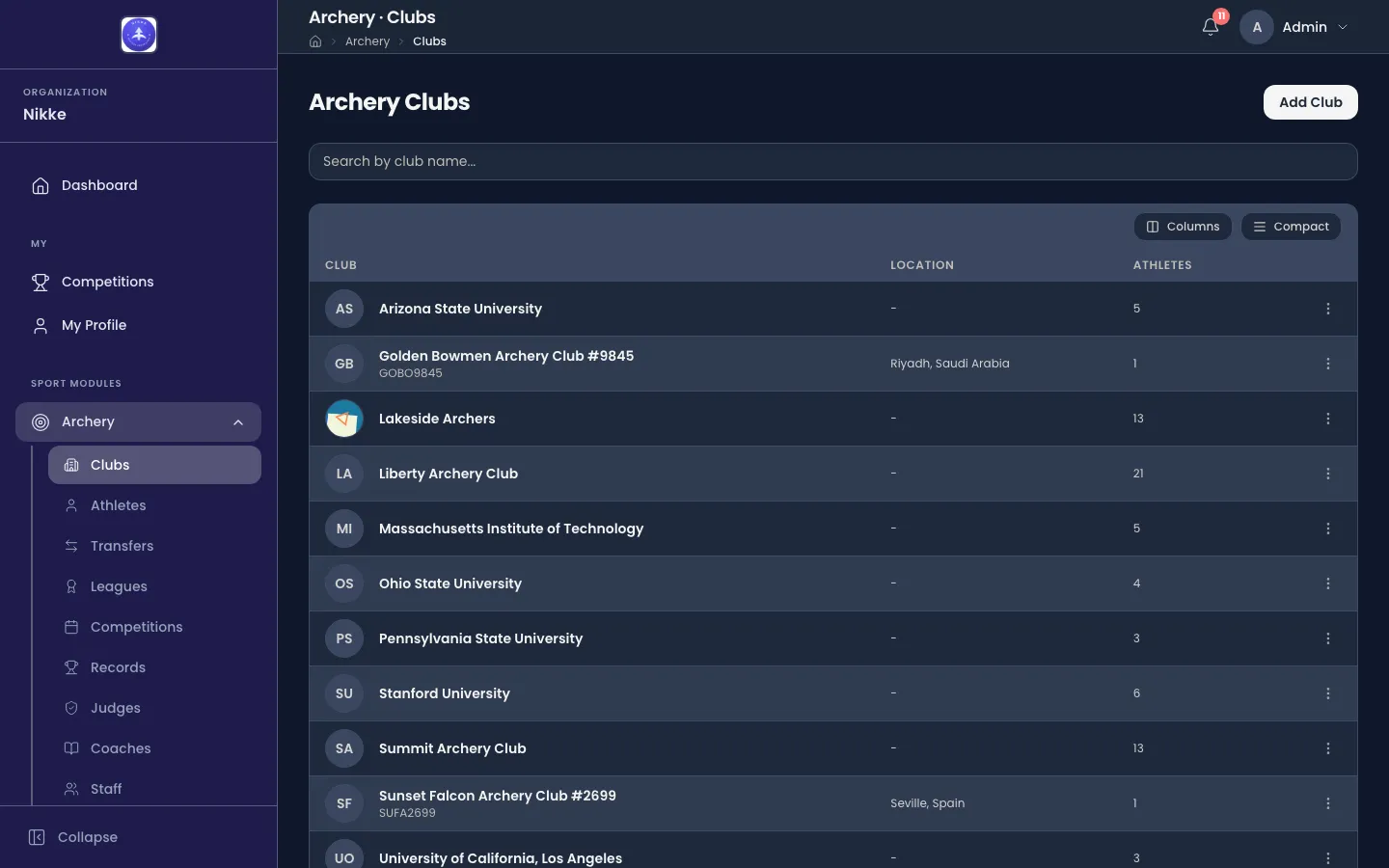
- Search by club name… matches the club’s name.
- Location is the city and country from the club’s address, and shows a dash where no address has been entered.
- Athletes counts the athletes currently affiliated to that club.
The ⋮ menu at the end of a row holds View, Edit and Delete for that club, so a correction does not need the club opened first. Columns and Compact change how the table is drawn — which columns show, and how tightly the rows are packed — not what is in it.
The record for one club
Section titled “The record for one club”Open a club and you land on its Overview.
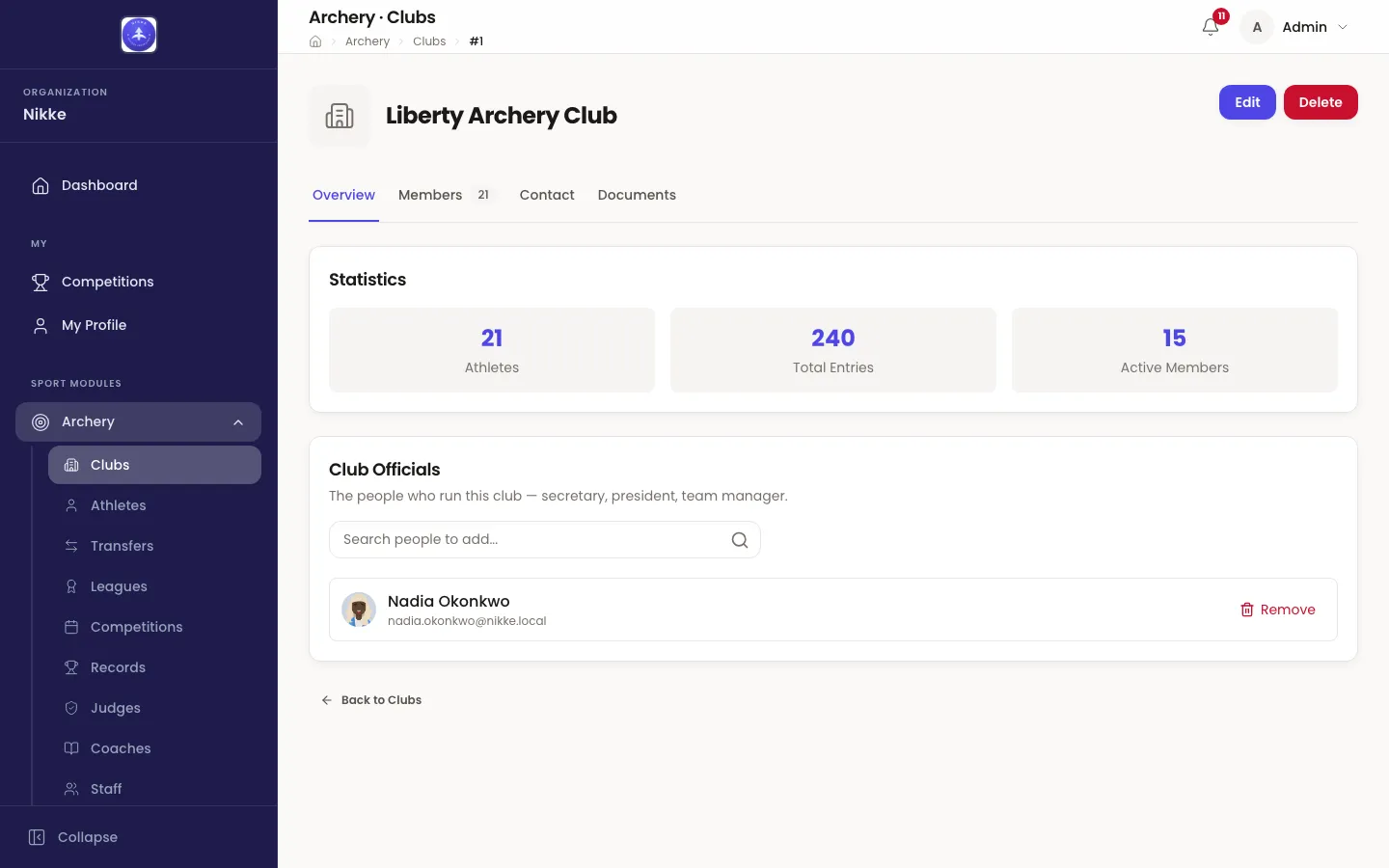
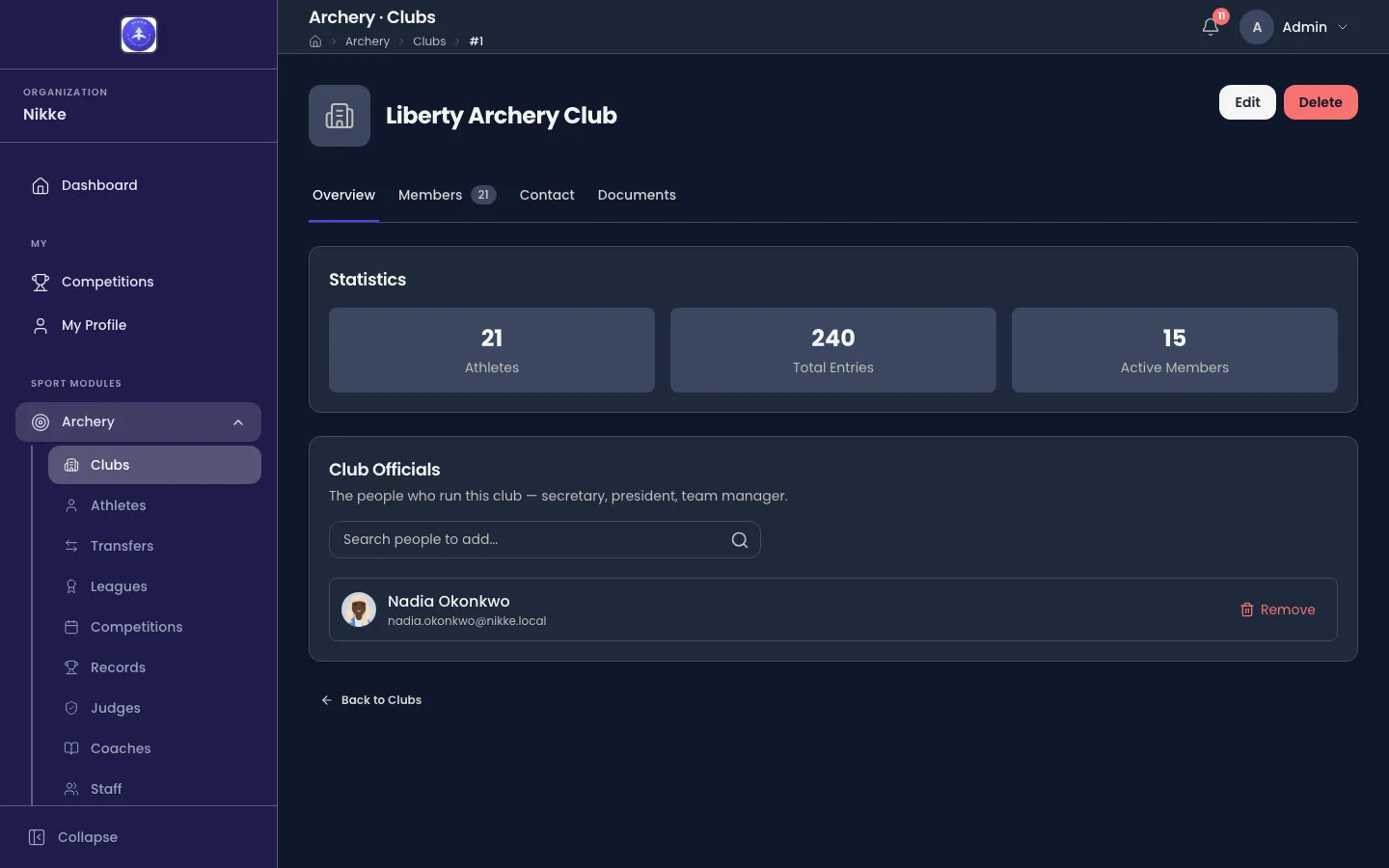
The three tiles are the club at a glance:
- Athletes — everyone affiliated to the club, whatever their status.
- Total Entries — how many competition entries its athletes have filed, across every competition your federation, club or academy has run.
- Active Members — the athletes among them whose status is currently active. It is the smaller number, and the useful one: it excludes athletes who are inactive, under review or waiting for approval.
Under the tiles, Club Officials names the people who run this club — a secretary, a president, a team manager. Staff who can edit clubs add one by searching for the person and remove one with Remove; everyone else reads the list. Being named here is not a formality: an official gets My Club, the club’s own area, and runs the club’s day-to-day from it — registering archers, filing documents, handling transfers and entering archers into open competitions.
The rest of the club is on the tabs beside Overview:
- Members — the roster, covered in Members and athletes. The number beside the tab is the size of it.
- Contact — the club’s contact details and postal address, covered in Setting up a club.
- Documents — files kept against the club, also covered in Setting up a club.
Edit reopens the form the club was created with, and Delete removes it. Deleting a club is not a way to retire one: the athletes affiliated to it and the entries filed under it lose the thing they point at. Where a club has simply stopped shooting, leave it in place.
Who does what
Section titled “Who does what”Clubs are not given a set of roles of their own — what you can do here is what your account can do generally, described in Roles and access. In practice:
- Administrators and managers create clubs, edit their details, and move athletes between them.
- Club accounts see their own club and their own athletes, and enter those athletes into competitions while registration is open.
- Coaches and club officials get an area of their own, My Club, described in The club portal. A coach reads the club there; an official also acts for it.
The pages in this section
Section titled “The pages in this section”- Setting up a club — creating a club, its logo, its address and its contact details, and the files kept against it.
- Members and athletes — the roster, the athlete list staff work from, and the record one athlete keeps.
- The club portal — the area a club’s own coaches read and its officials run the club from.
Everyone signed in also has pages of their own — their profile, the competition calendar, and more depending on what they are. Those are covered in Your own pages.
Rosters are only half of what a club does. Training covers what its athletes record between competitions, and where those sessions gather.
Updated for v1.63.0