
Scores and ends
A completed session is a settled record — the thing later sessions get compared against. On the web it is read-only; the one correction door left open, the athlete’s own phone, is covered at the end. This page walks the record top to bottom.
The header and the setup
Section titled “The header and the setup”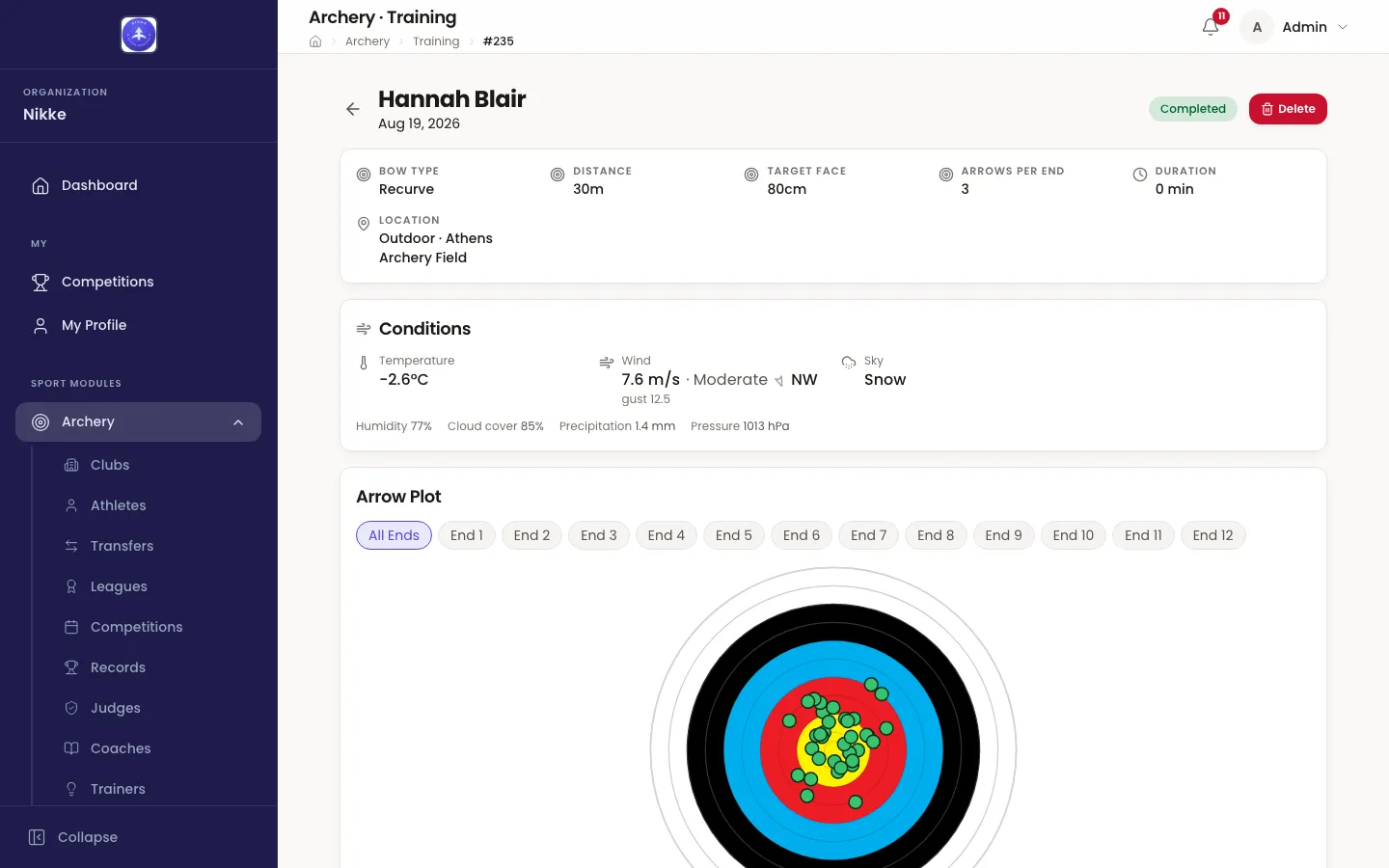
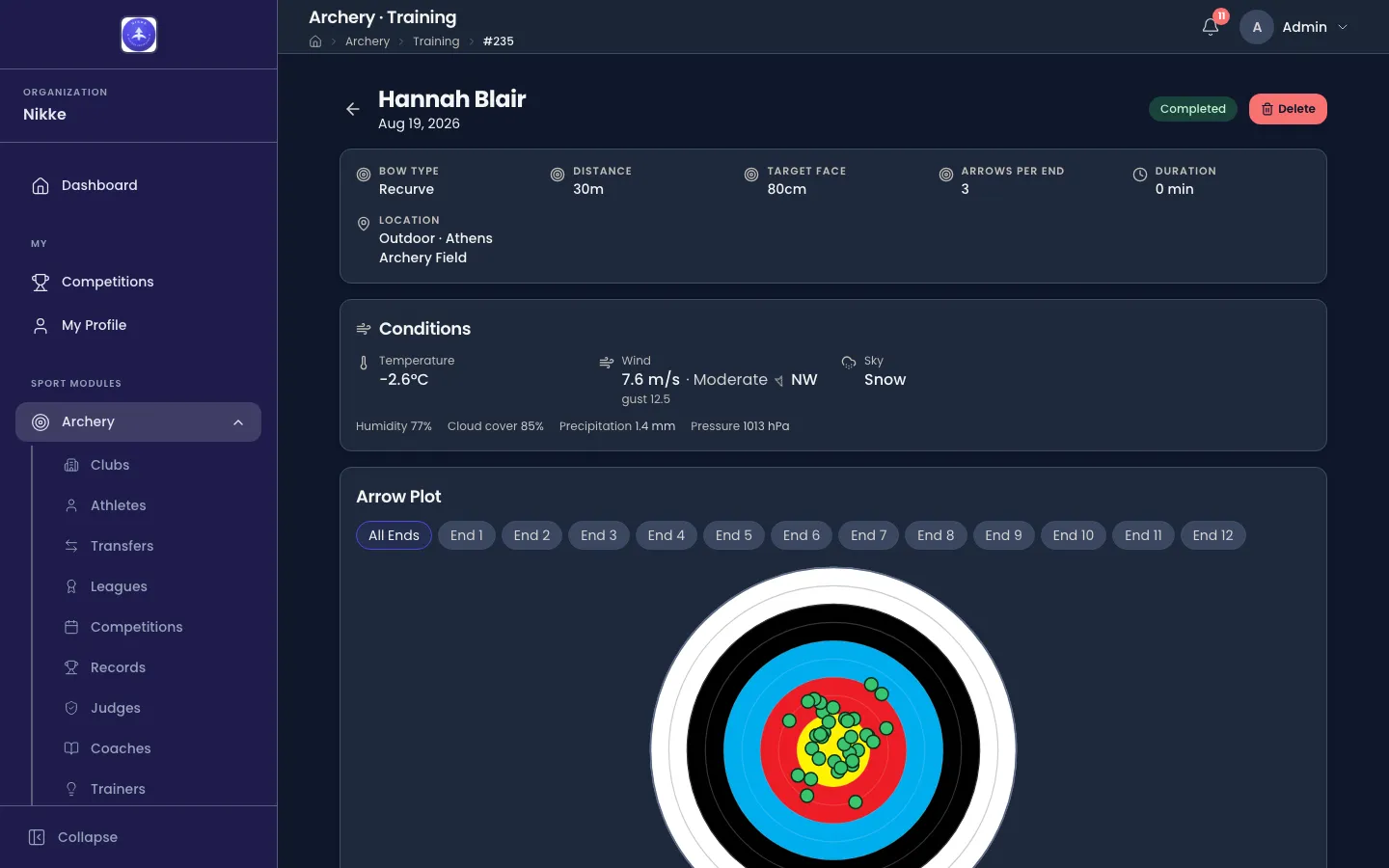
The heading is who shot it and when. Beside it, the session’s state — Completed for a session that was finished, Abandoned for one that was not — and Delete.
The card under it is the setup the session was created with: Bow Type, Distance, Target Face, Arrows per End, Duration and Location, the last of these carrying the venue name after the indoor or outdoor part. A Duration of 0 min means the session was entered rather than timed — typed up from a scorecard after the fact, or completed the moment it was created.
Where the athlete finished the session on their phone, a card under the setup gives their own two answers from that moment:
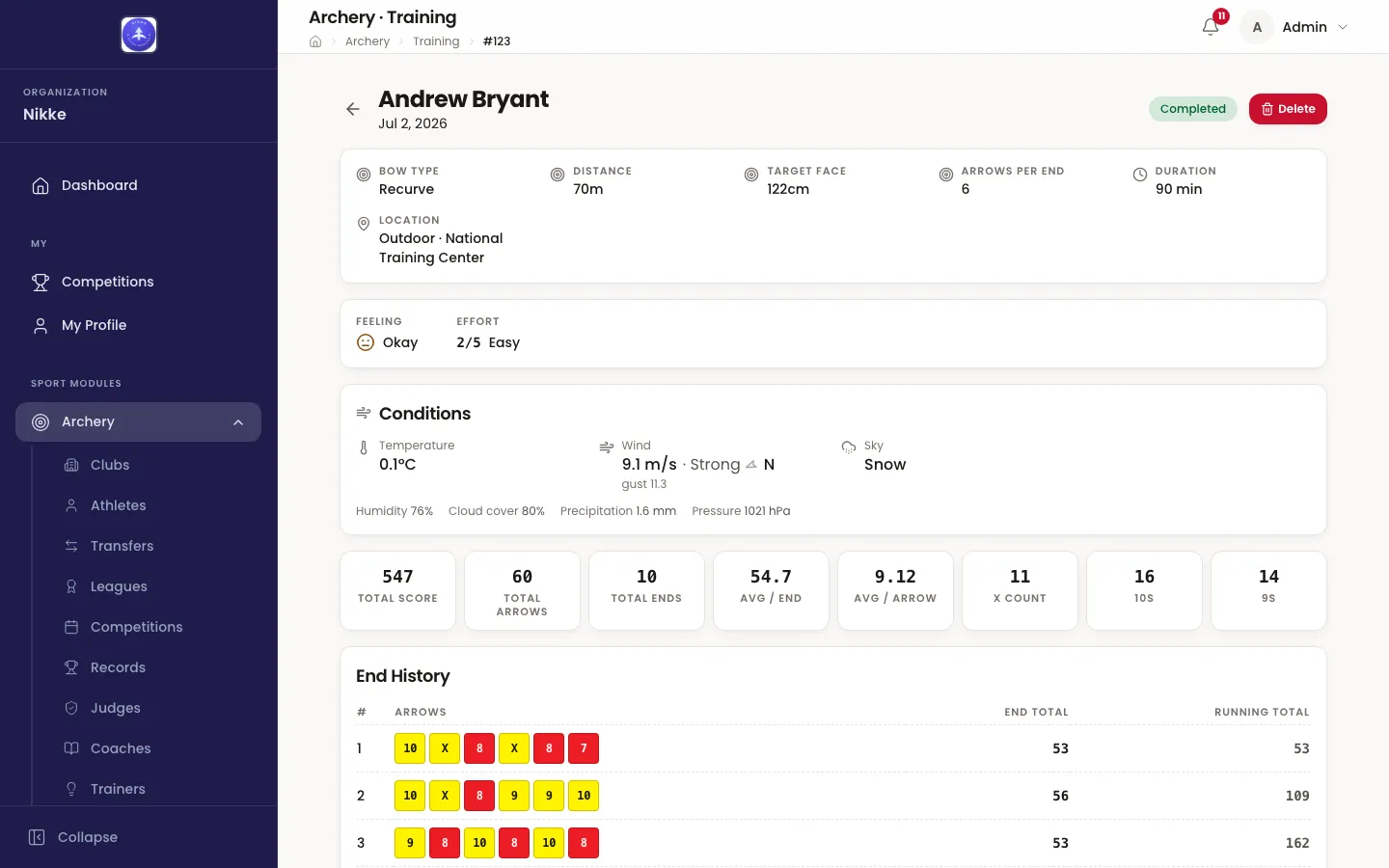
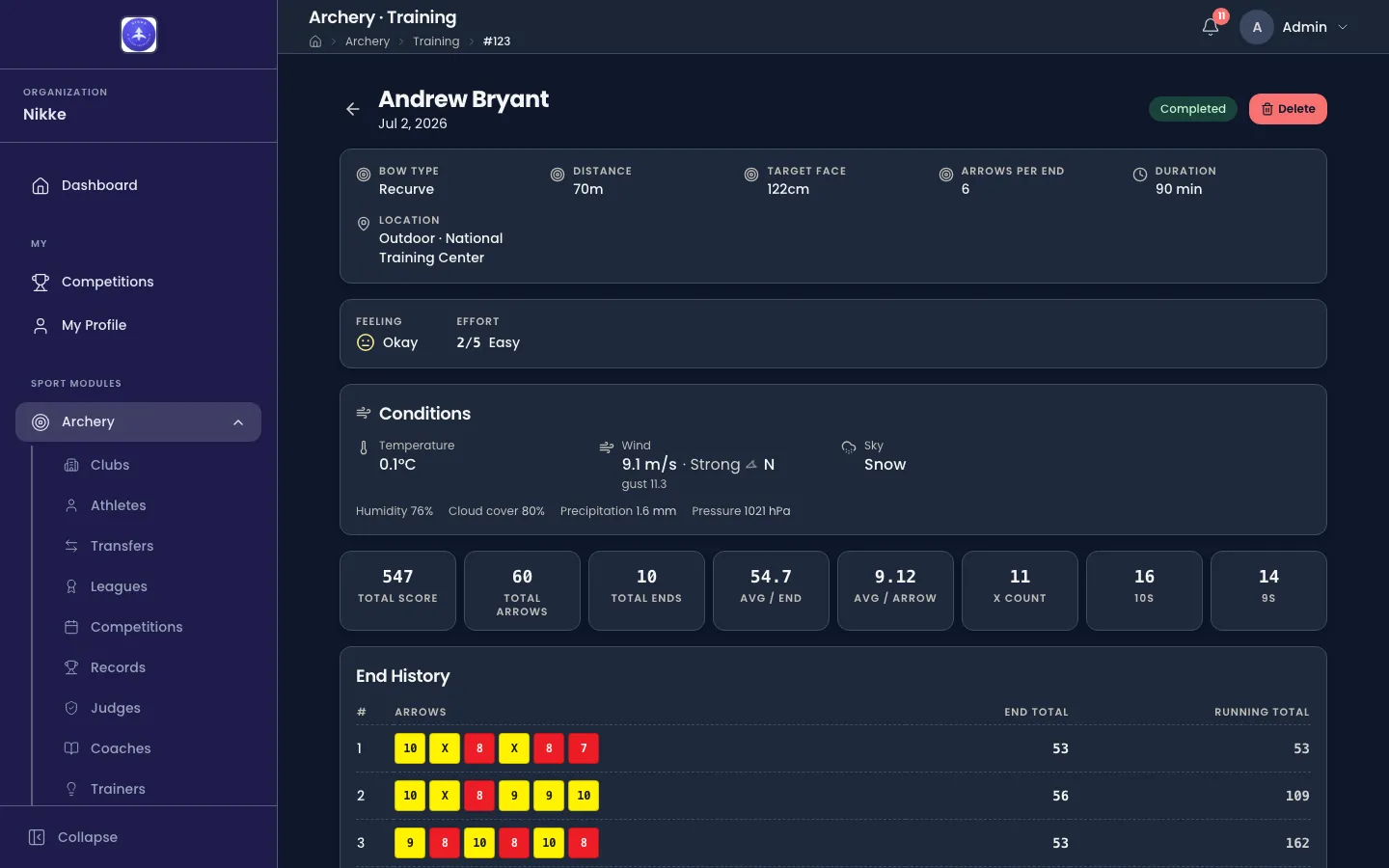
- Feeling — how the session felt as a whole, as a face and a word: Awful, Bad, Okay, Good or Great.
- Effort — how hard it was on the body, out of five: Very easy, Easy, Moderate, Hard or Maximal.
The two are independent — a session can be maximal and feel great. Both are the athlete’s alone: they are asked once, at finish, and never changed afterwards. A session finished on the web or by staff on the athlete’s behalf has neither, and an athlete may skip either one; where neither was given, the card is simply absent.
Where an outdoor session carries conditions, a read-only Conditions card follows, with the wind level — Calm, Light, Moderate or Strong — beside each wind speed (see Conditions). Where the session was shot on a phone, the arrow plot follows too.
The totals, and every end
Section titled “The totals, and every end”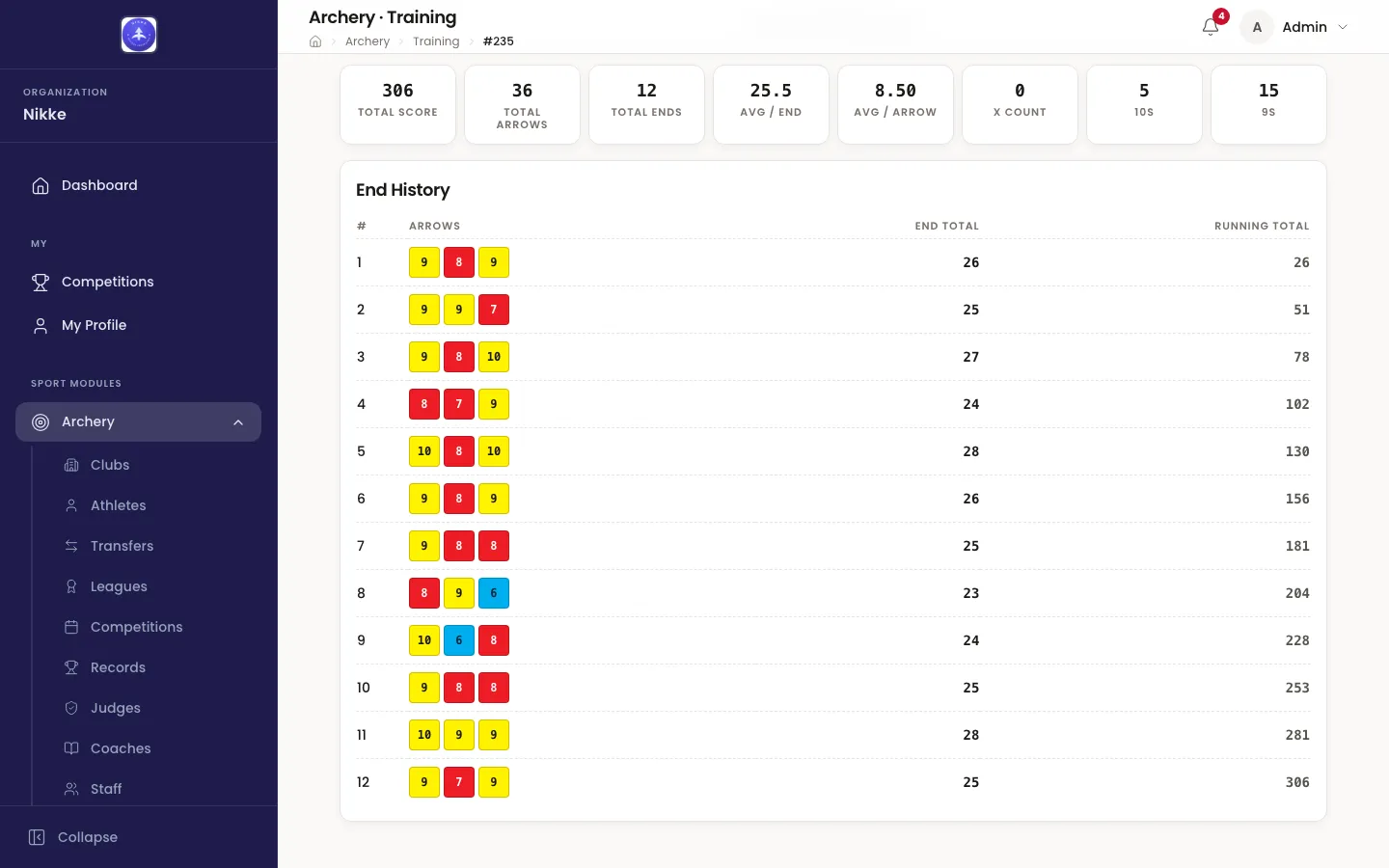
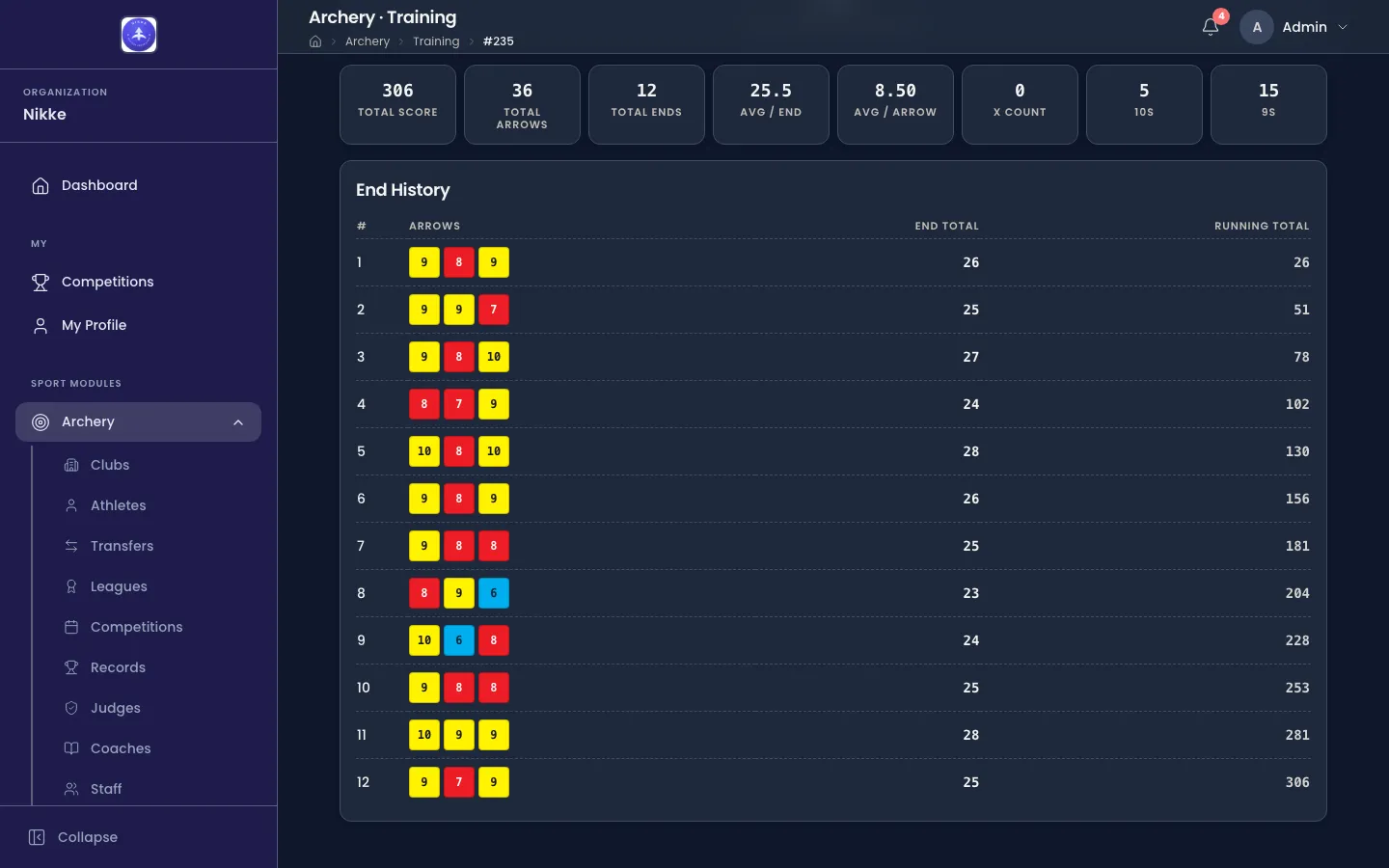
The eight tiles are the session in numbers:
- Total Score — everything shot.
- Total Arrows and Total Ends — how much shooting that was.
- Avg / End and Avg / Arrow — the same score expressed as a rate, which is what lets a 12-end session be compared with a 20-end one.
- X Count, 10s and 9s — how many arrows went in the inner ten, how many scored ten (an X counts among them), and how many scored nine.
End History is the working underneath them. One row per end, in the order they were shot:
- # — the end number.
- arrows — each arrow as it was recorded, one chip each, including X for an X and M for a miss. The chips carry the colours of the target face itself — gold for a 9 or a 10, red for a 7 or an 8, and so on — so a run of good ends is visible before any of the numbers are read.
- End Total — that end on its own.
- Running Total — the score after that end, which is the column to read down when you want to know where a session was won or lost.
The last row’s running total is the Total Score at the top. If the two ever disagree, an end has been corrected since — reopen the list and check.
Where notes were written against the session, a Notes card follows the table.
Correcting a session
Section titled “Correcting a session”There is no editing here — on the web, a completed session is read-only, and that is deliberate.
While the session is still open, corrections belong to the live screen: each row in End History on the live screen has its own controls to change or remove that end.
Two things can still change a session after completion, both deliberate:
- The athlete’s own phone. The person who shot the session can correct a mistyped arrow, remove an end, or fix the notes from the mobile app even after completing it — corrections reach only their own sessions. The totals update to match, which is exactly what the running-total check above is for.
- Delete. Deleting takes the whole session with it — every end, and the impacts if it carried any.
Where sessions go through review, a wrong session gets fixed by the person who shot it rather than deleted by somebody who was not there: the reviewer can send it back instead of approving it, and when an athlete training independently corrects a session that was already reviewed, it returns for review automatically. In federation, club or academy setups a correction simply lands — the record updates without re-entering a queue.
The arrow plot covers what a session shot on the phone shows on top of all this.
Updated for v1.63.0