
Shifts and targets
A venue has a fixed number of targets and a competition usually has more archers than that, so the field is shot in pieces. A shift is one of those pieces: a scheduled block during which part of the field shoots together. Dividing the field into shifts, and then giving every archer a target inside their own shift, is the last of the setting-up work — and the part the day itself actually runs on.
What a shift is
Section titled “What a shift is”A shift is a scheduled block during which one group of archers shoots. How many you need is decided by the venue rather than by Velos: count the targets, count the archers, and make as many shifts as it takes to get everyone on the line. A small club shoot is a single shift; a national championship is several across a couple of days.
Qualification and eliminations each run their own separate shifts. Nothing you do here carries over to the finals — the elimination shifts, and the running order of matches across the field, are set up in their own place once brackets exist. See Field of play.
Everything on this page lives on a competition’s Shifts tab. There is no separate Targets tab: a shift’s target board opens in a panel over the Shifts tab, and an old link to a Targets tab lands on Shifts instead.
Creating shifts
Section titled “Creating shifts”Open the competition and go to Shifts. Until you make one, it says so.
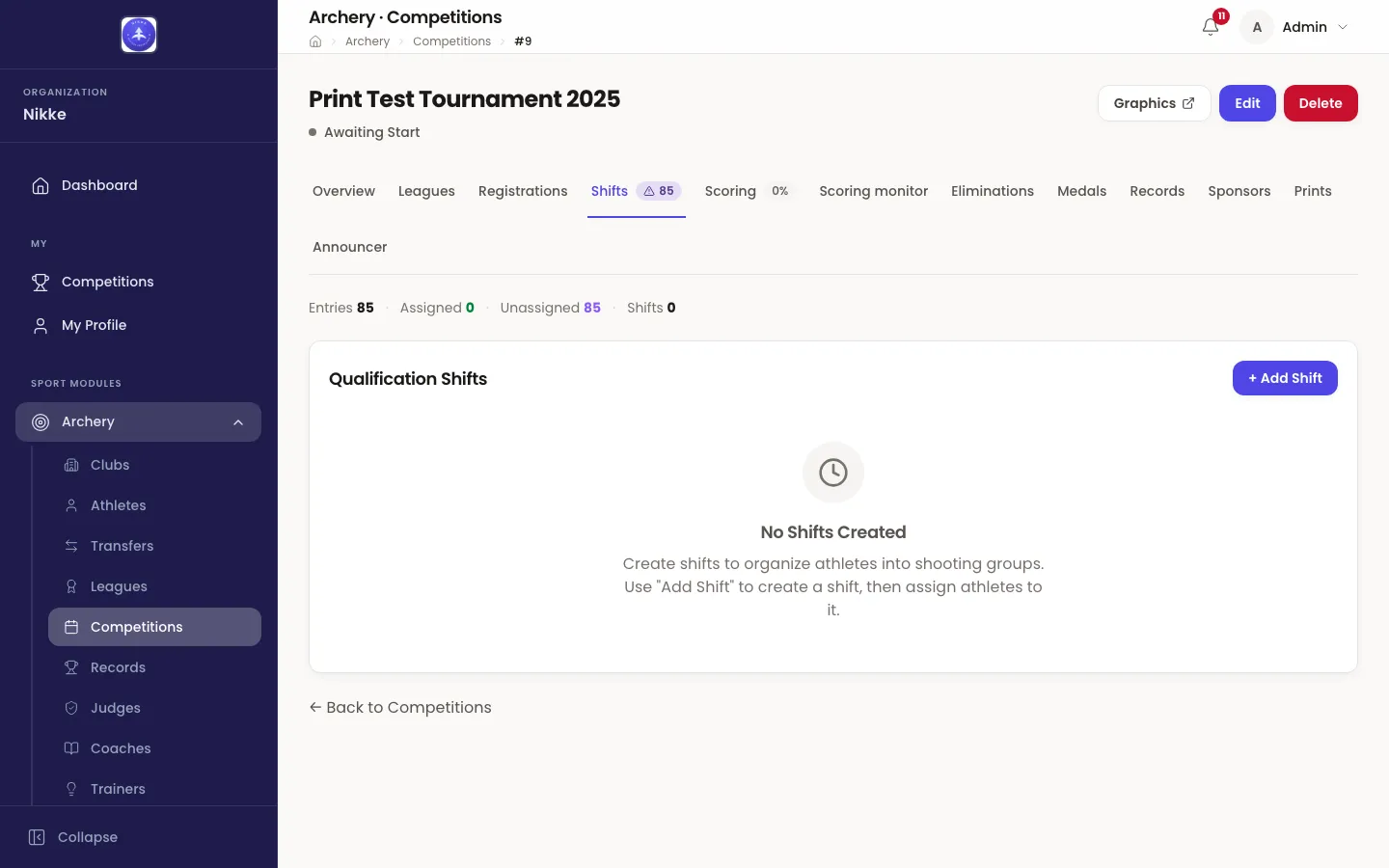
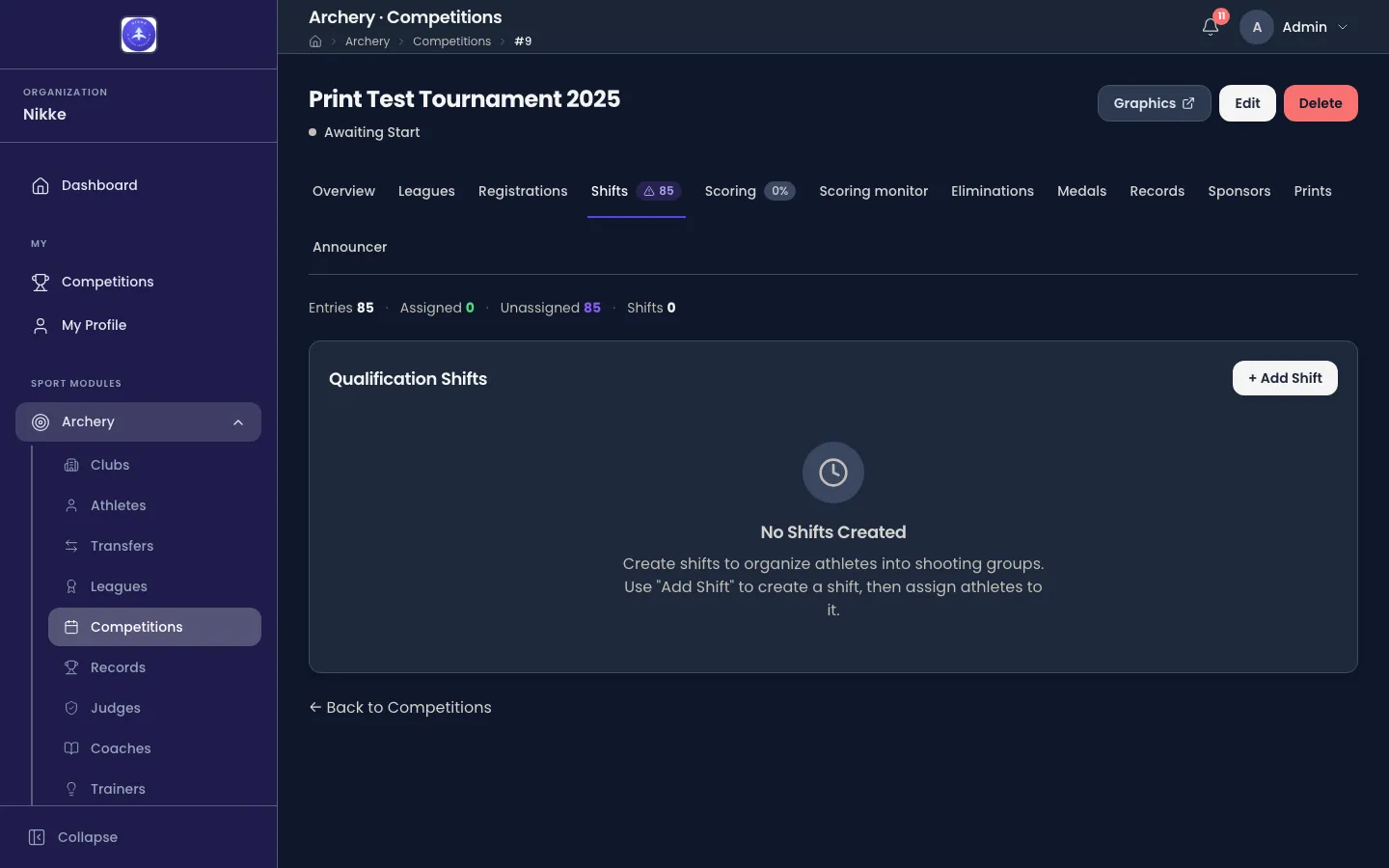
The summary line across the top is the one to keep an eye on. Unassigned is how many entered athletes still have no shift. Its figures count Registered entries only: a withdrawn, no-show or disqualified archer is not someone to seat, so they leave the numbers, and nothing below places them. The warning badge on the Shifts tab counts more than that — every athlete not yet assigned to a shift or target — so it clears only once the whole field has both a shift and a target.
+ Add Shift creates one. It asks for a Shift Number, an optional Name, and
optionally a Scheduled Start, an Estimated Duration (minutes) and Max Targets — the
cap on how many targets this shift may use. Name them after what they are on the day: Morning -
Recurve, Day 1 — Recurve Men. Scheduled Start is a date, typed as dd/mm/yyyy or
picked from the calendar, and a time in HH:mm; while the date is not one Velos can read,
the field says Enter a date as dd/mm/yyyy and the shift cannot be saved.
Two things gate the button, and Velos says which when it is disabled:
- Add athletes on the Registrations tab before creating shifts. There is nothing to divide until there are entries.
- Qualification has been finalized — shifts can no longer be created. Shifts are setting-up work: they can be created, renamed and deleted while the competition is still a draft or qualifying, and not after. A shift already running can still be renamed or rescheduled; a finished one is frozen.
Deleting a shift is refused while a registered archer is still on it — Velos says how many: This shift still has 3 registered archers, so it cannot be deleted. Move them first. Withdrawn, no-show and disqualified archers do not hold a shift up: deleting it simply releases them.
Getting athletes into shifts
Section titled “Getting athletes into shifts”Filling shifts is a climb-down from bulk to fiddly, and the bulk step is the one that matches how a real competition is organised.
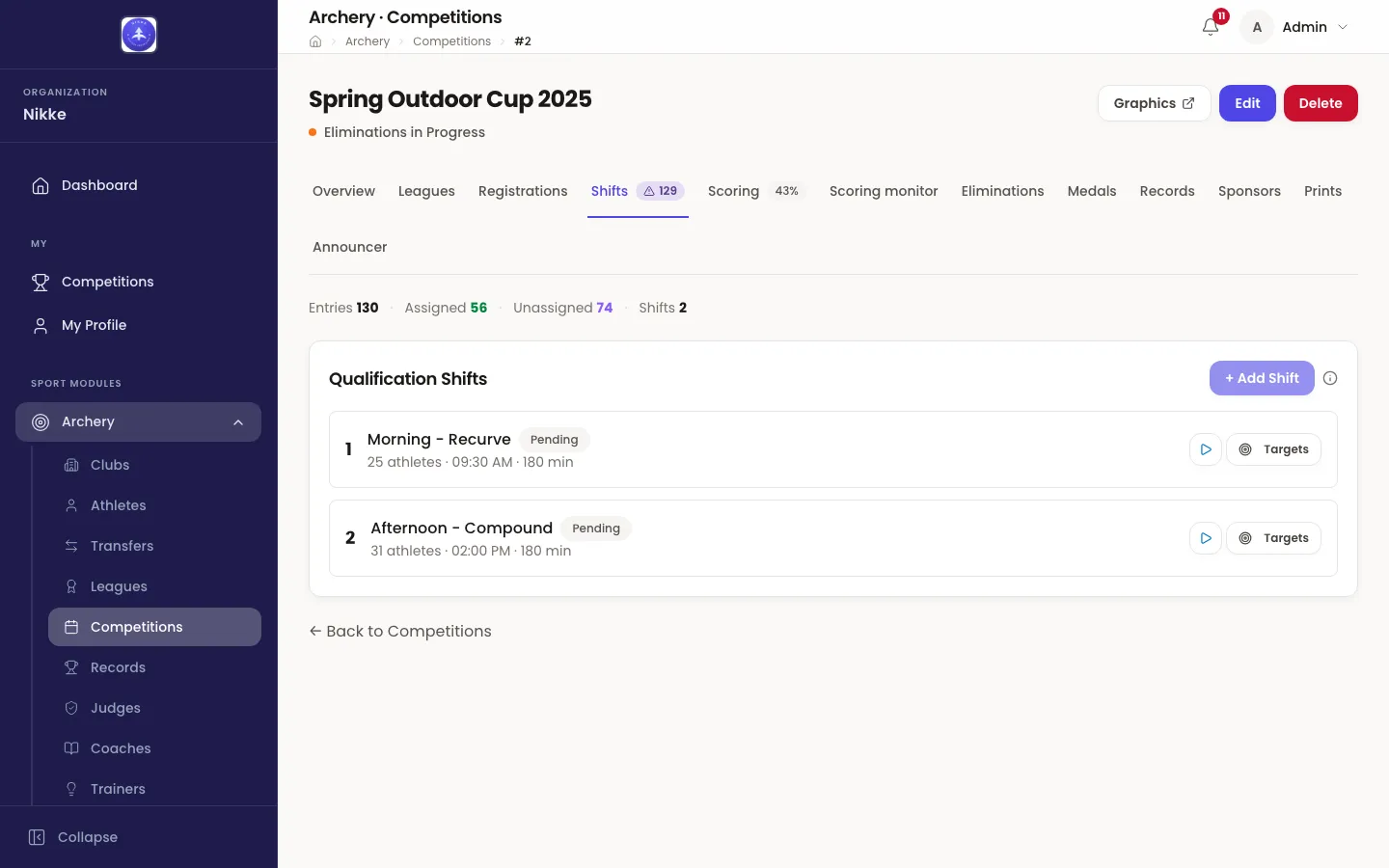
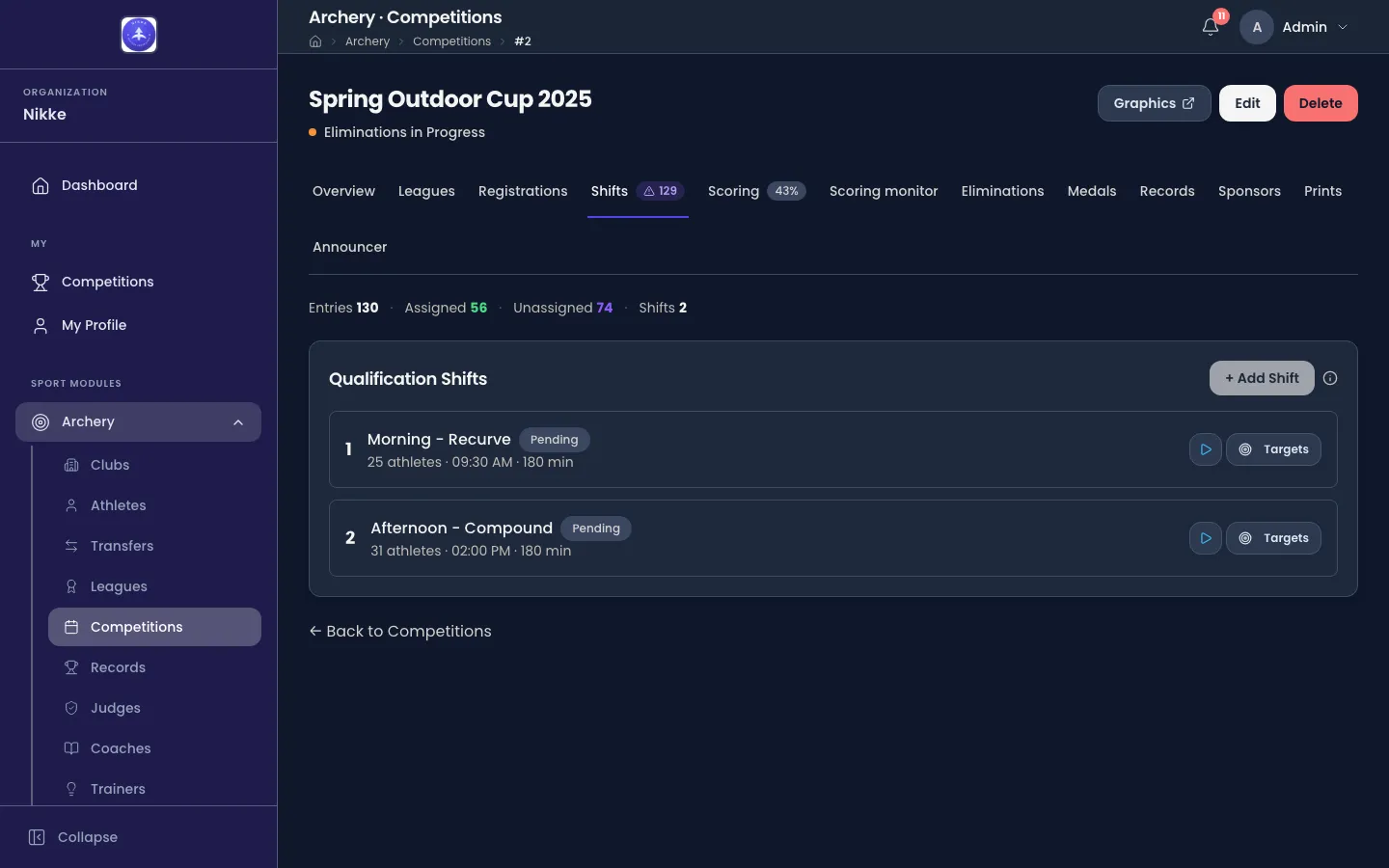
- Assign Athletes by League takes a whole league’s athletes into one shift in a single move. Assign opens a drawer listing every league with how many of its athletes are seated and how many are not, and a shift to put them in. It is safe to re-run: athletes already on that shift are left exactly as they are, so re-applying a league sweeps up a late entry rather than reshuffling everyone. Athletes who do change shift lose their target, because a target belongs to the shift it is in. Only registered athletes move; a league whose archers have all withdrawn stays in the list with nothing to assign.
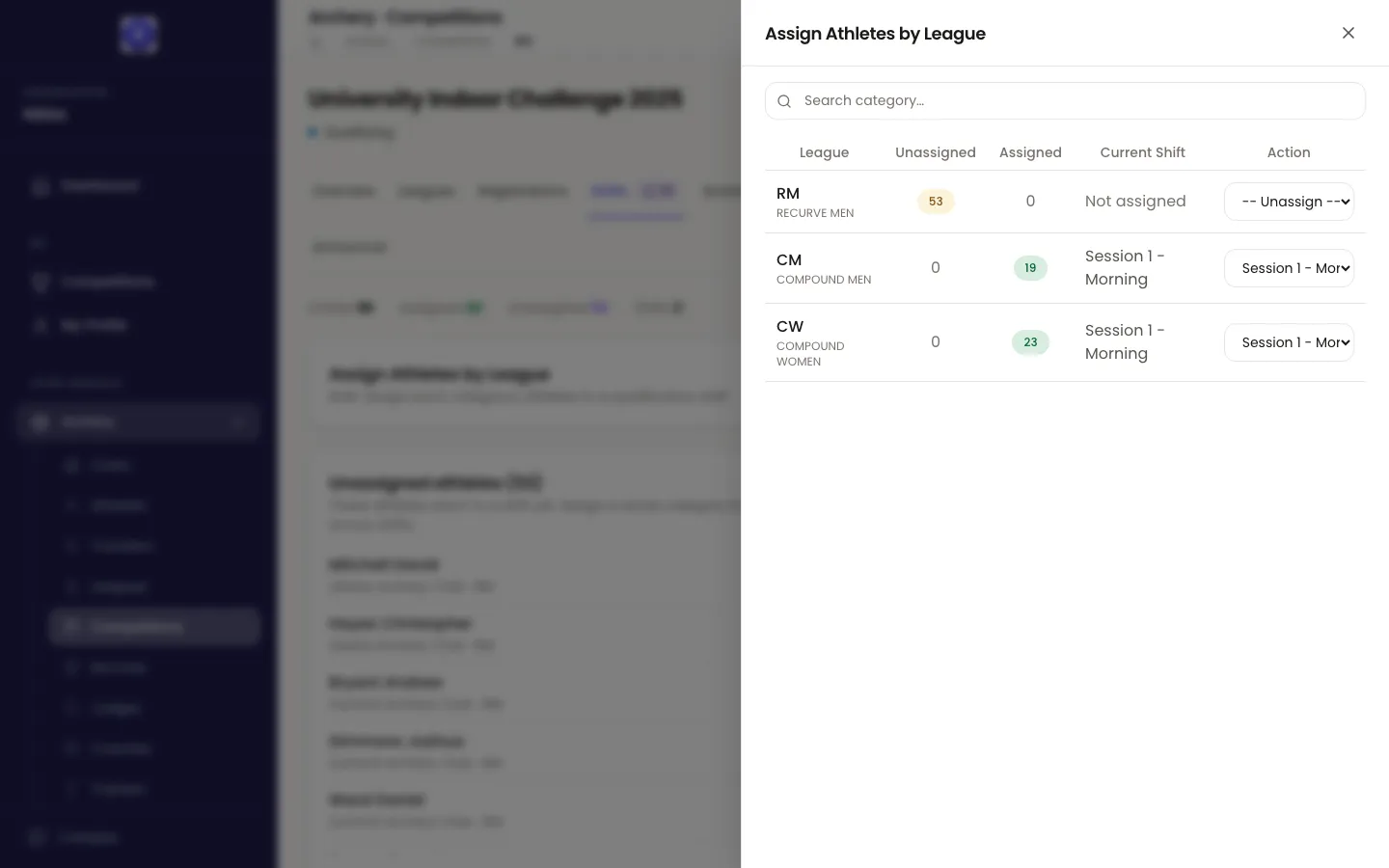
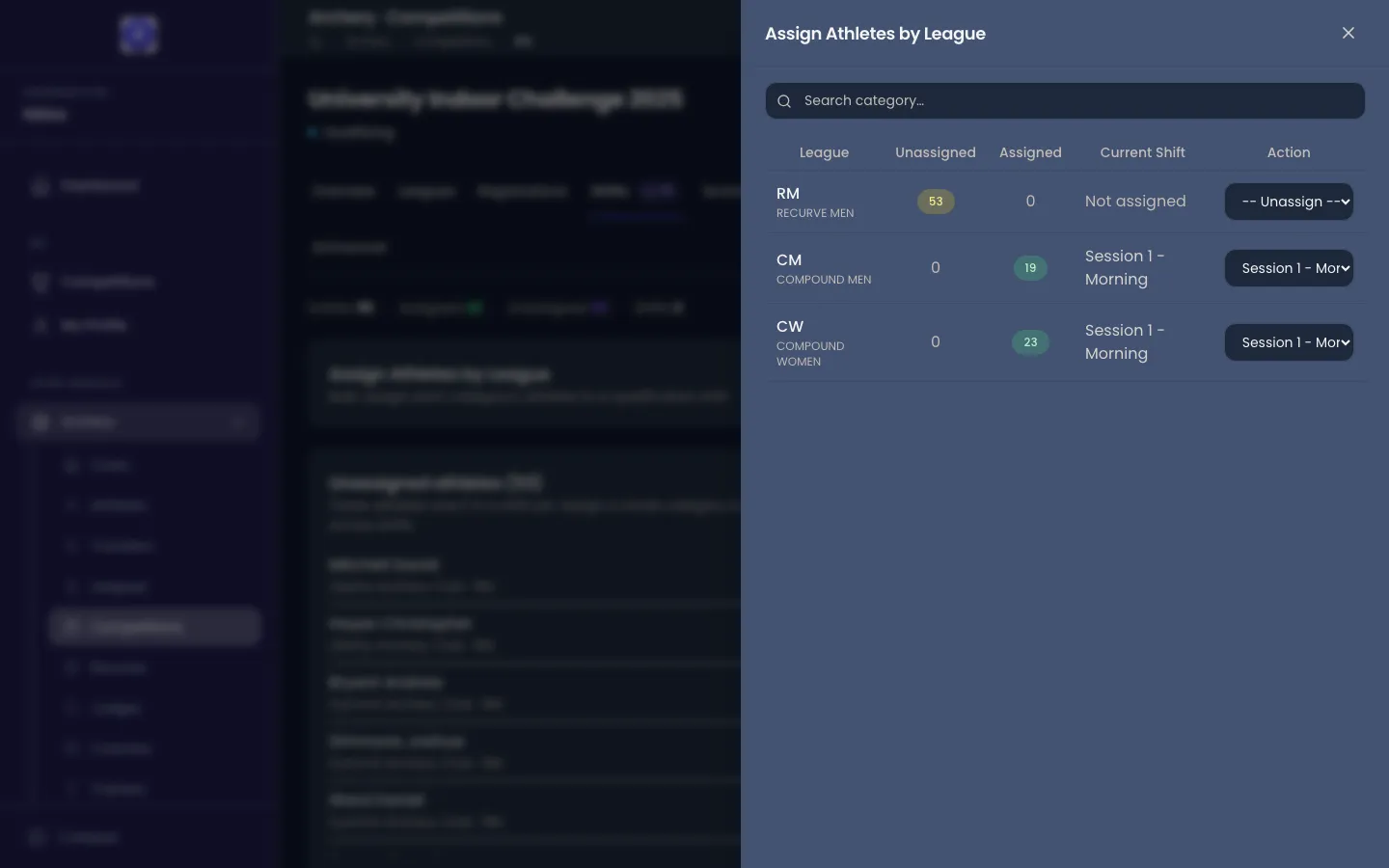
- Anyone left over lands in an Unassigned athletes list, where each can be given a shift from a dropdown — the fix for the handful that do not follow the pattern.
- Auto-fill remaining spreads whatever is still unassigned across the shifts, sending each athlete to the shift holding the fewest so far. It shows you the whole plan first — every athlete, grouped under the shift they would land in — and nothing moves until you confirm.
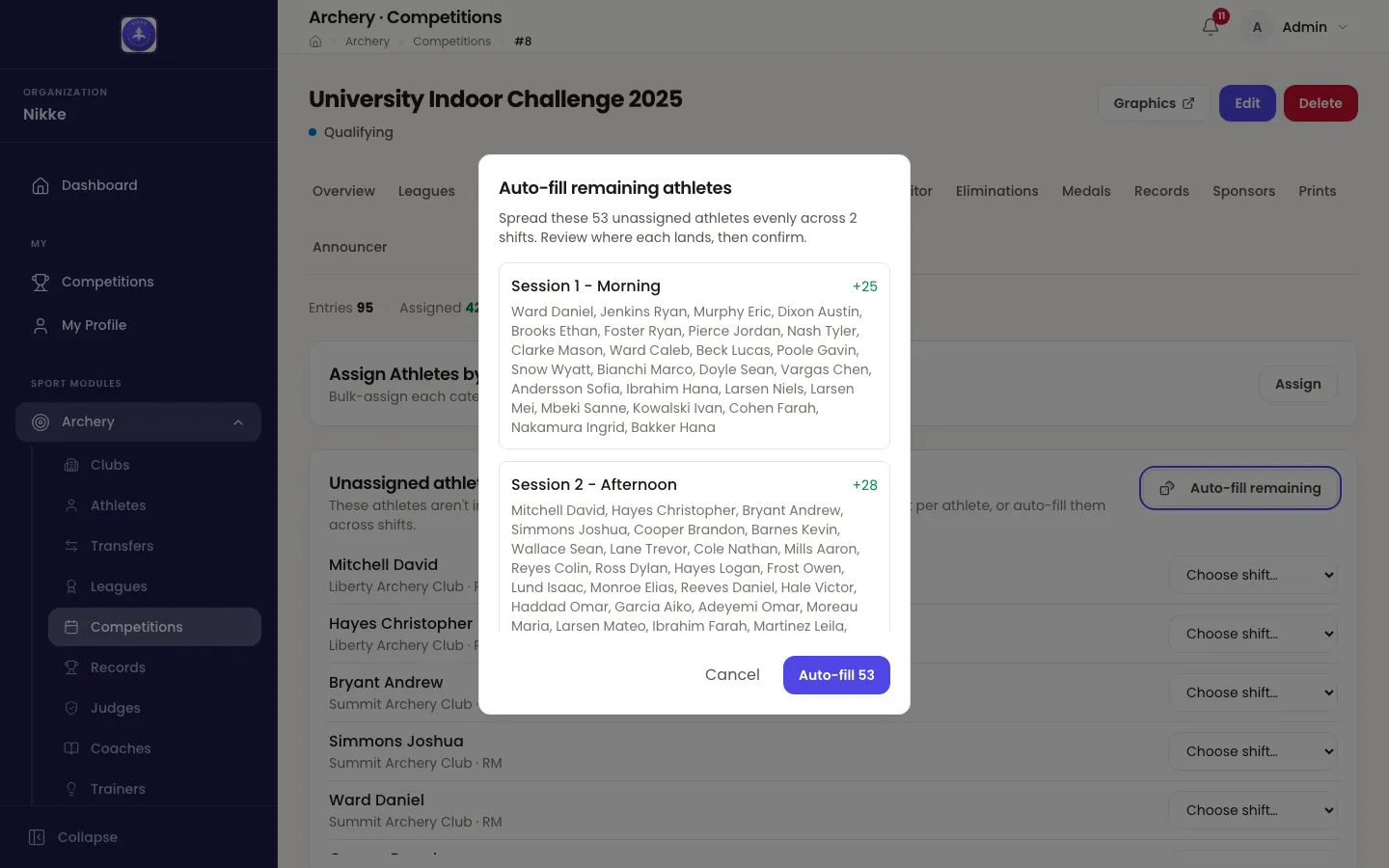
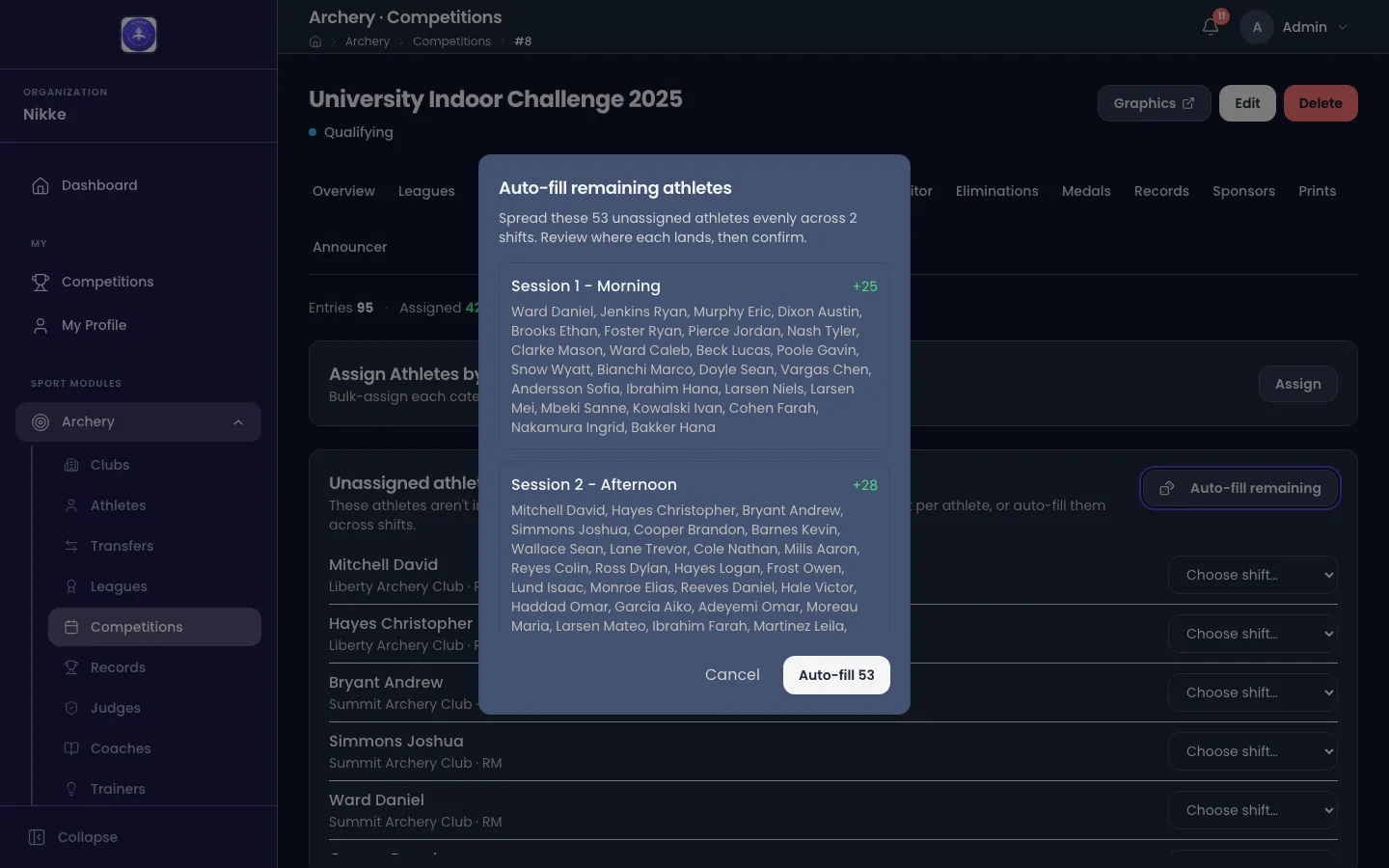
Work down that list and Unassigned reaches zero.
Putting archers on targets
Section titled “Putting archers on targets”Within a shift, each archer needs a target and a place on it. That pair is the archer’s address for the whole round, written as the target number and the position on it: 01A is position A on target 01. Positions run A to D, so up to four archers share a target.
Targets on a shift’s row opens that shift’s board.
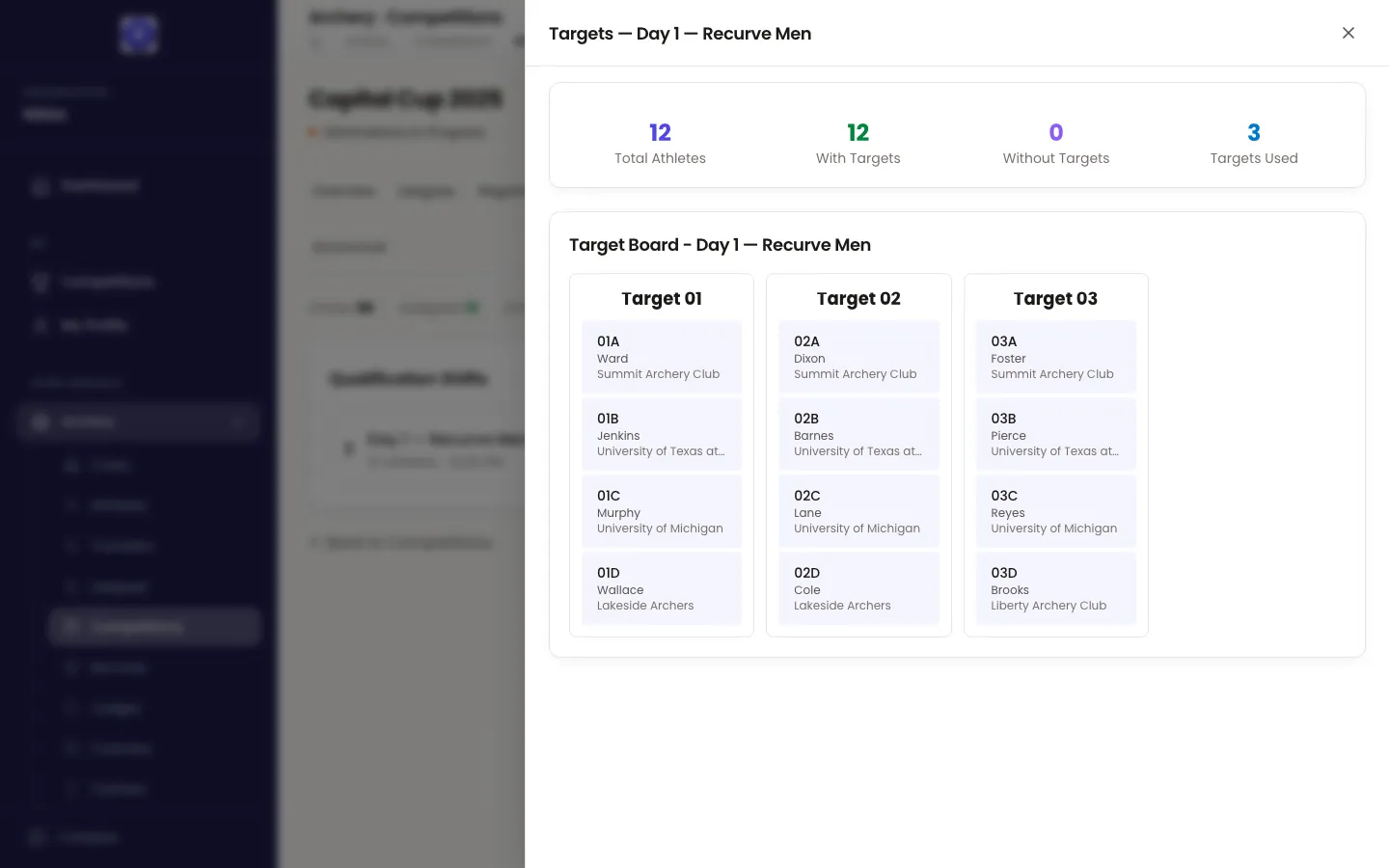
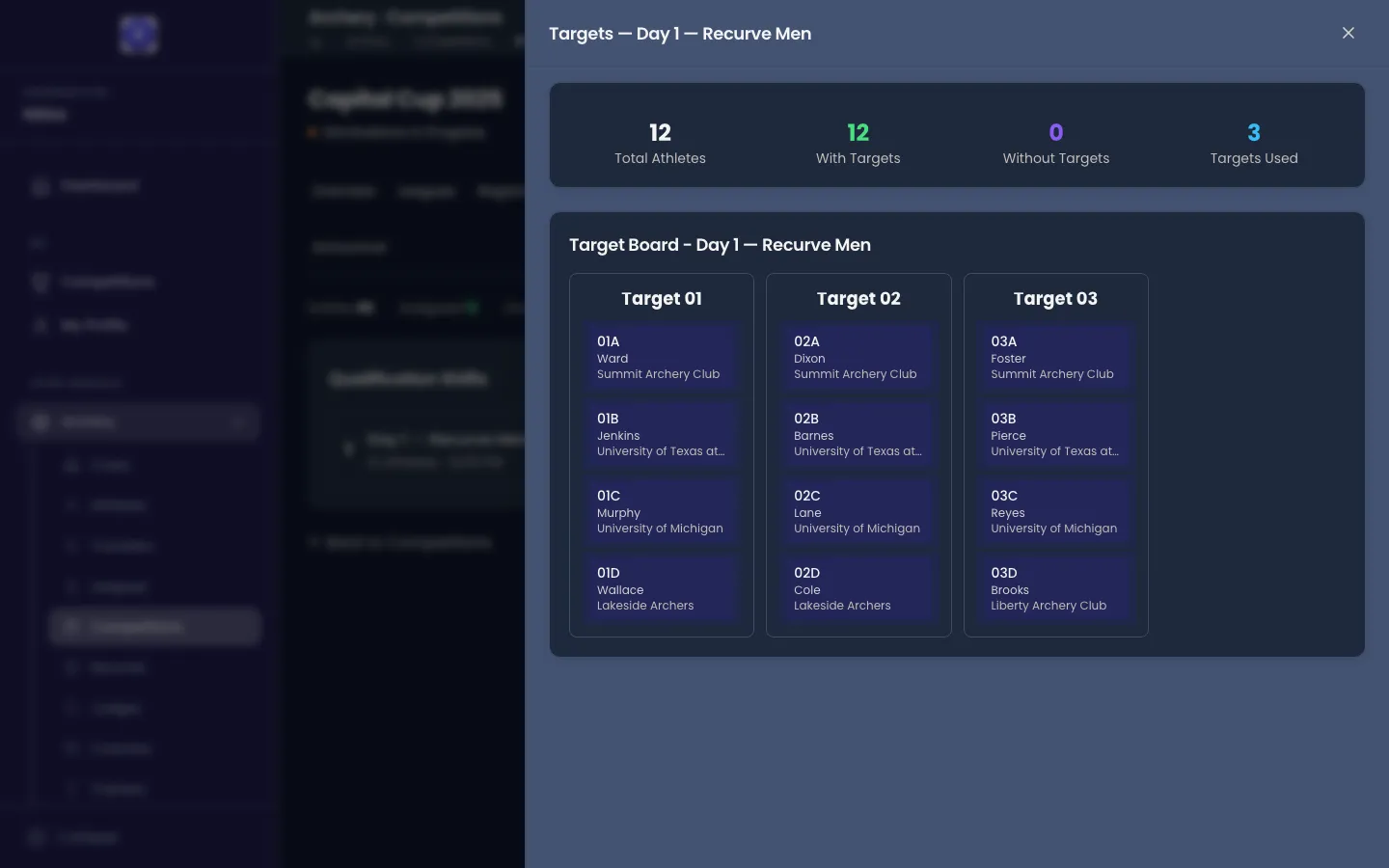
The four figures above the board are the check to do before the shift starts. Get Without Targets to zero: scoring is entered per target, so an archer without one cannot be scored and will not appear on the scoring screen at all. Total Athletes is everyone on the shift, whatever their status; Without Targets counts registered archers only, so a withdrawn archer left without a target does not hold it above zero.
The automatic fill
Section titled “The automatic fill”Produce Targets fills the whole shift in one go, and it is the normal way to do this. It seats registered archers only — a withdrawn, no-show or disqualified archer on the shift keeps the shift but gives up any target they held, so the line has no gaps for people who are not shooting. It asks how many Athletes per Target to allow — up to four — and warns you if it is about to overwrite assignments that already exist. What it produces is not arbitrary: it lays the field out the way a judge would.
- The longest shooting distances go nearest the start of the line, taking the lowest target numbers, and shorter distances follow. On a mixed outdoor day that puts the 70m leagues before the 50m ones.
- A league is kept together on consecutive targets, so it shoots as a block. Where your federation, club or academy grades its leagues by level, the higher levels are laid out first.
- The biggest club groups go first within a league, so a club’s archers end up side by side rather than scattered down the field.
- Positions fill A across the whole line first, then B, then C, then D. That is why the board above reads across rather than down: every A place along the line is taken before any B place is used.
Touching it up by hand
Section titled “Touching it up by hand”The automatic fill is the starting point; four controls handle whatever it did not know about.
- Move to Target puts one archer on a specific target and position. If that place is already taken in this shift, Velos refuses and names it.
- Swap Targets exchanges two archers’ places.
- Move Targets shifts a range of target numbers by an offset — the fix for “we are starting at butt 11, not butt 1”. It refuses a move that would collide with targets outside the range, or that would push a target below 1.
- Clear All Targets empties the board so you can start again.
These controls, like the shifts themselves, belong to setting up: they are available while the competition is still a draft or qualifying. Once it has moved on to its eliminations, the qualification target board is locked and only the board itself is shown.
Running a shift on the day
Section titled “Running a shift on the day”Each shift has its own small lifecycle, and its state is the badge on its row.
Start — the play button on the row — opens the line for that shift. It also moves the leagues seated on that shift from Pending to Qualifying, which is how a league’s own clock starts.
You do not have to press it. Saving the first score against an archer on a shift that has not started opens the shift for you, and the scoring screen says so before you type. Treat Start Shift as a way to open the line ahead of time rather than as something that has to happen first.
End Shift closes the line for those archers and recalculates the competition’s standings, so a shift ending is what moves the rankings on. Before it does, Velos checks that every athlete in the shift is fully scored, and refuses if any are not — telling you how many have no scores at all and how many are only partly scored. A genuinely staggered field is normal, so you can go ahead anyway from the same prompt; the check is there so a shift never closes on a scorecard nobody typed in. Once it is closed, Velos offers to finalize qualification for the leagues that are ready, which is the step described in Qualification.
Reopen puts a completed shift back to in progress so a score can be corrected, and re-ending it recalculates the standings from the corrected cards. It reopens the shooting line only: a league whose qualification you have already finalized stays finalized, and is reopened separately from the Leagues tab.
Taking it to the field
Section titled “Taking it to the field”The board is worth printing rather than reading off a laptop on the shooting line. A Targets List is one of the documents on the Prints tab, and each printed target carries a QR code a phone can scan to score that target directly. Results and prints covers the documents and how they are scoped to a league and a shift.
With the field divided and every archer on a target, the shooting can start. Qualification covers entering the scores.
Updated for v1.63.0