
Field of play
Qualification seats an archer on one target and leaves them there: the same address for the whole ranking round. Finals do not work like that. Matches come and go a round at a time, the field shrinks as archers go out, and what is left shoots on a much shorter line to a timetable — four targets for a quarterfinal round, two for the semifinals, two for the medal matches.
Two views of the Eliminations tab manage that. Shifts is when each round is shot, and Field of Play is where on the line it is shot. This page covers both.
Elimination shifts
Section titled “Elimination shifts”Eliminations run their own shifts, separate from the qualification ones. Nothing carries over: a finals shift holds bracket rounds rather than athletes, and the target board underneath it is laid out per match instead of per archer. Shifts and targets covers the qualification side and what a shift is in general.
They live on the Shifts view of the Eliminations tab — not on the competition’s own Shifts tab, which stays with the ranking round.
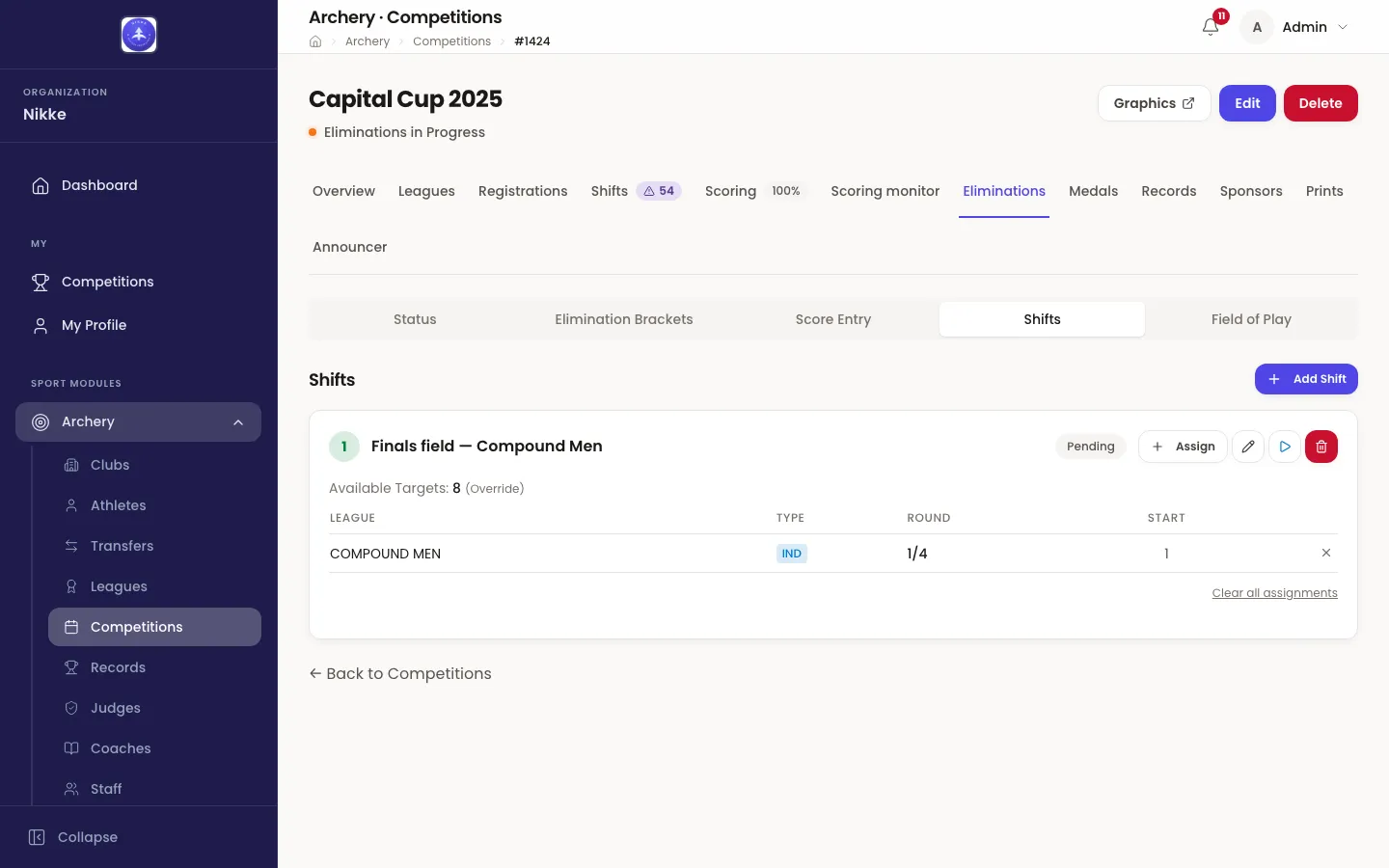
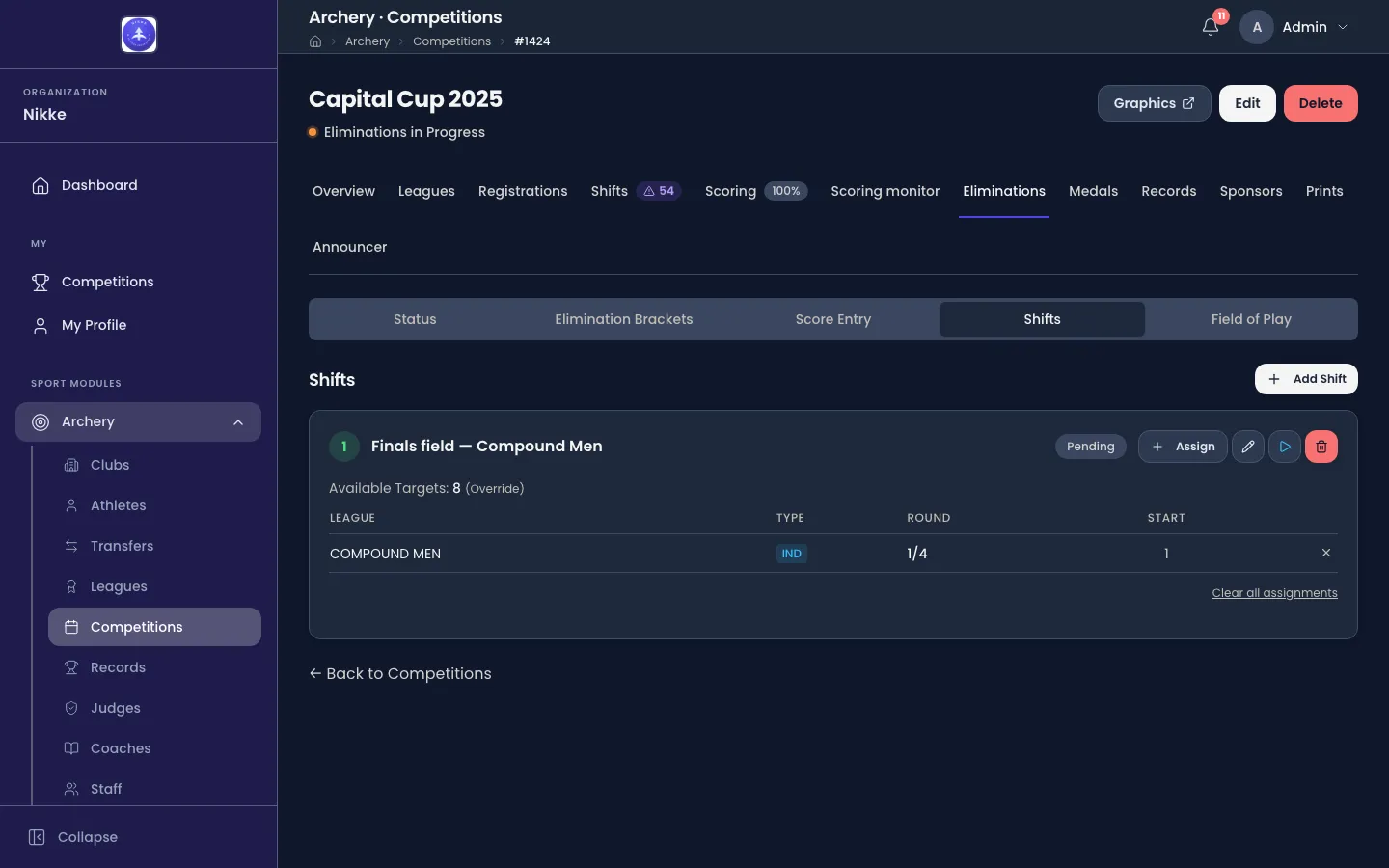
+ Add Shift creates one. It asks for a Shift Name, a Shift Order, an optional Start Time and End Time, and Available Targets — how many targets the finals line actually has. Name it after what it is on the day: Finals field — Compound Men, Sunday morning.
Each shift then has the small lifecycle you know from qualification, as the buttons on its row: start it, end it, reopen it.
- Starting a finals shift moves every league whose qualification is complete into Eliminations in Progress — not only the leagues assigned to this shift. It is the one action here that reaches beyond the shift you pressed it on, so start one when the finals genuinely begin rather than while you are still planning.
- Ending it is refused while any of its matches is unfinished, with a count of how many. A genuinely staggered field is normal, so you can force it through from the same prompt.
- Deleting a shift takes its round assignments with it.
Putting rounds on a shift
Section titled “Putting rounds on a shift”Assign on a shift’s row opens the list of what there is to schedule: every bracket the competition has drawn, with its rounds under it as checkboxes, the round it starts at, and an Assigned tag on anything already placed. Tick the rounds this shift will run and Assign them.
One tick is one assignment: one bracket’s one round, on this shift. That is the unit everything else on this page works with — targets are laid per assignment, printed per assignment, and shown on the board as a single block.
- A round belongs to one shift at a time. Assigning a round that is already on another shift is refused, and Velos says which shift already holds it.
- The gold and bronze matches are assigned together, as one 1/1 row. They are the same planning unit even though they are two matches.
- The Round column on the card is the short form — 1/4 for the quarterfinals, 1/2 for the semifinals, 1/1 for the medal matches — and Start is the lowest target number the round is laid on, or a dash while it has none.
- Removing an assignment clears that round’s targets as well as the assignment. Clear all assignments does it for the whole shift.
How a round sits on the targets
Section titled “How a round sits on the targets”A target address in the finals is a two-digit number and a lane letter: 01A is lane A on target 01. Numbers run 01 to 64 and lanes A to D, so a target holds up to four archers. Anything outside that is refused, and Velos says so rather than saving it.
How many of them a round eats is decided by one choice — archers per target — and Velos lays the whole round out from it, in match order, starting at the target you pick:
| Archers per target | What one match takes | Four matches from target 01 |
|---|---|---|
| 1 | two targets, lane A on each | 01A v 02A, 03A v 04A, 05A v 06A, 07A v 08A |
| 2 (default) | one target, lanes A and B | 01A v 01B, 02A v 02B, 03A v 03B, 04A v 04B |
| 4 | half a target — two matches share it | 01A v 01B and 01C v 01D, then 02A v 02B and 02C v 02D |
So the same four quarterfinals can be eight targets wide, four, or two, depending on how much line you have. Two per target is the default: the two archers of a match side by side on one butt, which is how a final is normally shot.
Byes are skipped. A bye is not shot, so it takes no place on the line — a first round of four matches carrying one bye is laid out as three.
Typing the targets in
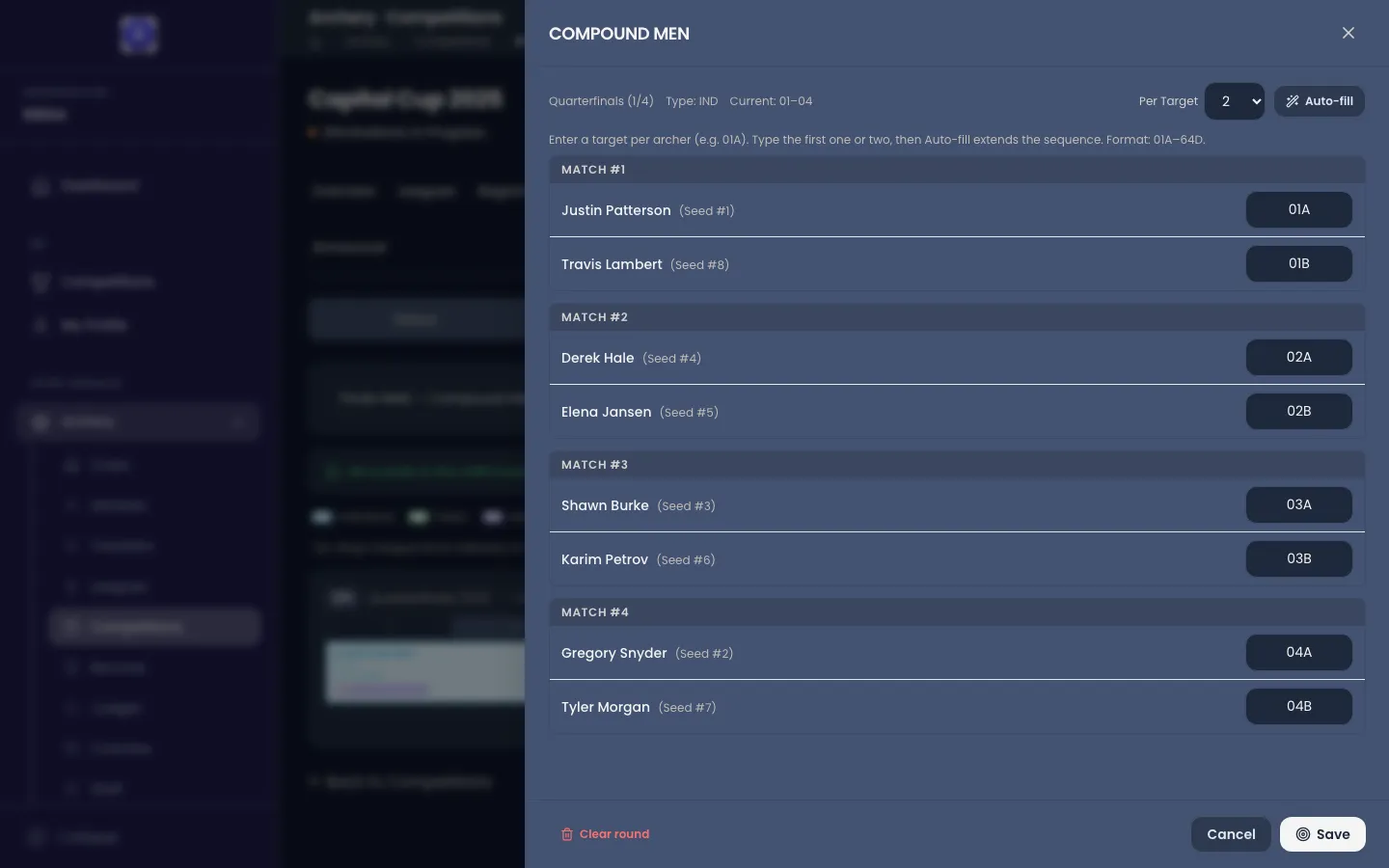
Section titled “Typing the targets in”Assign targets — or Edit targets once a round has some — opens the round’s own drawer: one box per archer, grouped by match, in match order.
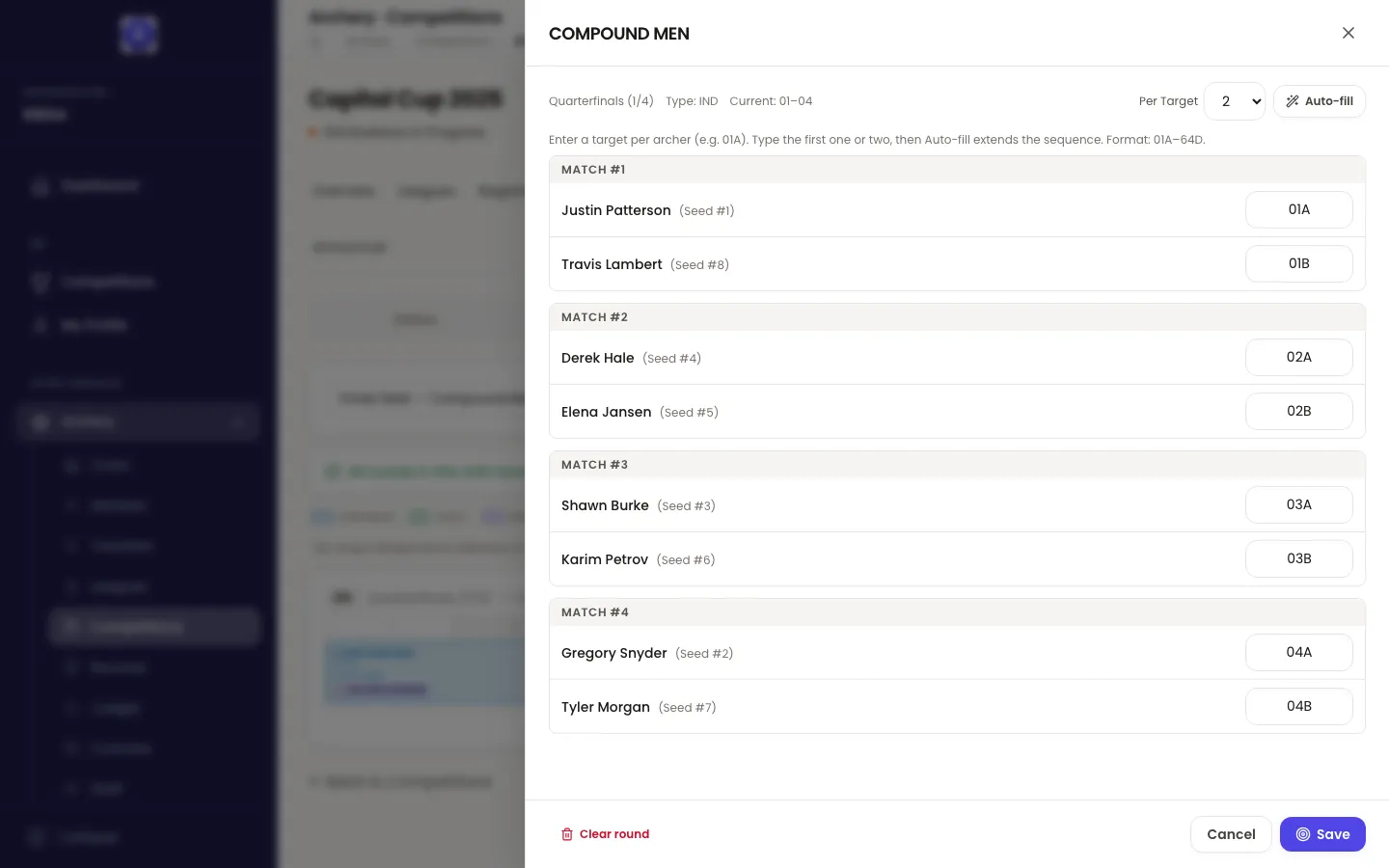
- Type the first one or two boxes, then Auto-fill. Velos reads the sequence you started and continues it down the rest of the round. It recognises three: the same lane stepping down the line (01A, 02A, 03A — and it keeps your step, so 01A, 03A carries on 05A, 07A), lanes pairing up on one number (01A, 01B, 02A, 02B — or all four lanes, if you fill 01A, 01B, 01C, 01D), and lanes rotating as the number climbs (01A, 02B, 03C).
- Fewer than two filled boxes and it asks for the second one; a sequence it cannot read leaves everything exactly as it was and says so. Auto-fill only ever fills empty boxes — what you typed is never overwritten.
- The Per target dropdown re-lays the whole round at 1, 2 or 4 archers per target, from the lowest target already entered — or from 01 if the round is empty. It is the fast way to change your mind about the packing; Auto-fill is the fast way to fill a pattern in.
- Entry is forgiving.
5abecomes05Awhen you leave the box. A box Velos cannot read at all goes red and blocks the save until it is fixed. - A lane reading TBD still gets a target. The archer is the winner of a match not yet shot; the place on the line is booked now regardless.
- Byes get an optional warm-up box. An archer carried through this round shoots nothing in it, but may want to warm up on the target they will compete on — fill it if they warm up in this shift, leave it blank if they warm up in their next round’s.
Save writes the round’s targets. Cancel closes the drawer and writes nothing, whatever you typed. Clear round empties every box in this round.
A round’s target boards print from the same screen, each carrying the QR code that opens that one match for scoring on a phone — so print them after the targets are settled rather than before. Results and prints covers the documents themselves.
Conflicts and capacity
Section titled “Conflicts and capacity”Two matches on one target at the same time is the mistake this screen exists to prevent, so Velos watches for it constantly rather than at the end.
- A target used twice in a round is highlighted as you type — in the drawer, against the other leagues in that round as well as against your own. It is a warning, not a block: you can save it and fix it later, and the save says which targets are doubled.
- The board counts them. Conflicts on the Status board is the number of doubled targets across the shift, and a block sharing a target is outlined in red on the map.
- The medal round is exempt on purpose. Gold and bronze are one round here but they are shot at different times, so putting both on targets 01 and 02 is normal practice, not a clash. Velos never reports the finals round as conflicted.
Capacity is the other half. Available Targets is what the venue gives this shift, set when the shift was created or edited inline from the board; Calculated beside it is the highest target number actually in use. Where you have set the number by hand it is tagged Manual Override, so a figure that disagrees with the layout is visibly yours rather than something Velos worked out.
The Field of Play board
Section titled “The Field of Play board”Field of Play is the map of the whole shift: one card per round, a ruler of that shift’s target numbers, and each league-round drawn as a block across the targets it occupies. Where Status tells you what is ready, this tells you where on the field it stands.
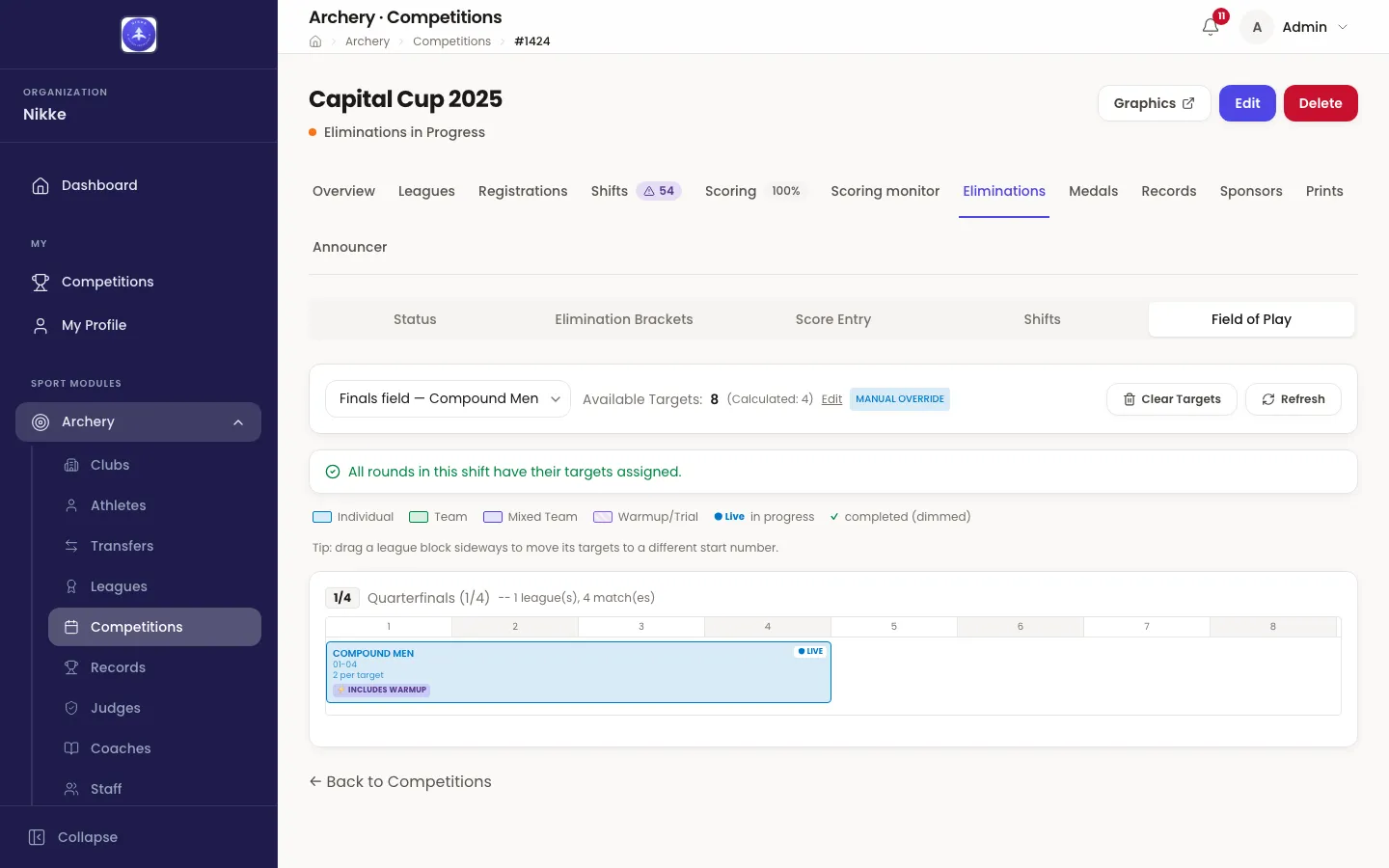
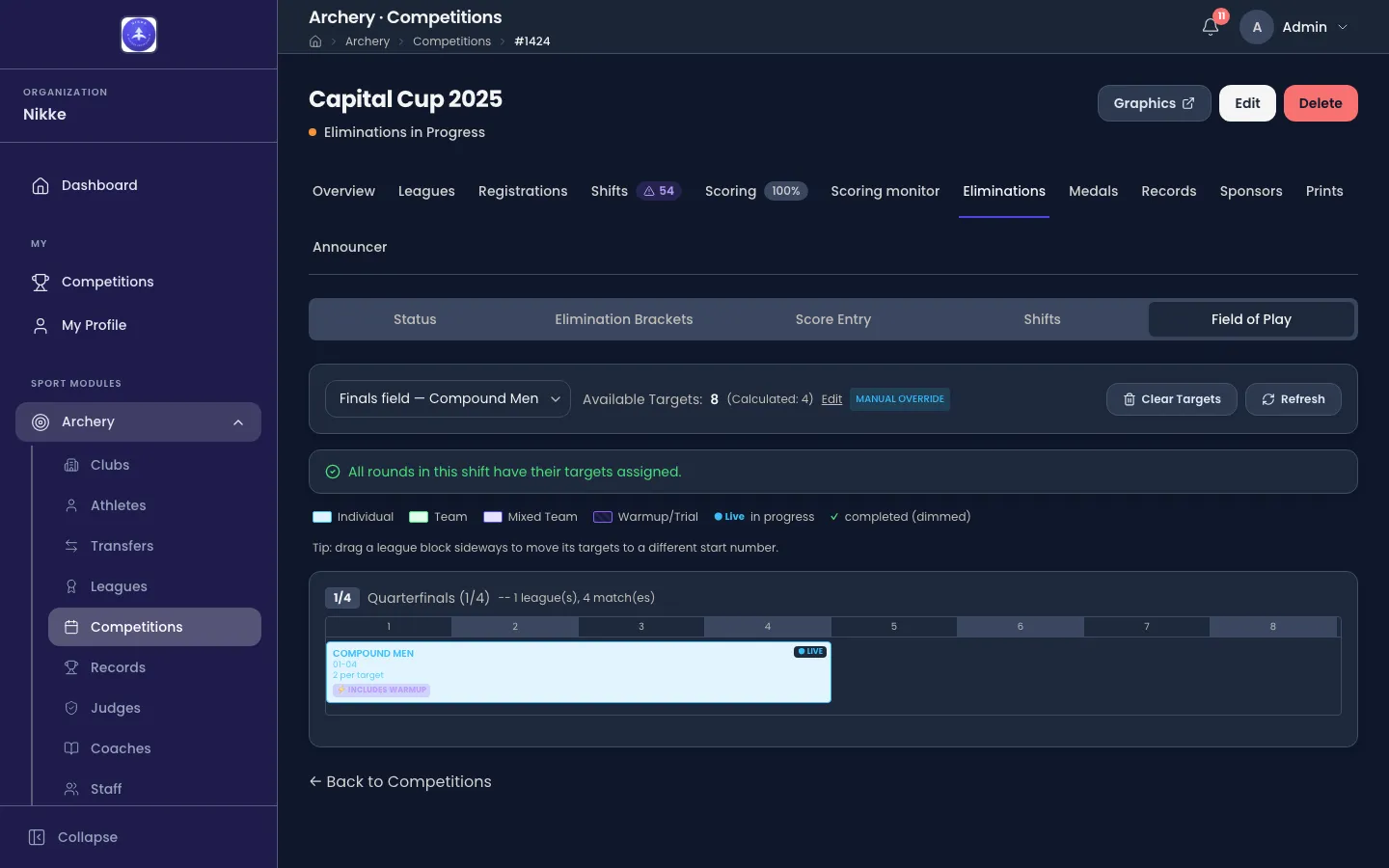
- Each block says what it is — the league, the range of targets it covers, and how many archers are on each. A ● Live chip marks a round being shot and a ✓ dims one that is finished, so the eye goes to what is next.
- Needs targets, above the map, is the worklist: the rounds still to be laid, with the way into each. Once every round in the shift has its targets, a green line replaces it.
- Drag a block sideways to move it. The whole round re-lays from the new start number at the same density, which is the quick fix for “we are starting at butt 5, not butt 1”. This one writes immediately, and reports any target it doubled up on.
- A block’s menu holds the rest — assign or edit its targets, print its target boards, or jump to its matches in Score Entry.
- Warm-up is worked out, not scheduled. Each league’s sighting shots are taken during the round before its first scored one, on the targets it is about to compete on — so they show as a hatched Warmup / Trial block on that earlier round. Where nothing precedes it, the round itself is tagged Includes warmup.
- All shifts (overview) in the shift selector lays every shift on one map, which is how you spot two shifts pointing at the same targets. It is read-only: assigning and editing happen on a single shift.
Running order and the announcer
Section titled “Running order and the announcer”Between them, the two views answer the questions a finals day is run on: which round is next, which targets it is on, and what is still to be laid. Status, the tab’s first view, rolls the same data up per league and round — ready, being shot, or done — and is described with the rest of the bracket work on Eliminations.
Whoever is on the microphone needs the other half of it: who these two are and how they got here. That is the announcer’s briefing, where it is in use.
With the field laid out and the matches shot, the day comes down to its result. Medals and final standings covers what the medal matches awarded, and Results and prints the target boards and the rest of the documents.
Updated for v1.63.0