
Leagues
A league is what athletes are grouped and ranked within — Recurve Men, Compound Women — and it is the unit a competition is actually run in. Entries, standings, brackets and medals all belong to a league rather than to the competition as a whole, and each league works its way through the event on its own clock.
What a league is
Section titled “What a league is”A league is defined by what it is shot with and by who may shoot it:
- Bow Type — recurve, compound, barebow, longbow or traditional.
- Gender — the men’s or the women’s league.
- Max Age — where the league is a youth one: 20 for U21, 17 for U18, 14 for U15. A league without an age limit is the senior league.
Leagues are standing definitions your federation, club or academy keeps and reuses across competitions, so a competition picks the leagues it runs rather than inventing them. Each one carries its own shooting configuration — the distance and target face that league shoots, one pair for outdoor and one for indoor.
The Leagues tab
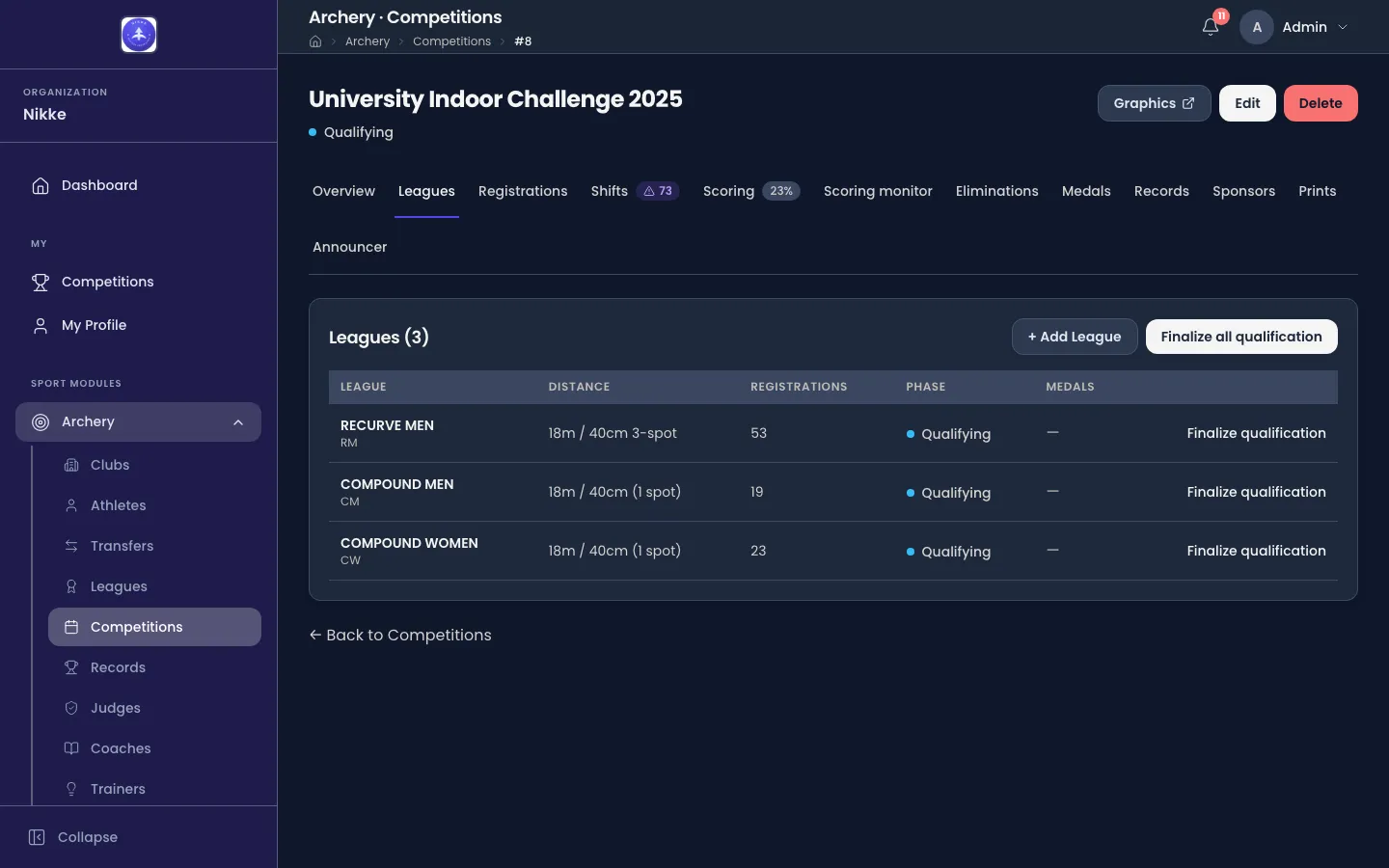
Section titled “The Leagues tab”A competition’s Leagues tab is the list of leagues it runs, one row each, and it is where the whole of this page happens.
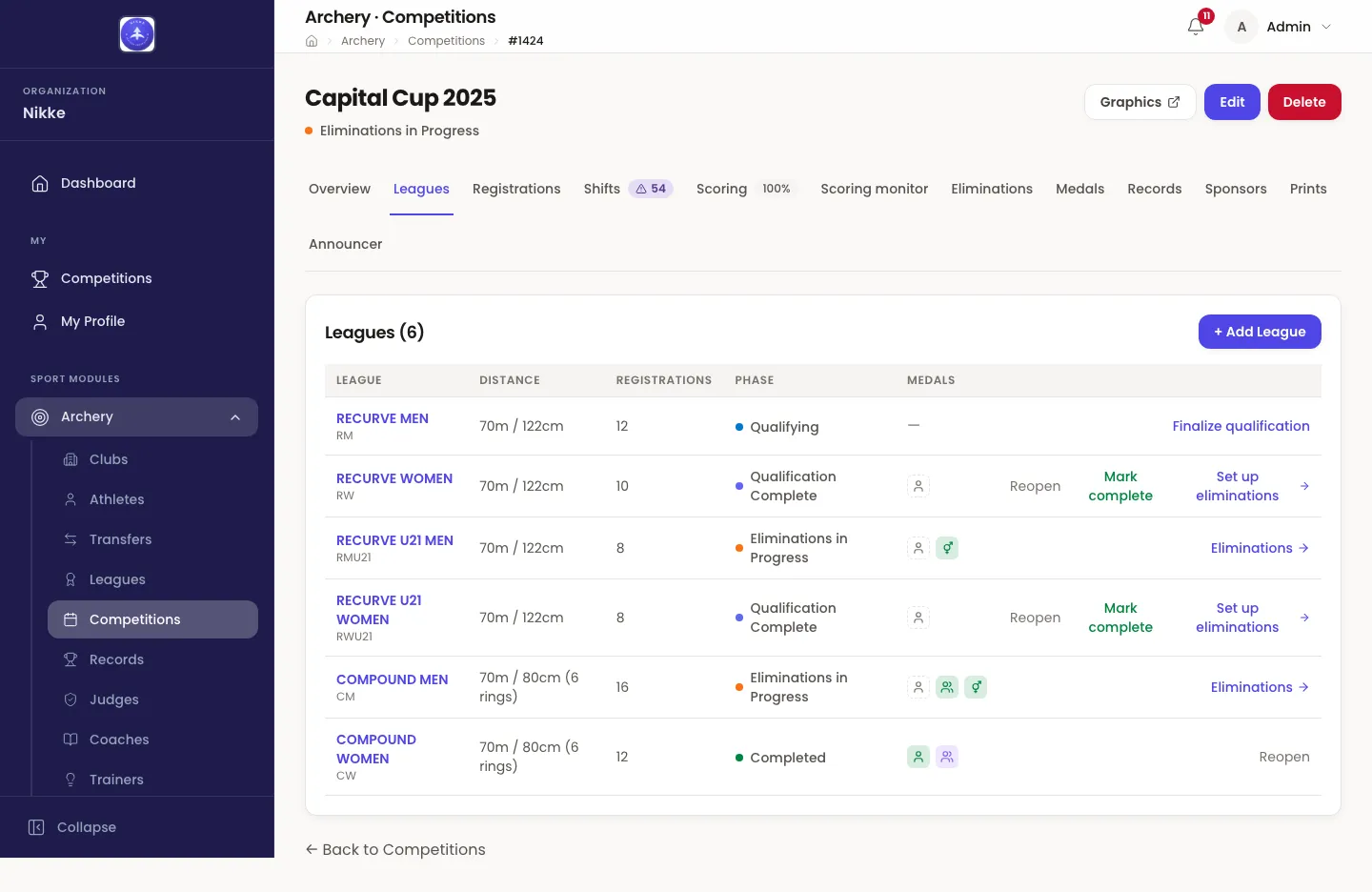
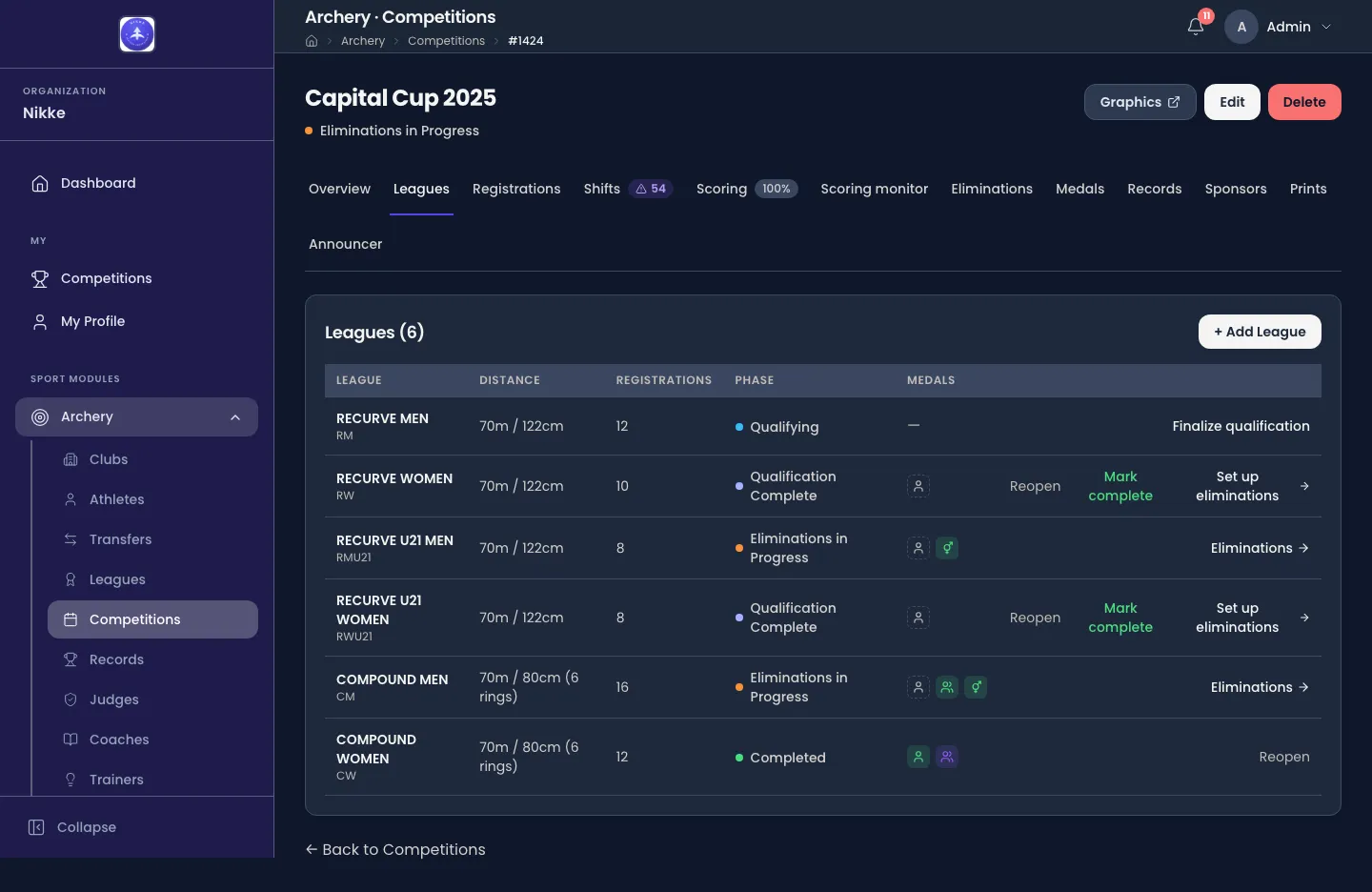
- League — its name, with its short name under it.
- Distance — the distance and target face this competition shoots that league at.
- Registrations — how many athletes are entered in it and still Registered; a withdrawn, no-show or disqualified archer leaves this count. This is the number to look at when deciding whether a league is worth running: two entries can still hold a bracket, but only just.
- Phase — how far that league has got. It is the column everything else on this page turns on.
- Medals — a small marker per event, filling in as that league’s medals are awarded. Until a league is far enough along to award any, the column holds a dash.
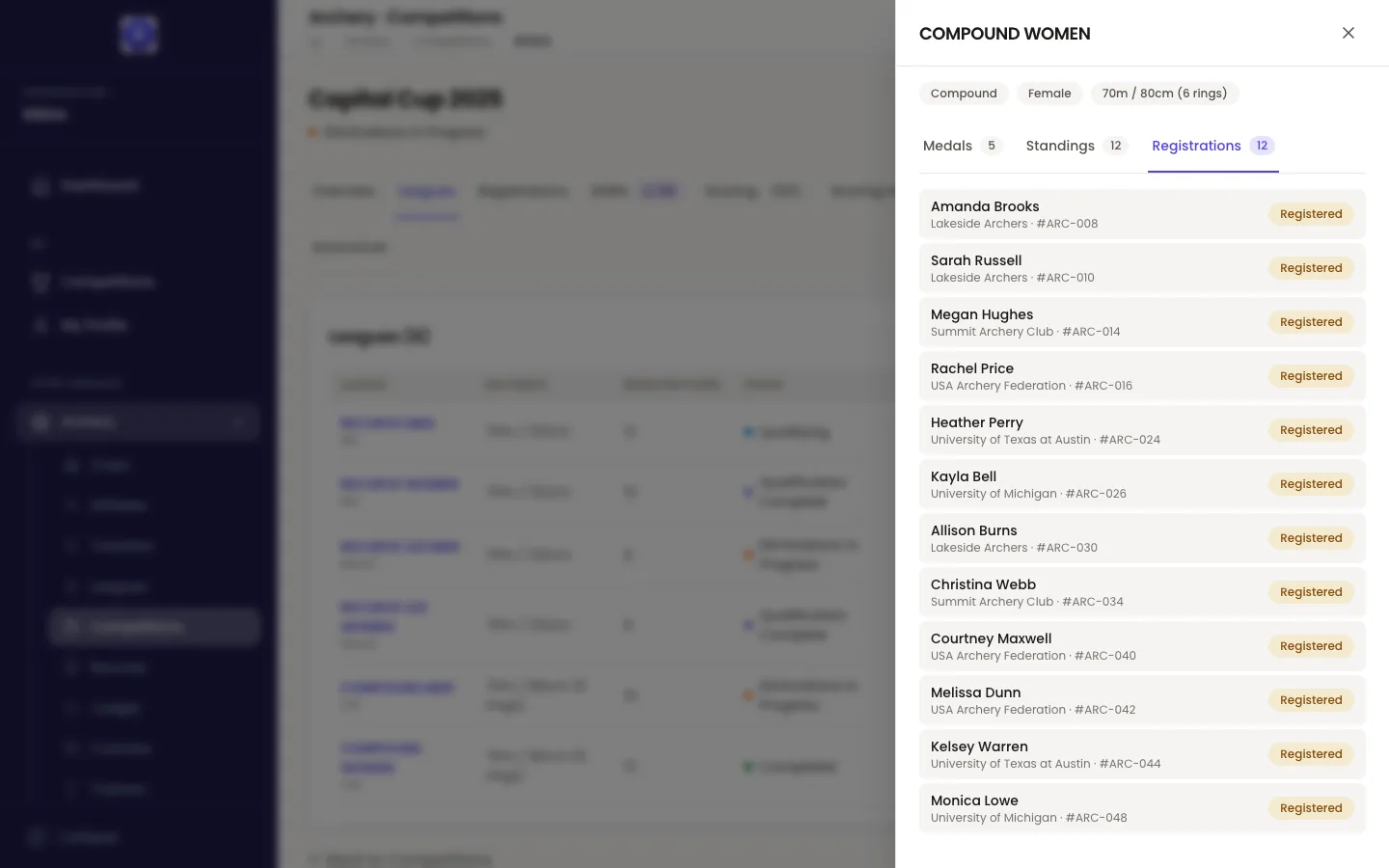
Click a row and the league opens beside the list, without leaving the tab: its bow type, gender and distance, and then whatever it has to show — Medals, Standings and Registrations, most advanced first.
Distance and target face
Section titled “Distance and target face”Every league carries its own defaults, and it carries two sets of them: one for outdoor and one for indoor. Which set a competition takes is decided by its Match Type — an outdoor competition takes the outdoor distance and target face, an indoor one the indoor pair — and they are filled in for you the moment you add the league.
Those defaults are a starting point rather than a rule. Edit on a league’s row opens Edit League Settings, where Shooting Configuration holds Distance (m) and Target Face.
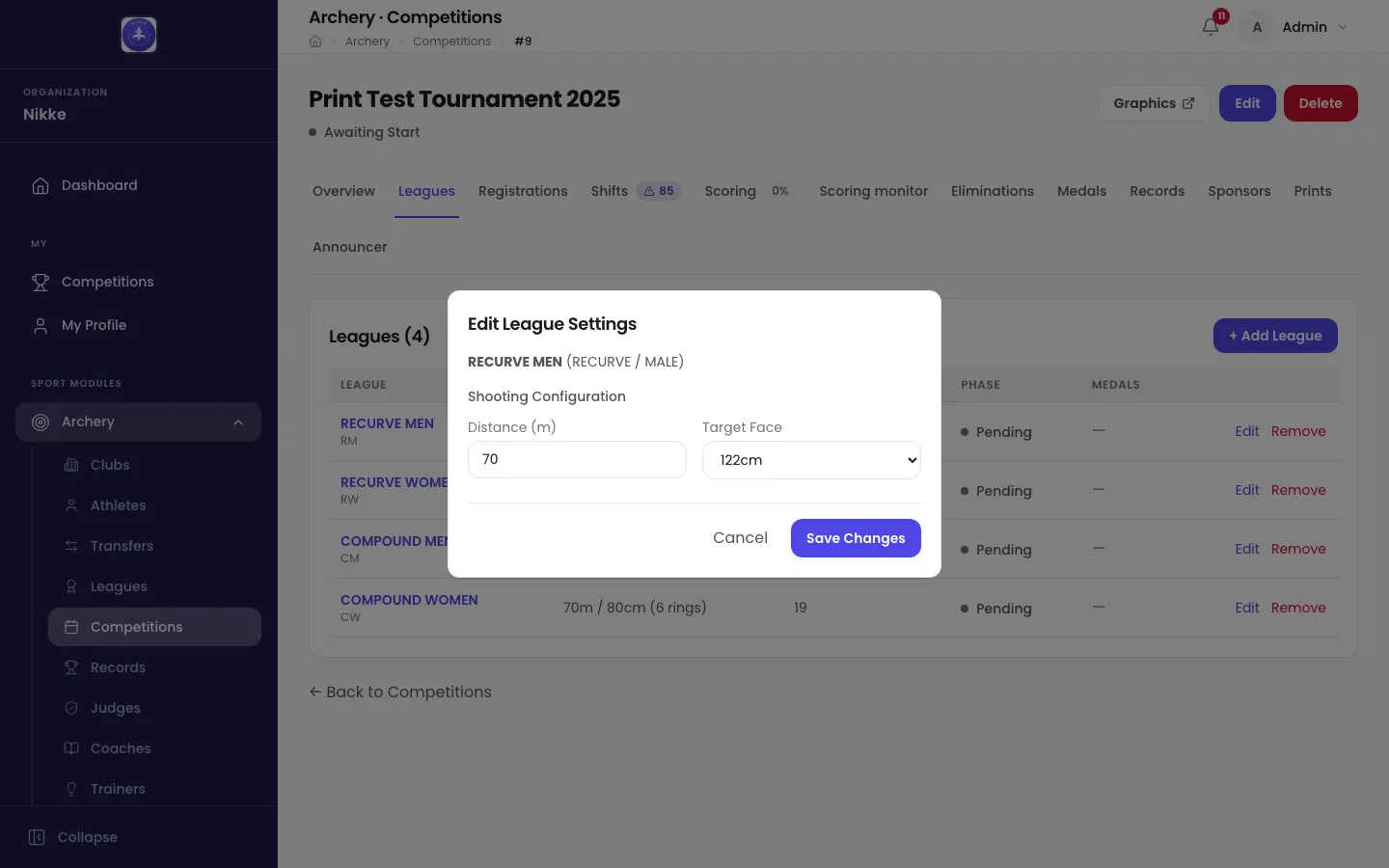
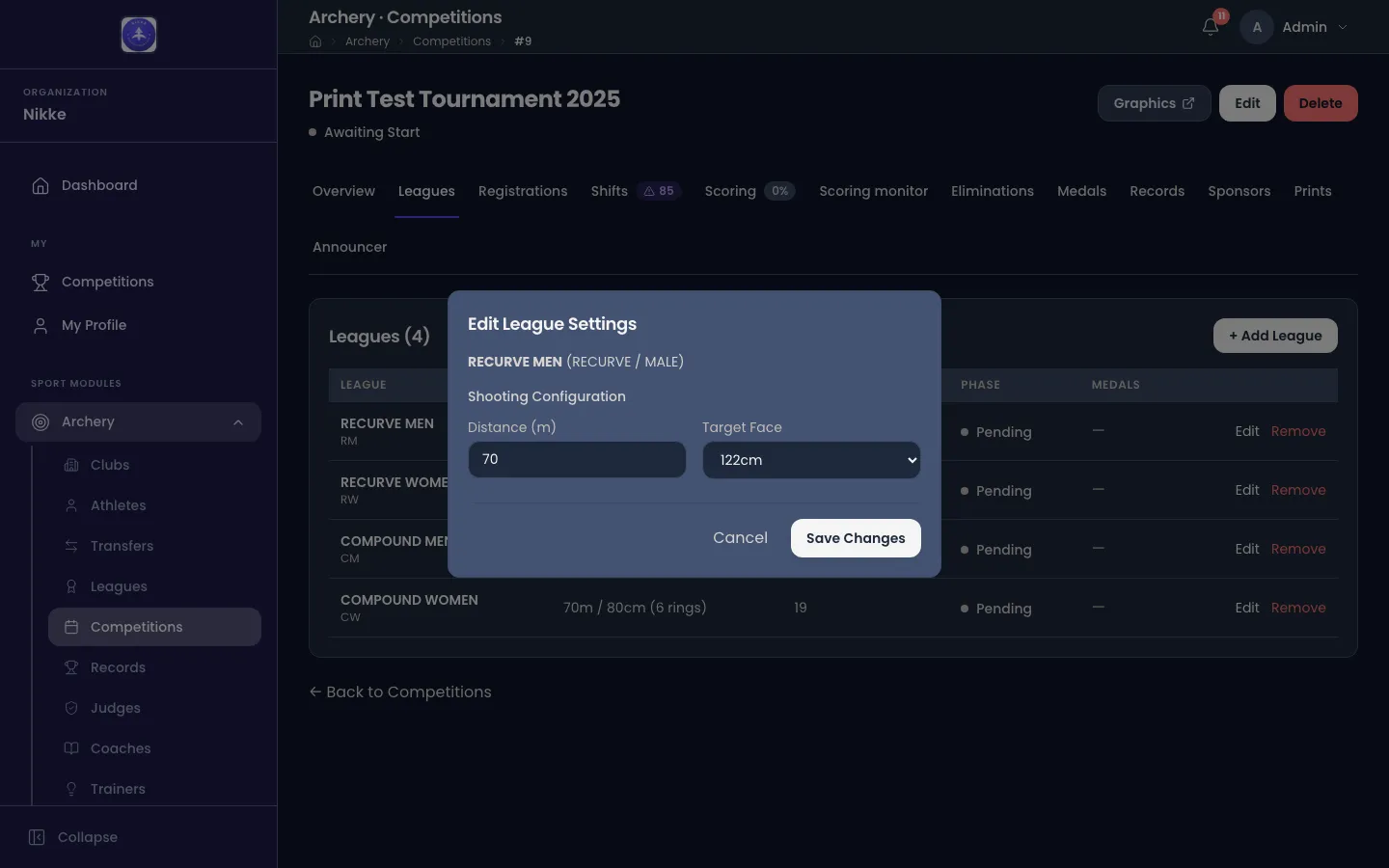
What you set there applies to this competition only — a 70m league shot at 50m for one event is still a 70m league at every other event. Edit sits on the row only while the competition is still a draft.
Adding and removing leagues
Section titled “Adding and removing leagues”+ Add League opens Add League: choose one under Select League, and its distance and target face arrive already filled in from its own definition. Change them there if this event shoots that league differently.
A league can be added at any point up until the competition is completed, so one that was forgotten on the day is not a problem.
Remove takes one back off. What decides it is whether anybody is entered in the league, not how far the competition has got: a league with no entries — an empty league — can be removed at any point, in a draft, halfway through the event or long after it has finished. A league with entries cannot be removed at all, and every entry counts, whatever its status: a withdrawn archer is still on the record. So a league whose archers have all withdrawn reads 0 under Registrations and still cannot be removed. While the competition is a draft Remove sits on every row and says so when you press it on a league with entries; once the event has started it appears only on the empty ones.
Remove empty leagues, at the top of the tab, clears them all in one go. It appears whenever at least one league has no entries, and its confirmation names every league it is about to take off. If one of them gains an entry before you confirm, Velos keeps it and tells you: Empty leagues removed: 2 · Skipped: 1, followed by the leagues it kept.
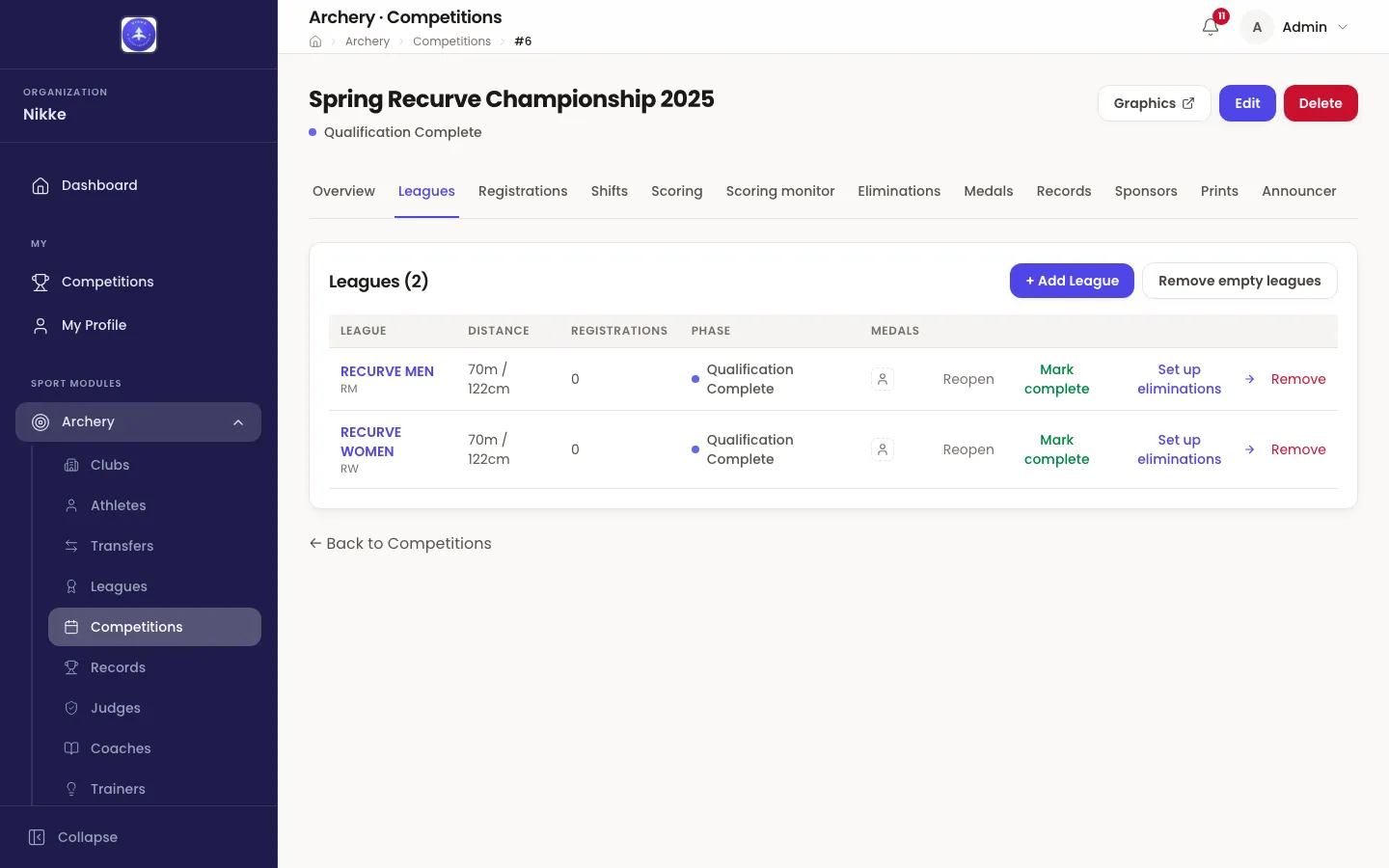
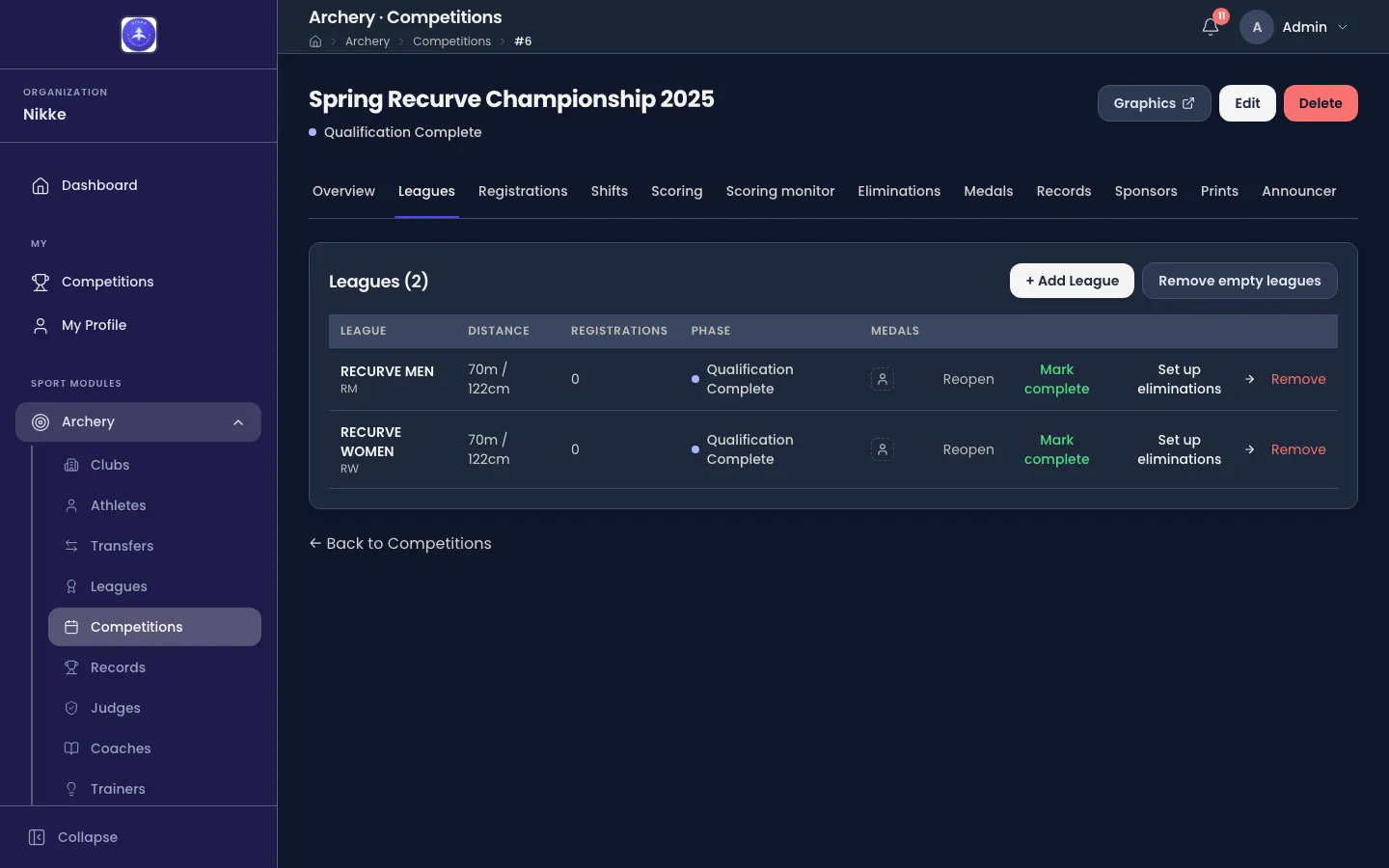
Clearing out empty leagues is worth doing once an event is over. The competition’s own state is worked out from its leagues, and a league nobody entered rarely gets further than Pending — so until it goes, a finished competition can go on reading Qualifying. Remove it and the state is worked out again from the leagues that remain. Remove the last league of all and the competition is back to Draft.
Who may enter which league
Section titled “Who may enter which league”Velos works out which leagues an athlete may be entered in rather than letting you put anyone anywhere. By default it matches on gender and age — standard World Archery behaviour — and the entry form offers only the leagues that fit.
Some federations run a stricter rule: an athlete’s recorded bow level has to reach the league’s level before they may enter it, or their own federation’s eligibility rules decide it. Where that is switched on, athletes carry a level and leagues they are not ready for are not offered.
Mixed team pairing
Section titled “Mixed team pairing”A men’s league and a women’s league can be paired to each other — Paired League (for mixed events) on the league’s own form — and that pairing is what lets a mixed team be made up from the two of them. It belongs to the league rather than to one competition, so a paired league brings its partner along everywhere it is run. Forming mixed teams and shooting their matches is covered by team and mixed team events.
The five phases
Section titled “The five phases”Every league moves through the same five phases, and the Phase column is where it says so.
- Pending — the league is on the competition and can take entries. Nothing has been shot in it yet.
- Qualifying — its ranking round is being shot and scored.
- Qualification Complete — its scoring is closed and its standings are locked, which is what lets its bracket be drawn.
- Eliminations in Progress — its head-to-head matches are being shot.
- Completed — it is finished: its medals are awarded and its results are final.
They belong to the league, not to the competition as a whole. One league can be shooting its bracket while the next is still on the shooting line and a third is already done. The competition’s own state, on the Overview, is a summary of all of them rather than a gate on any one, as the section overview describes.
A league starts qualifying on its own. The first score saved against one of its entries moves it from Pending to Qualifying. There is nothing to press, and no way to shoot a league without Velos noticing.
Closing a league’s qualification
Section titled “Closing a league’s qualification”Finalize qualification, on the row, closes that league’s scoring and unlocks its bracket. Velos asks you to confirm, then checks that every registered athlete in that league is fully scored. If some are not, it says so and offers to finalize anyway — a genuinely staggered event is normal, but the check means you never close a league on a scorecard nobody typed in. A league with no entries finalizes without argument.
Finalize all qualification, at the top of the tab, does every league that can be done in one go. It appears once the competition is under way and two or more leagues are still to finalize.
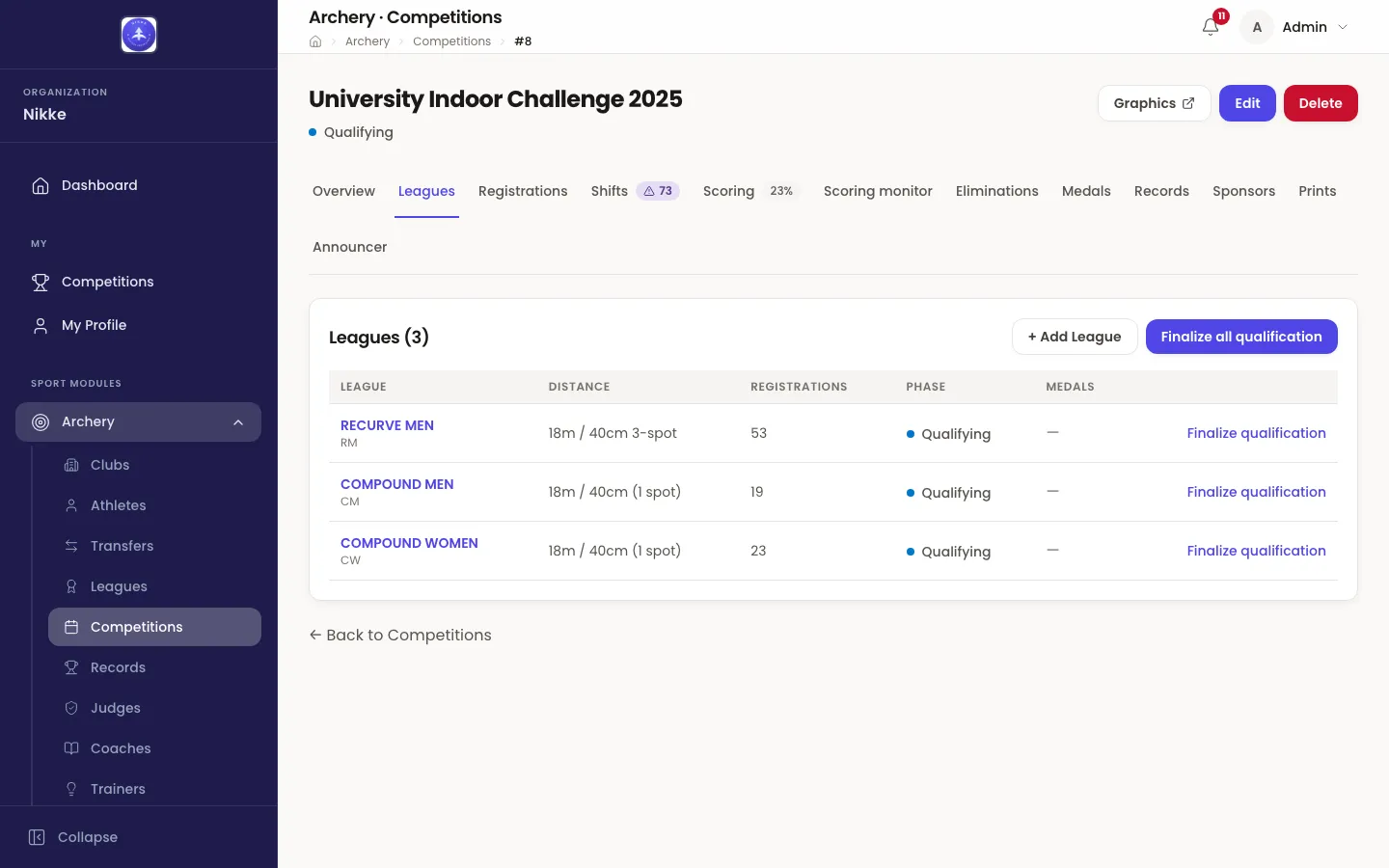
Fully scored leagues and empty ones are finalized. Leagues that still have unscored athletes are skipped, Velos tells you how many were left behind, and you can force those through as well from the same prompt.
Going back
Section titled “Going back”Reopen puts a finalized league back to Qualifying so a score can be corrected. It is offered only while that league has no elimination bracket, and once one is drawn it goes: the bracket was seeded from these standings, so reopening the scoring underneath it would leave the draw pointing at numbers that no longer hold. Delete the bracket first and Reopen comes back.
Finishing a league
Section titled “Finishing a league”A league reaches Completed in one of two ways.
- Mark complete closes it straight from the standings — the ending for a league whose medals come from the ranking round and which shoots no bracket at all. Like Reopen, it is offered only while there is no bracket: a league that has one finishes through it instead.
- Through its bracket: a league completes on its own the moment the last of its brackets finishes. Medals are awarded from the medal matches as part of the same step, and there is nothing to press.
Which way it finished decides how it can be undone. A league closed from the standings reopens with Reopen, back to Qualification Complete. A league that completed through its bracket does not: its medals and its matches hang off the bracket, so a correction goes through the bracket itself, as Eliminations describes.
Getting to the bracket
Section titled “Getting to the bracket”Once a league is finalized, its row carries the way into its eliminations: Set up eliminations while there is no bracket yet, Eliminations once one exists. Either opens the Eliminations tab with that league already chosen, which saves picking it out of the dropdown again.
Leagues decide who may be entered and how they are ranked. Entries covers getting the athletes in.
Updated for v1.63.0