
Athlete profile
A person registered as an athlete has a file at their federation, club or academy: a licence, the bows they shoot, the club they belong to, the competitions they have shot and how they went, the records they hold, the training they have recorded. Athlete profile, in the My group of the sidebar, is that file read back to the athlete it belongs to. It is read-only — nothing here is yours to change — and it needs no permission: the athlete record itself is what gives you the page.
Who has it, and where it lands
Section titled “Who has it, and where it lands”The entry appears for a person whose account is linked to an athlete record in the federation, club or academy they signed in to — whatever standing that record is in, pending approval included. It sits between Competitions and My Profile; an account with no athlete record has no such entry, and the page’s address answers with No athlete profile — There is no athlete registration linked to your account in this organisation.
Signing in still lands an athlete on the competition calendar, not here — the calendar is the page opened most, and the profile is one click away. Where your federation, club or academy has switched the athlete portal off, the entry is absent for everyone.
The file
Section titled “The file”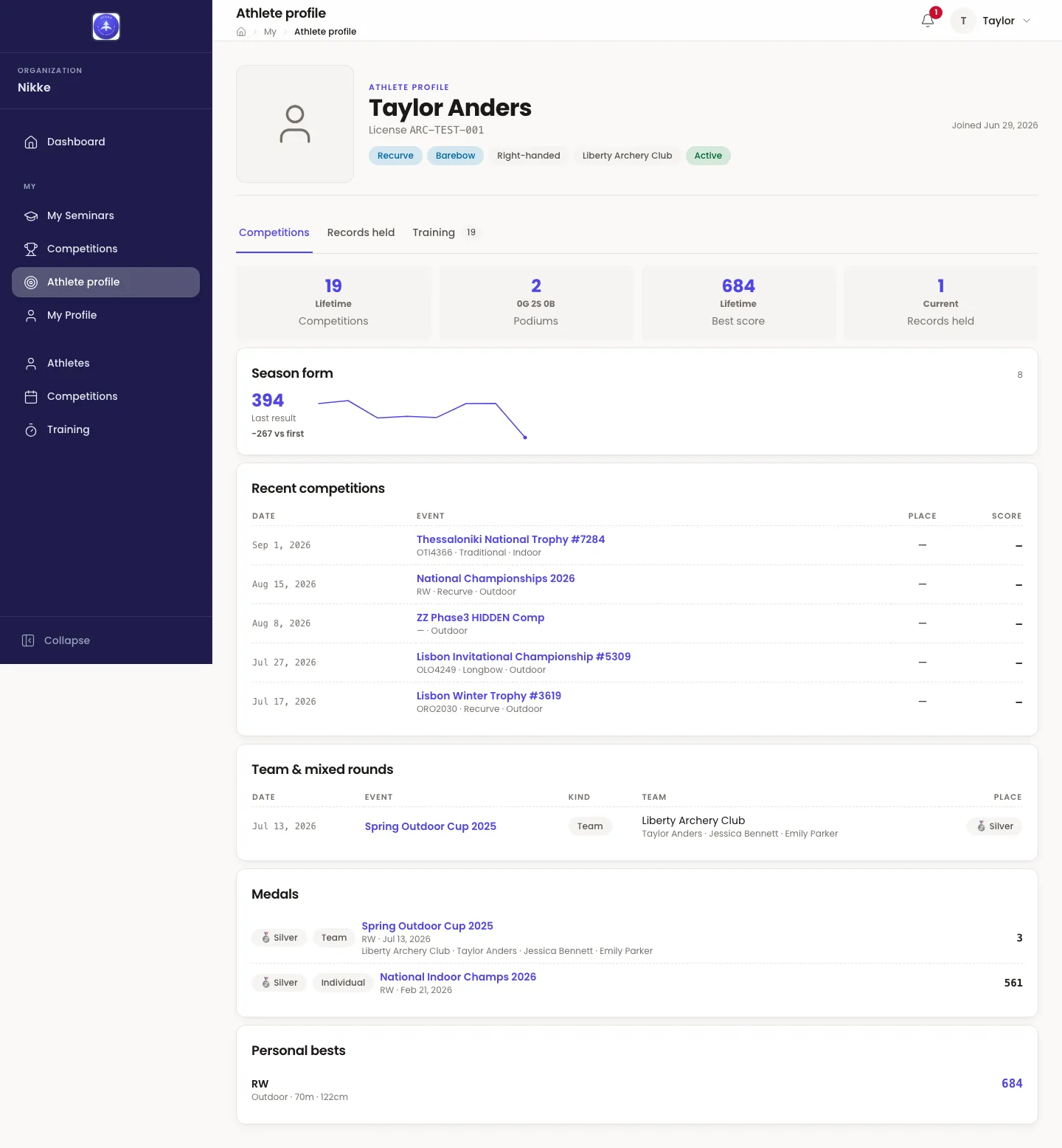
The header is your record as your federation, club or academy keeps it: your photo, your name, your License number, your date of birth as Born where it is on file, and a row of chips — one per bow type you are registered for, with its level where your federation keeps levels, Right-handed or Left-handed, your club, and your standing with your age beside it. Joined is the date the record was made. None of it is editable here; your photo and phone number are yours to change on My Profile, and anything else is corrected by whoever administers Velos where you are.
Two standings put a notice under the header, because they change what you can do:
- Registration awaiting approval — Your club has filed your registration and the federation has not decided yet. You cannot be entered into a competition until it is approved.
- Registration returned — the reason the reviewer gave, or No reason was given. Your club can file it again.
Three tabs follow.
Competitions
Section titled “Competitions”The same Competitions view staff and your club’s coach read of you:
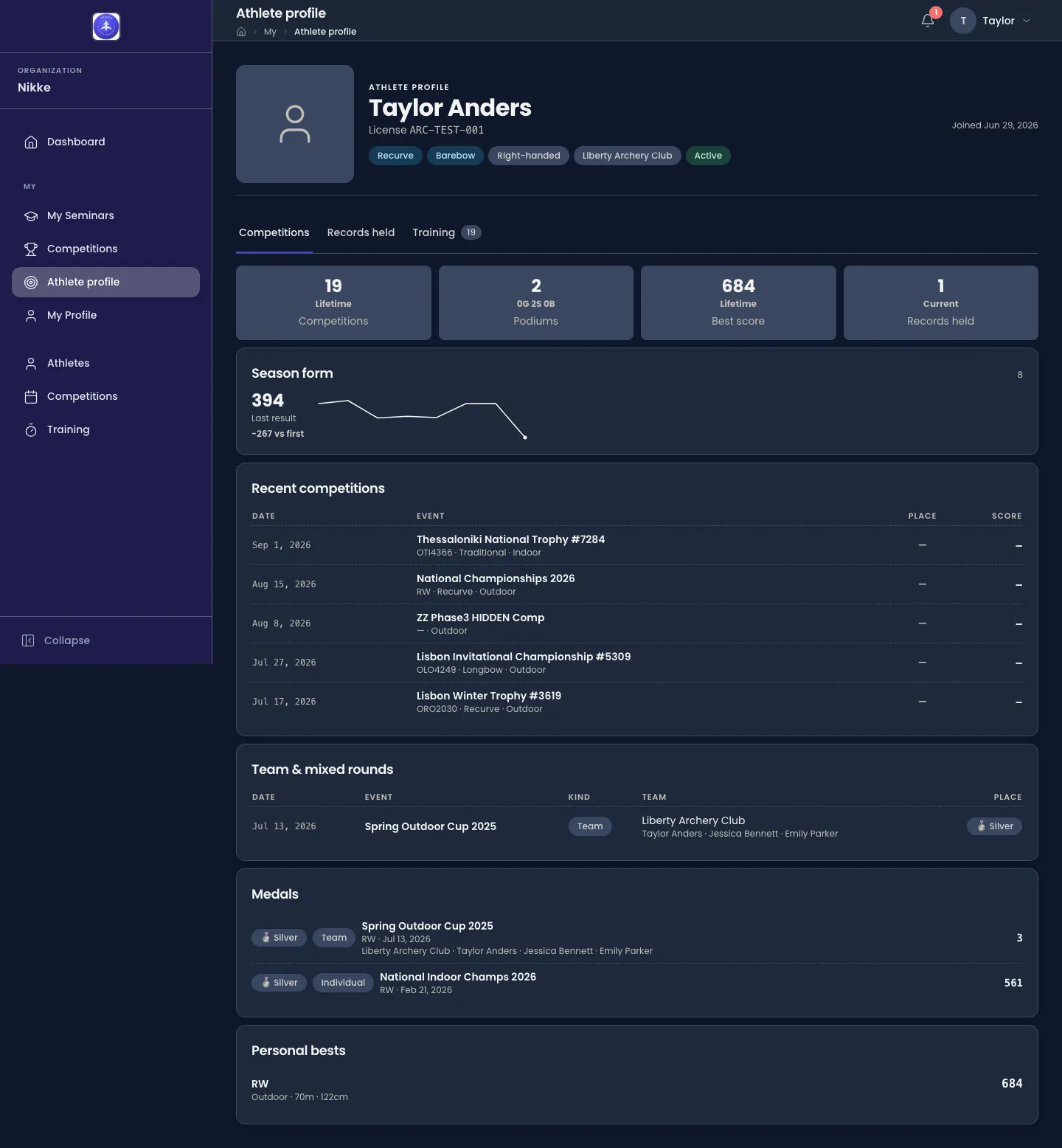
- Four tiles — Competitions you have shot, Podiums with the gold, silver and bronze count beneath, your lifetime Best score, and the Records held currently standing in your name.
- Season form — your last result and how it compares with the season’s first, with the results between drawn as a line. It needs two scored events before it says anything.
- Recent competitions — the last five, with Date, Event, Place and Score. Each name opens the competition on the calendar, with your result at the top.
- Team & mixed rounds — every team or mixed team round you shot in, with its Kind, the Team and its archers, and your Place.
- Medals — every medal, each marked Individual, Team or Mixed team; Podiums above counts all three alike.
- Personal bests — the records currently standing in your name, each with its league, round and score: the same list the Records held tab reads in full.
Records held
Section titled “Records held”Every record currently standing in your name — the league, the round (indoor or outdoor, distance and target face) and the competition it was set at, with the score and its X and 10 counts. A record that has since been beaten is not listed; the tab says You do not currently hold any records. when none stand.
Training
Section titled “Training”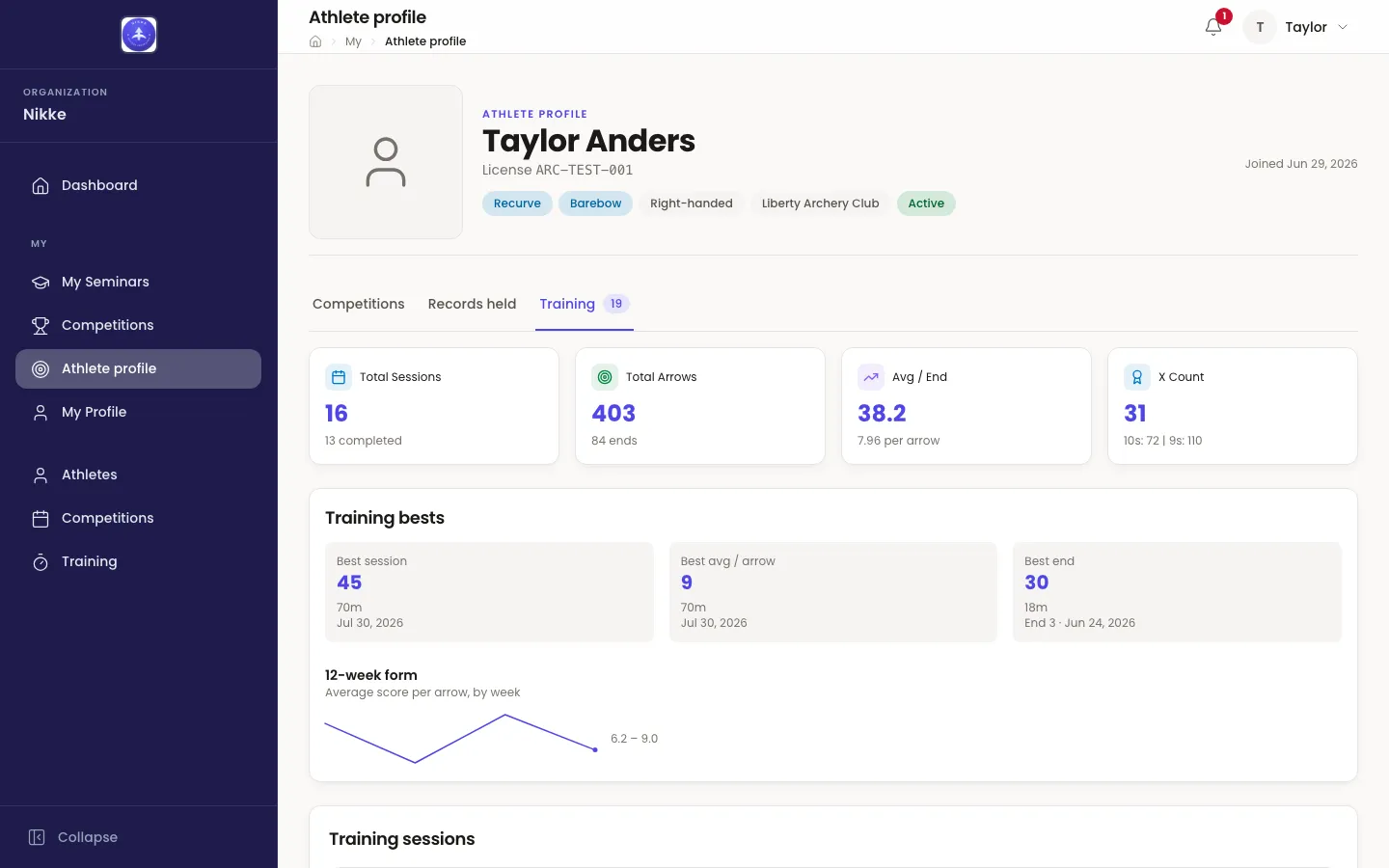
Your training as you recorded it — from the mobile app, or as staff entered it for you:
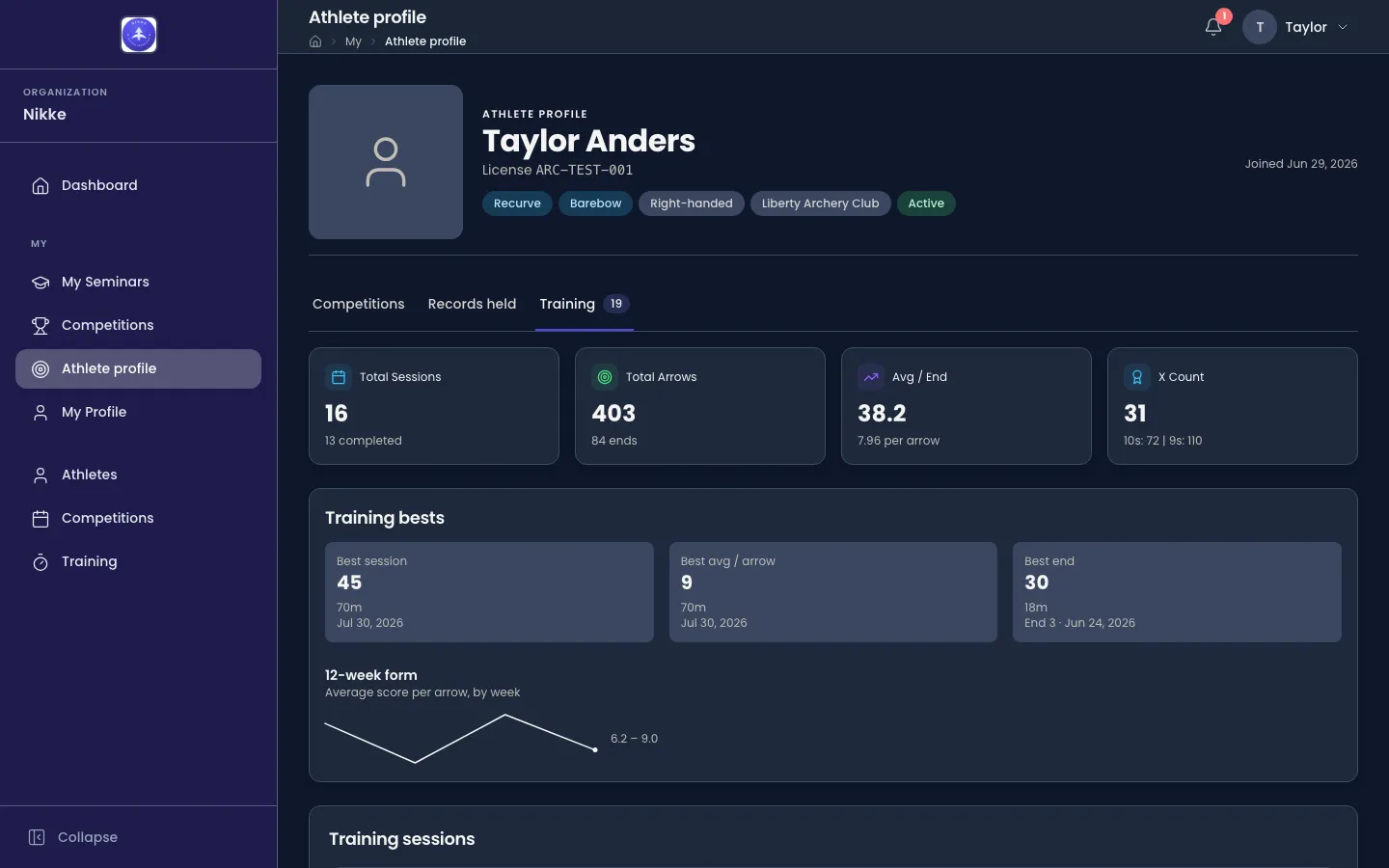
- Four tiles — Total Sessions with how many were completed, Total Arrows with the number of ends, Avg / End with the average per arrow, and X Count with the 10s and 9s beside it.
- Training bests — your Best session, Best avg / arrow and Best end, each with the distance and date it was shot. These are training figures only: they earn no record and enter no ranking. Training explains how they are read.
- 12-week form — your average score per arrow, week by week.
- Training sessions — one row per session, newest first: Date, Session (bow and distance, indoor or outdoor, the venue, and the wind where it was recorded), Arrows, Ends, Score and Status — Completed, In Progress or Abandoned, with a review chip where your federation reviews sessions.
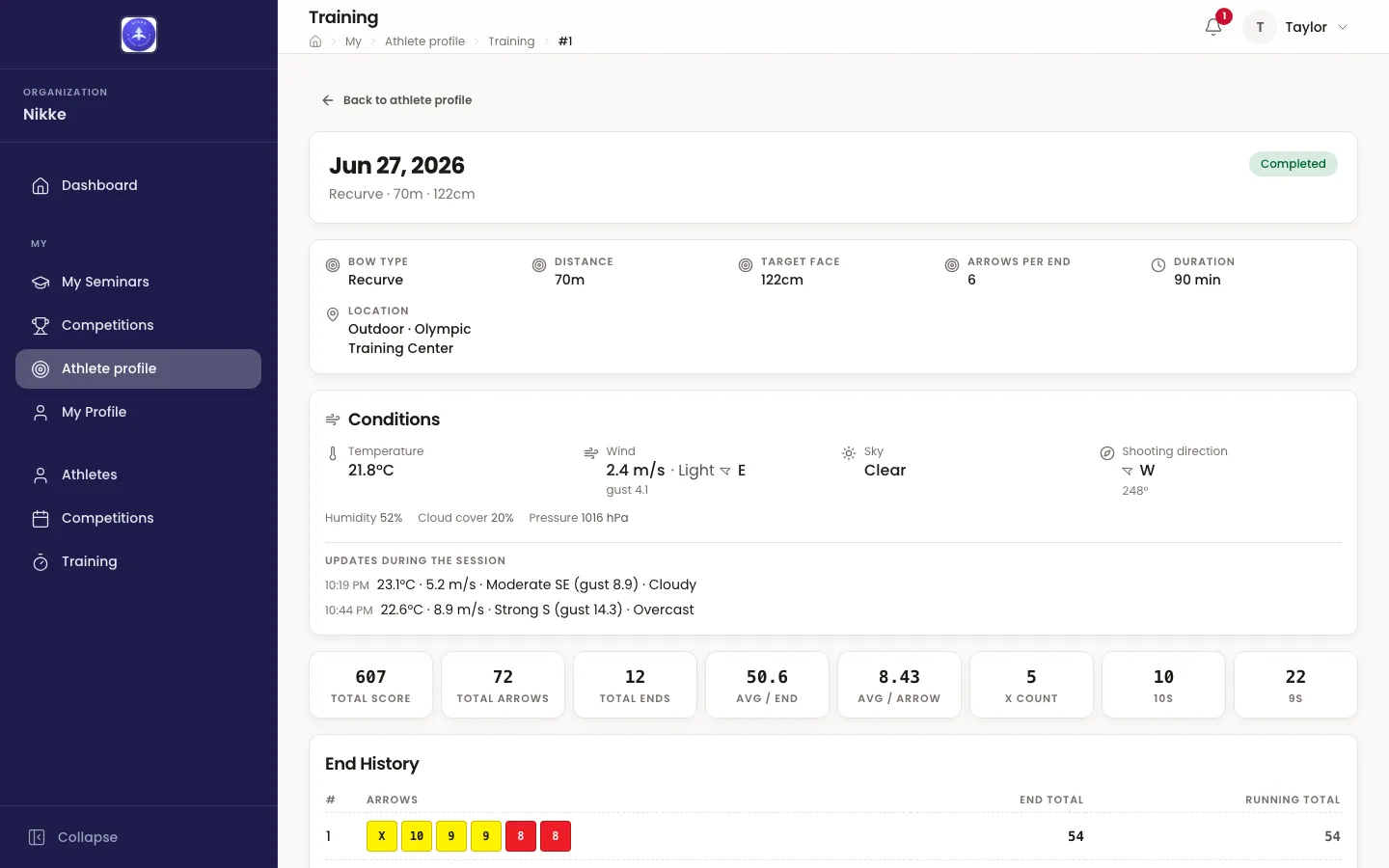
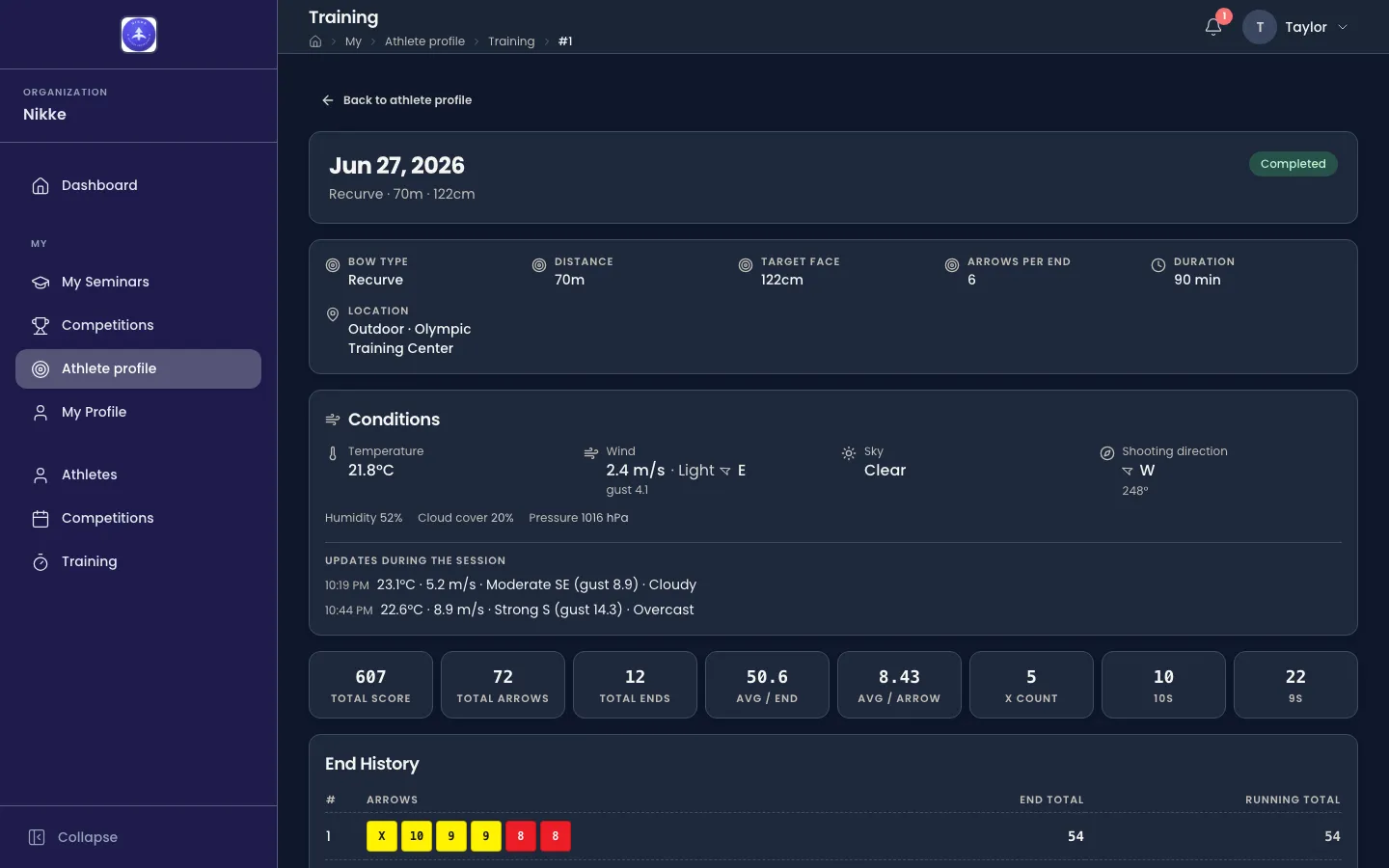
Opening a row shows the session in full — its setup, the Feeling and Effort you gave if you finished it on your phone, the conditions it was shot in, its totals, every end arrow by arrow, the arrow plot where the session carries one, and your notes — exactly as Scores and ends describes it. Back to athlete profile returns to the tab. A session that is not yours answers Session not found — This training session is not one of yours.
What it is, and what it is not
Section titled “What it is, and what it is not”- A read of your own record. Everything here is what your federation, club or academy already holds on you, shown to you because the record is yours. Nothing is added for the page, and nothing on it can be changed from it.
- Confined to you. There is no way from this page into another athlete’s file, and no athlete’s number is in its address to alter.
- The same on the phone. The Velos mobile app’s Profile tab reads the same record.
For staff
Section titled “For staff”The page follows the athlete record under Archery → Athletes: registering a person as an athlete is what gives them the page, and deleting the record takes it away. There is nothing to grant. Your federation, club or academy can switch the athlete portal off as a whole, which removes the page — and the athlete’s own entry, result and score sheet on the calendar — for everyone at once.
Updated for v1.63.0