
Entries
An entry is one athlete’s place in one competition, in one league, representing one club. It is the unit everything downstream hangs off: a shift assignment, a target, a scorecard and a ranking all belong to an entry rather than to the athlete in general.
The entry list
Section titled “The entry list”The Registrations tab of a competition is the entry list.
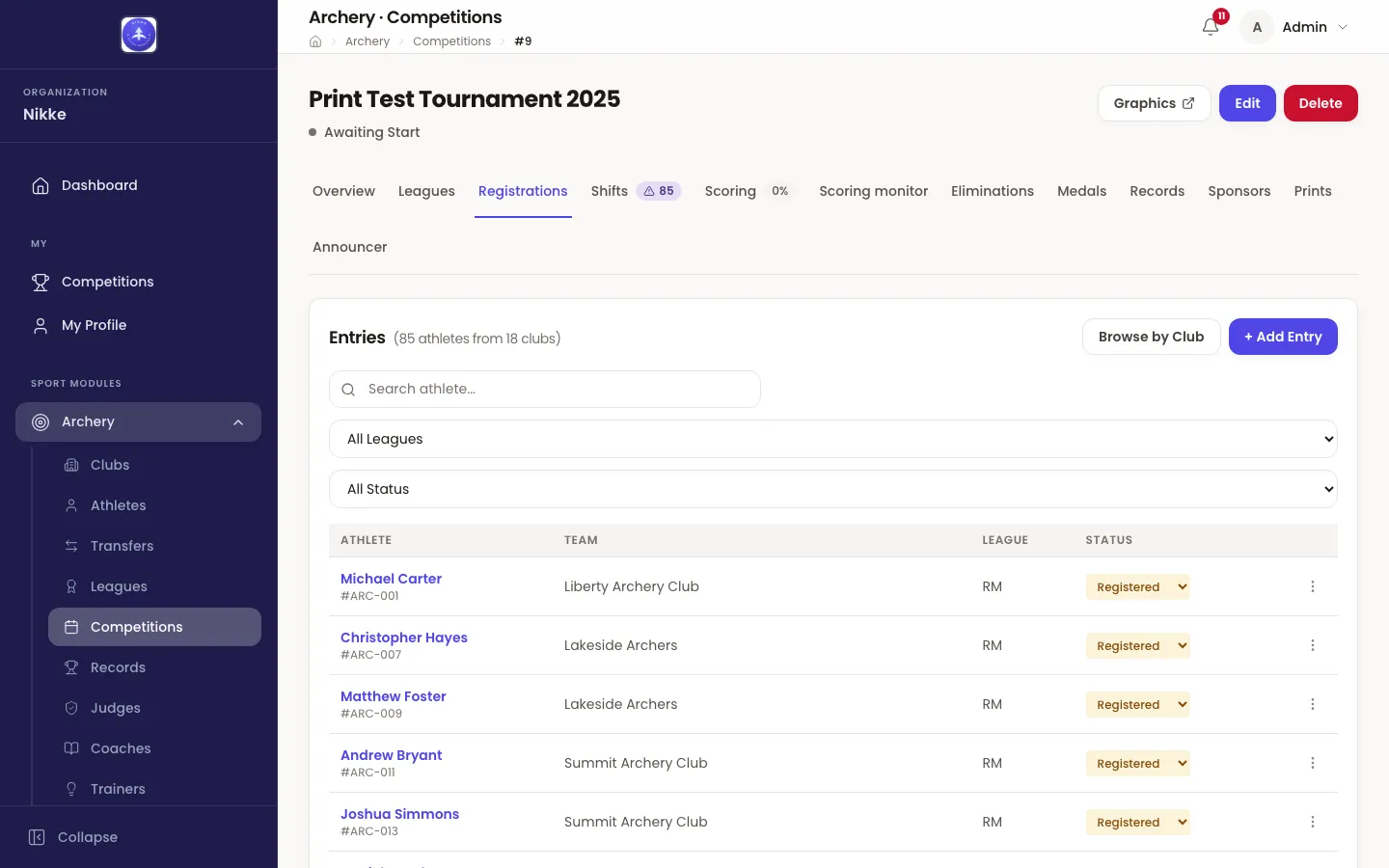
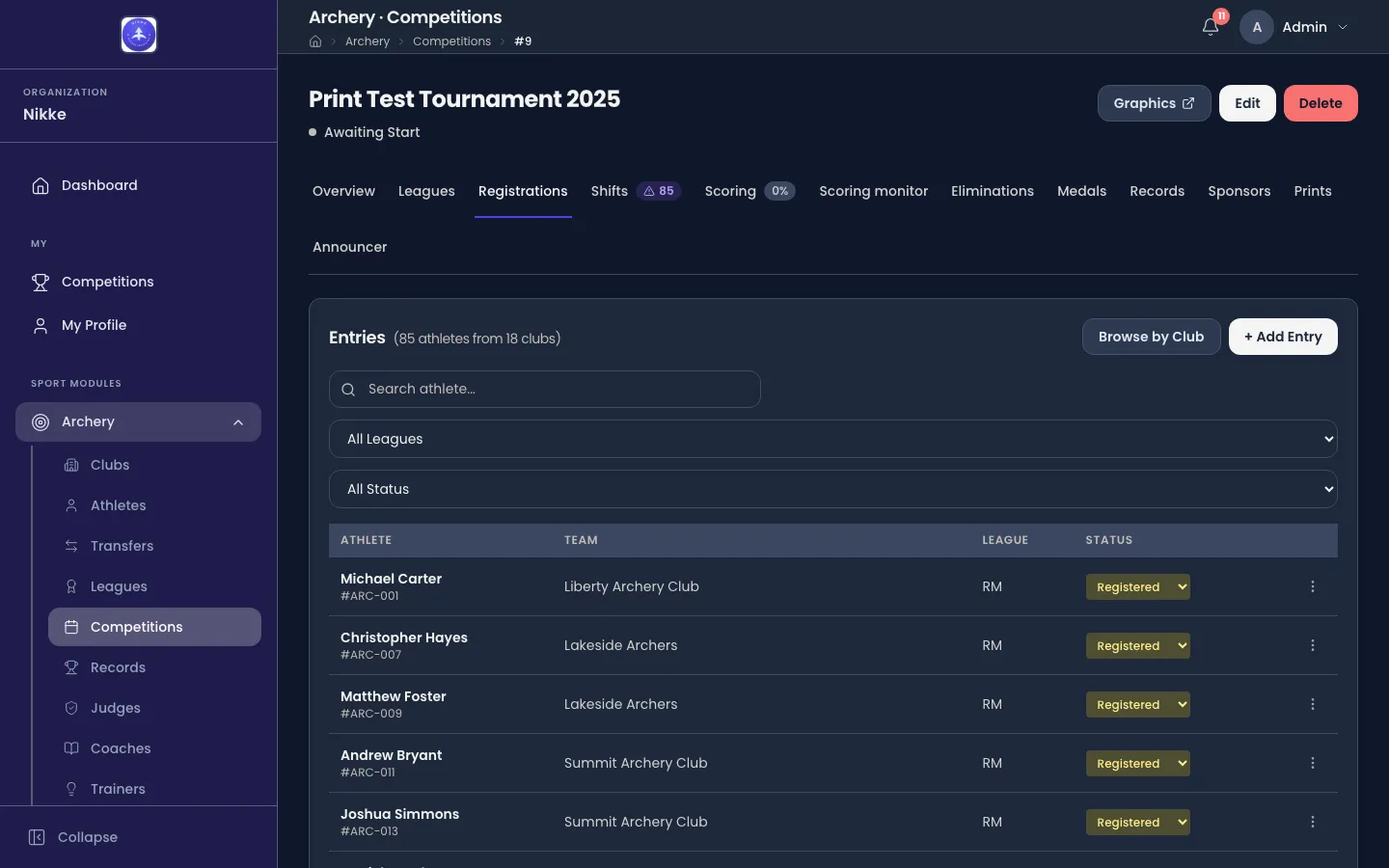
The heading counts the field — how many registered athletes, from how many clubs. Under it:
- Search matches an athlete’s first or last name.
- All Leagues narrows to one league.
- All Status narrows to one status.
Each row is one entry: the athlete and their licence number, the club they represent, the league they are entered in, and their status.
Getting athletes in
Section titled “Getting athletes in”Two ways in, depending on how many you are adding.
+ Add Entry enters one athlete: the athlete box opens its list as soon as you click it, and typing a name or a licence narrows it. Pick the archer and Velos offers the leagues they may enter in this competition. If they are not eligible for any, it says so rather than letting you file an entry that cannot be scored.
Browse by Club enters a group. Pick the club — the box searches your clubs as you type — tick the athletes taking part, and give each one the league they shoot.
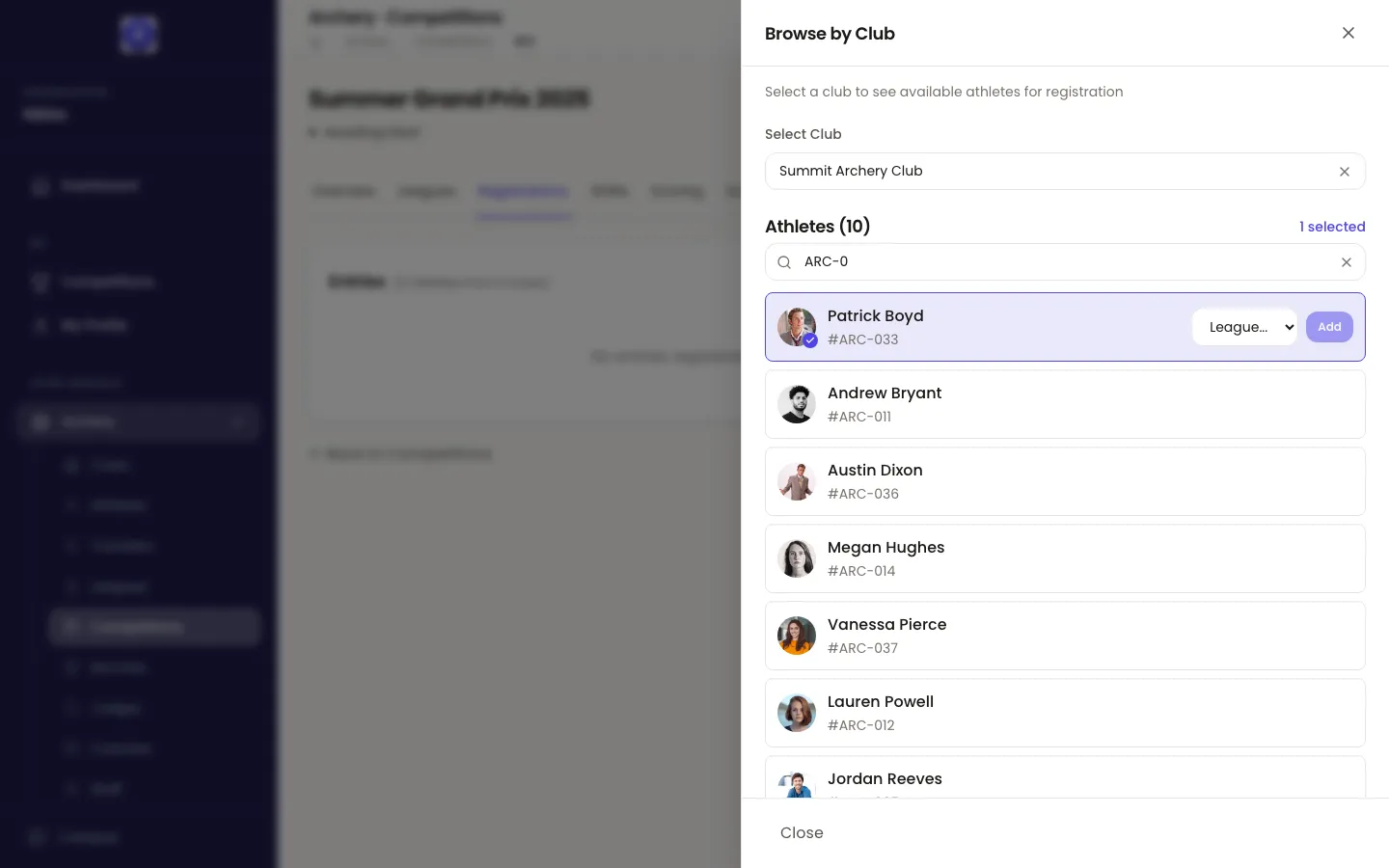
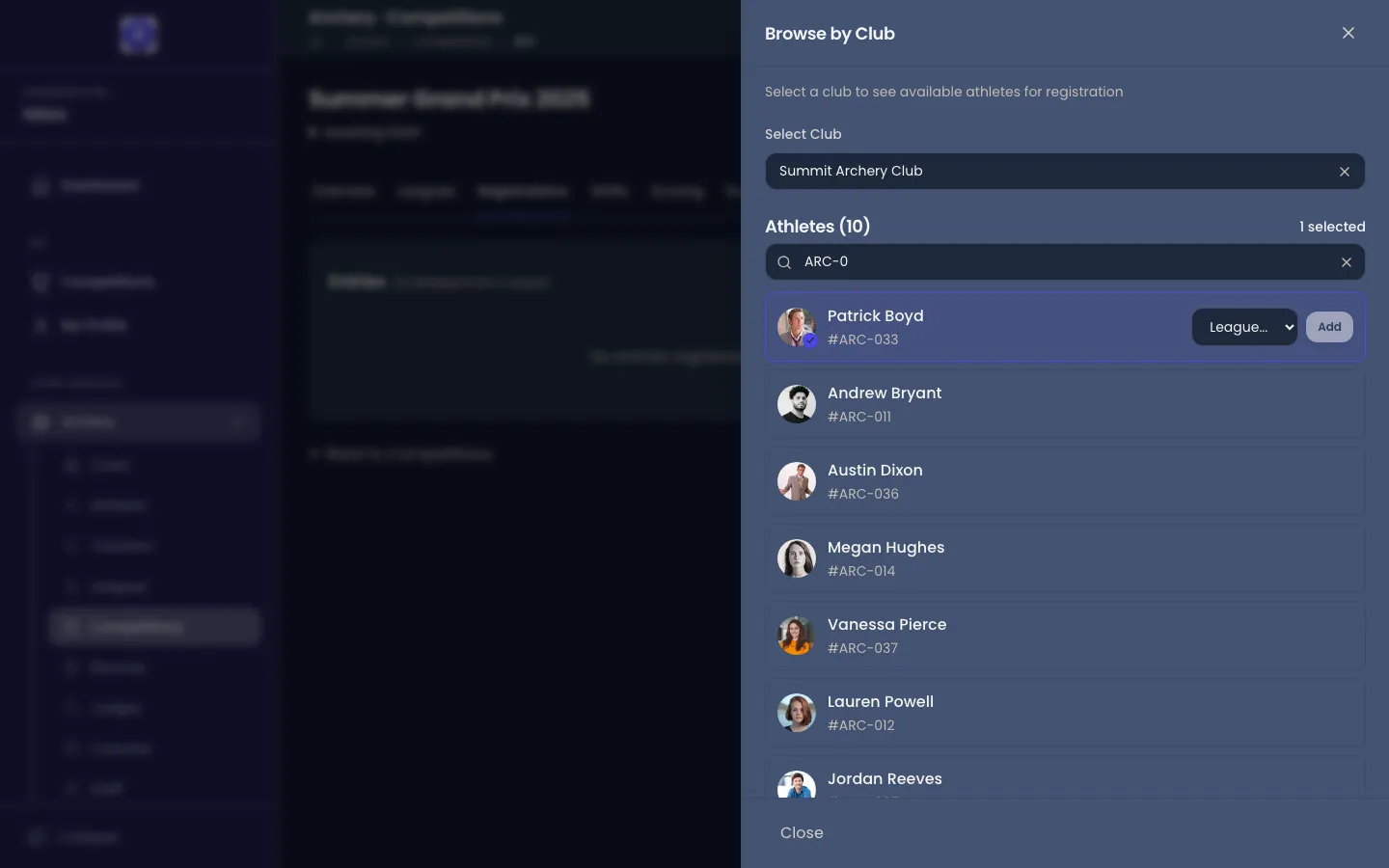
The list only offers athletes who are not already entered, so re-opening it after a first pass shows you exactly who is left.
When adding is closed
Section titled “When adding is closed”The buttons that add entries are not always there. Velos leaves a disabled Add Entry in place with the reason attached rather than hiding it, so you can tell which rule you have hit:
- Registration opens on … — the window has not started yet.
- The registration window closed on … — edit the competition to extend it.
- Registration is closed because qualification is underway.
- Qualification has been finalized for all categories, so entries are locked.
While the competition is still a draft, an organizer can add entries whether or not the window is open — the window governs clubs entering their own athletes.
Late entries
Section titled “Late entries”Once qualification is under way, an organizer can still add someone with Late Entry. The entry is created and marked with a Late badge, and Velos reminds you to put that archer on an open shift yourself — the assignment pass happened before they existed.
Entry statuses
Section titled “Entry statuses”An athlete who pulls out is not deleted. Their entry stays, and its status changes — which is what keeps the start list, the target board and the results honest about who was expected.
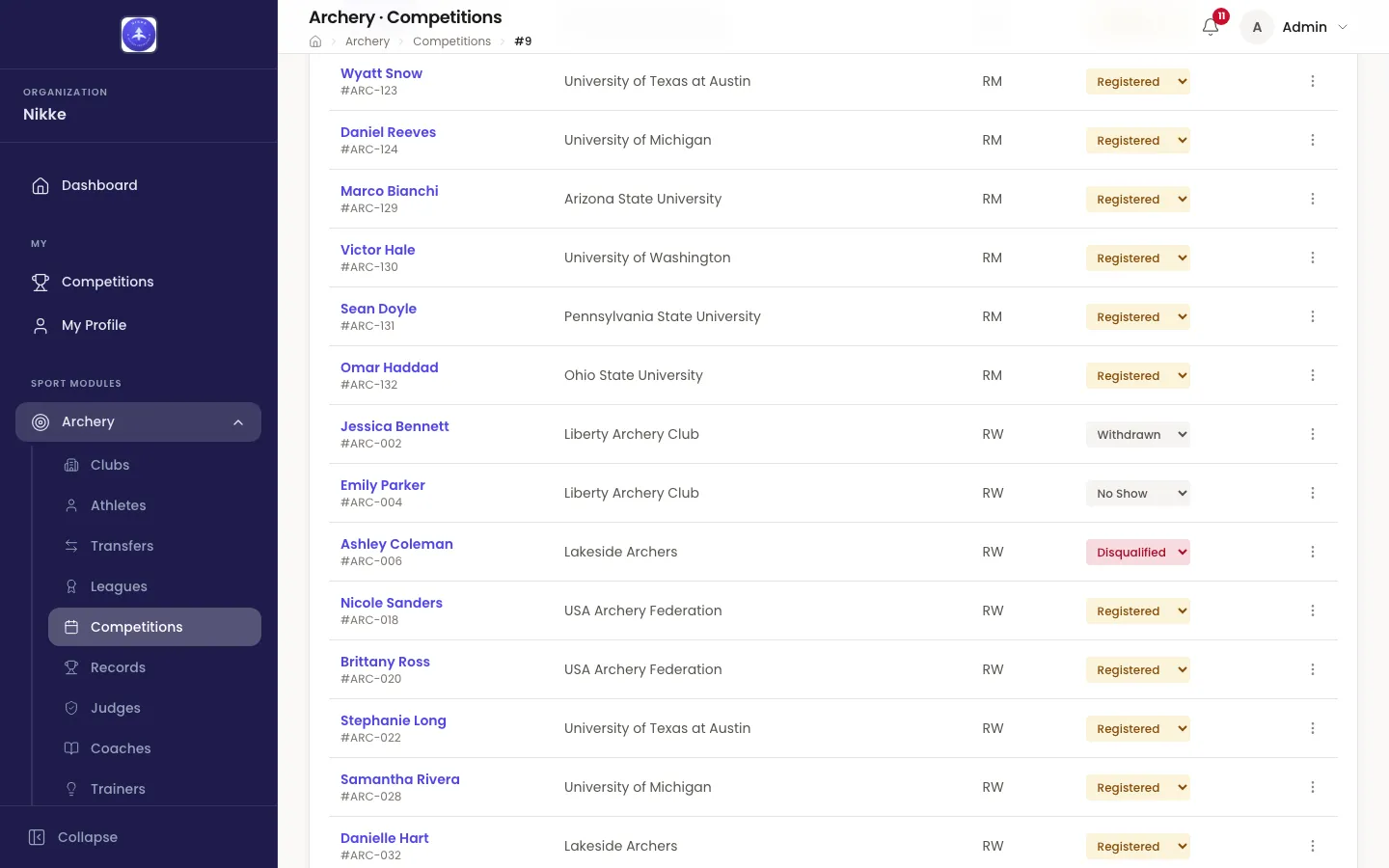
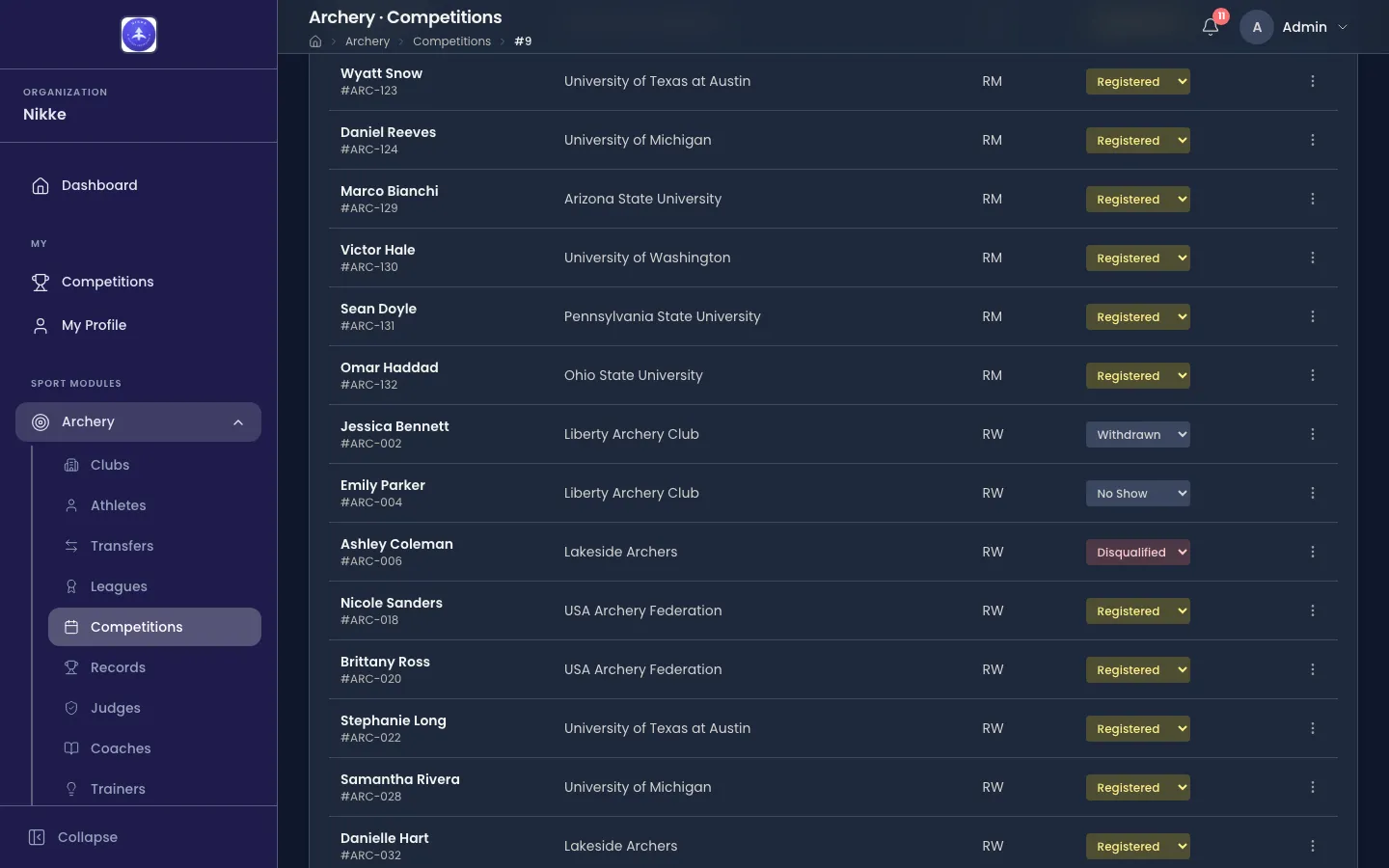
- Registered — entered and expected.
- Withdrawn — pulled out before shooting.
- No Show — expected but did not appear.
- Disqualified — removed by a decision during the event.
Change one from the dropdown in its row. Status changes stay open for as long as the competition is live — draft, qualifying, finalized, eliminations — to accounts allowed to manage entries. A scratch during the eliminations is exactly when the record needs updating. Only once the competition is marked completed does the list become a record rather than a working document.
A status change never takes an archer off the list: a withdrawn, no-show or disqualified entry stays in its row, with its status, for good. What it leaves is every count. Wherever Velos counts entries — the heading above, the Registrations column on the Leagues tab, the figures on the Shifts tab and the badges on its tab — it counts Registered entries only, so withdrawing an archer takes them out of the numbers at once.
Fixing an entry
Section titled “Fixing an entry”The ⋮ menu at the end of a row carries the two repairs you will actually need:
- Change League moves an entry into a different league — the fix for an archer filed under the wrong category, without re-entering them.
- Remove deletes the entry outright. Only use this for an entry that should never have existed; for someone who entered and then pulled out, set Withdrawn instead. While the competition is a draft anyone who can edit entries may remove one. Once shooting has started, removing is an organizer-only repair for an archer who never shot: the item is disabled for anyone with recorded scores, and Velos refuses to remove an archer already seeded in an elimination bracket. Set those to Withdrawn.
With the field entered and assigned, the shooting starts. Qualification covers the ranking round.
Updated for v1.63.0