
My Competitions
Everyone who signs in to Velos can read the competition calendar of their federation, club or academy — not just staff. The entry is labelled Competitions, in the My group of the sidebar, and it answers the questions an athlete, a parent or a coach actually asks: when does it run, where, is registration still open — and, once it has been shot, who won. For a person registered as an athlete it answers two more, on every competition: am I entered, and how did I do.
The calendar
Section titled “The calendar”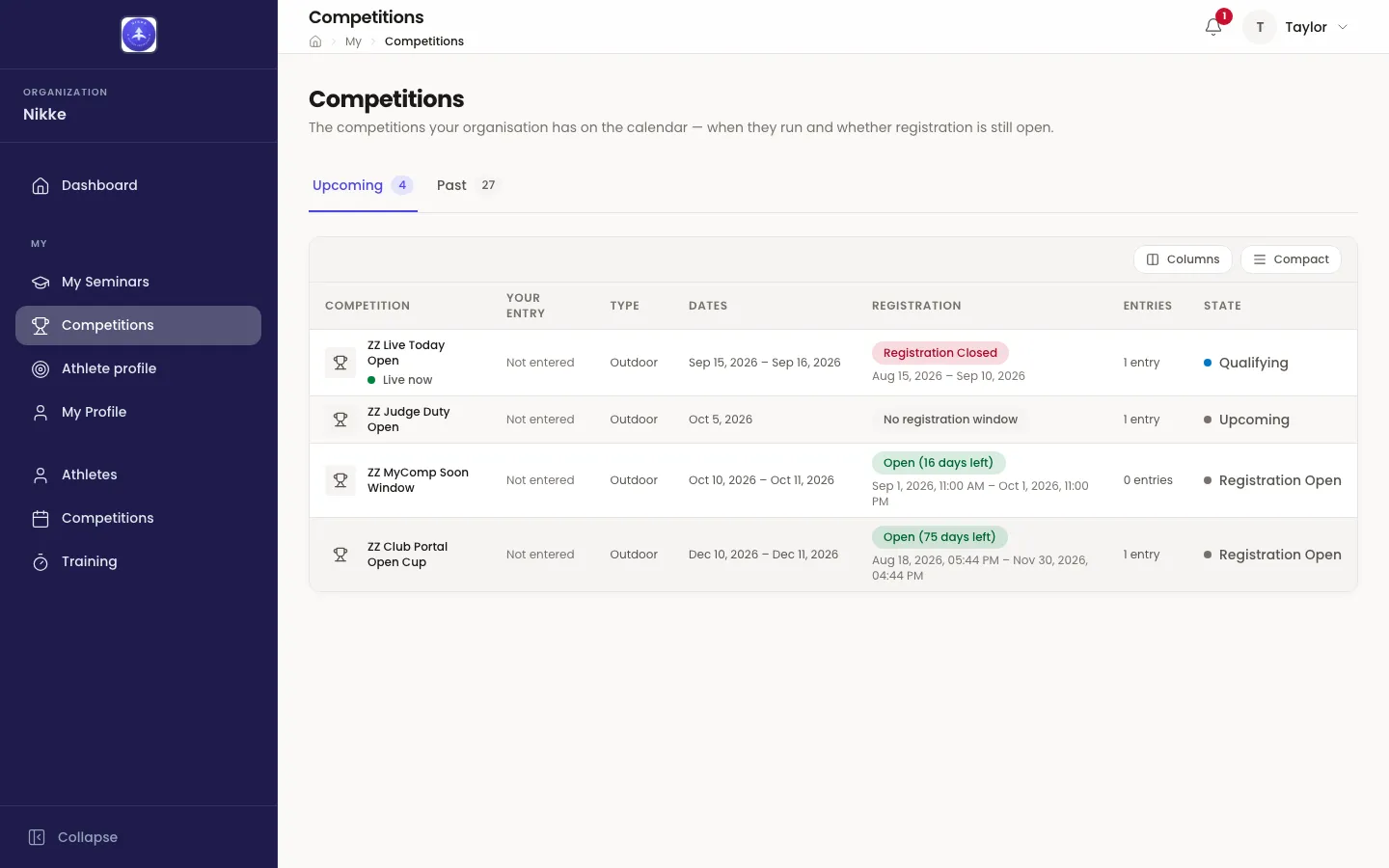
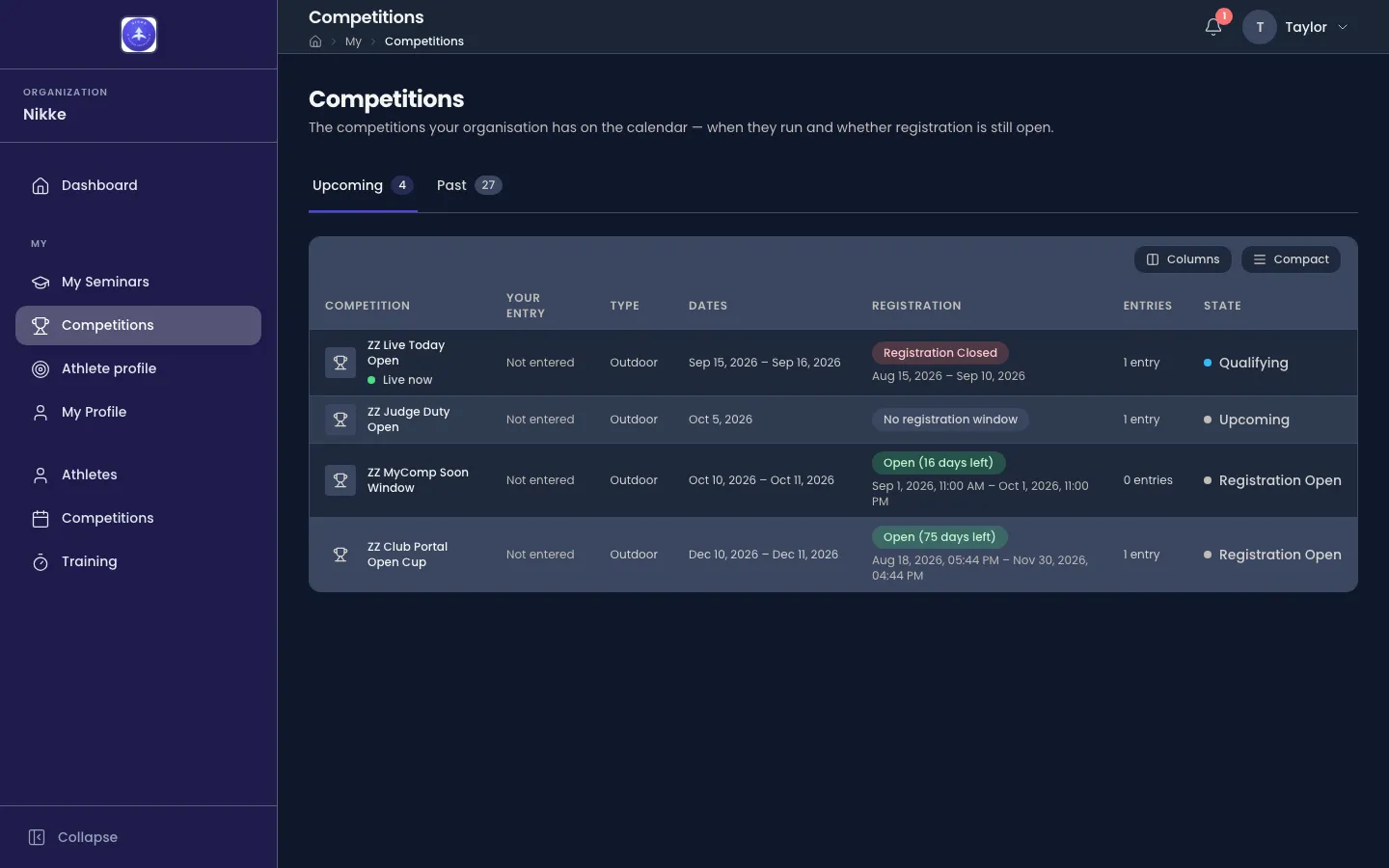
The calendar is split in two tabs, each counting its rows:
- Upcoming — every competition still ahead, nearest first. A competition whose dates include today, and that has not reached its final results, sits first of all with a green Live now marker under its name — the dates decide, whatever state it is in.
- Past — every competition whose last day has gone by, or that has reached its final results, most recent first.
Whether a competition is upcoming or past is a fact about the competition, the same for everyone who reads the calendar; it has nothing to do with whether you were entered. When one tab is empty and the other is not, it says so — Nothing coming up on the one side, Nothing finished yet on the other — and a calendar with no competitions at all reads No competitions yet.
One row per competition:
- Competition and Type — the name, and whether it is shot indoor or outdoor.
- Your entry — only for a person with an athlete record: where your own entry stands, Entered, Withdrawn, No show or Disqualified, or Not entered where you have none. See Your own entry and result.
- Dates — when it runs.
- Registration — the state of the registration window: Open with the days left, Opens in so many days, Registration Closed, or No registration window where none has been set. Where there is a window, its dates sit beneath the badge.
- Entries — how many registered entries the competition has; withdrawn, no-show and disqualified archers are not counted.
- State — where the competition itself stands, from Upcoming through qualification and eliminations to Completed. This is the competition’s own state, not the tab it sits on: a past competition that was never shot keeps the state it was left in.
Columns and Compact change how the table is drawn, not what is in it.
One competition
Section titled “One competition”Opening a row shows one competition on its own page. The header names it, shows where it stands — Qualifying, Eliminations in Progress, Completed — with its dates, and carries an Official badge where the competition counts for records. Beneath the header sit four tabs: Overview, Results, Eliminations and Medals. Each tab is its own address, so a link to a bracket or a medal table can be sent to someone else and opens on that tab.
If you are entered in the competition and any of your ends have been recorded, the header also carries Download score sheet: your own shooting, arrow by arrow — every end of your qualification and every set of the elimination matches you shot — as a PDF. While the league has not yet closed the stage a figure belongs to, the sheet marks that figure Provisional.
Where the competition has sponsors, their logos run in a row beneath the tab’s content, on every tab.
The tabs appear once the competition’s results are open to read. Until then the page is the overview alone, and where the results would be it says why they are not there yet: Results aren’t available yet while the registration window is still open (they appear once registration closes), or Results open closer to the event before the date your federation, club or academy releases them.
Overview
Section titled “Overview”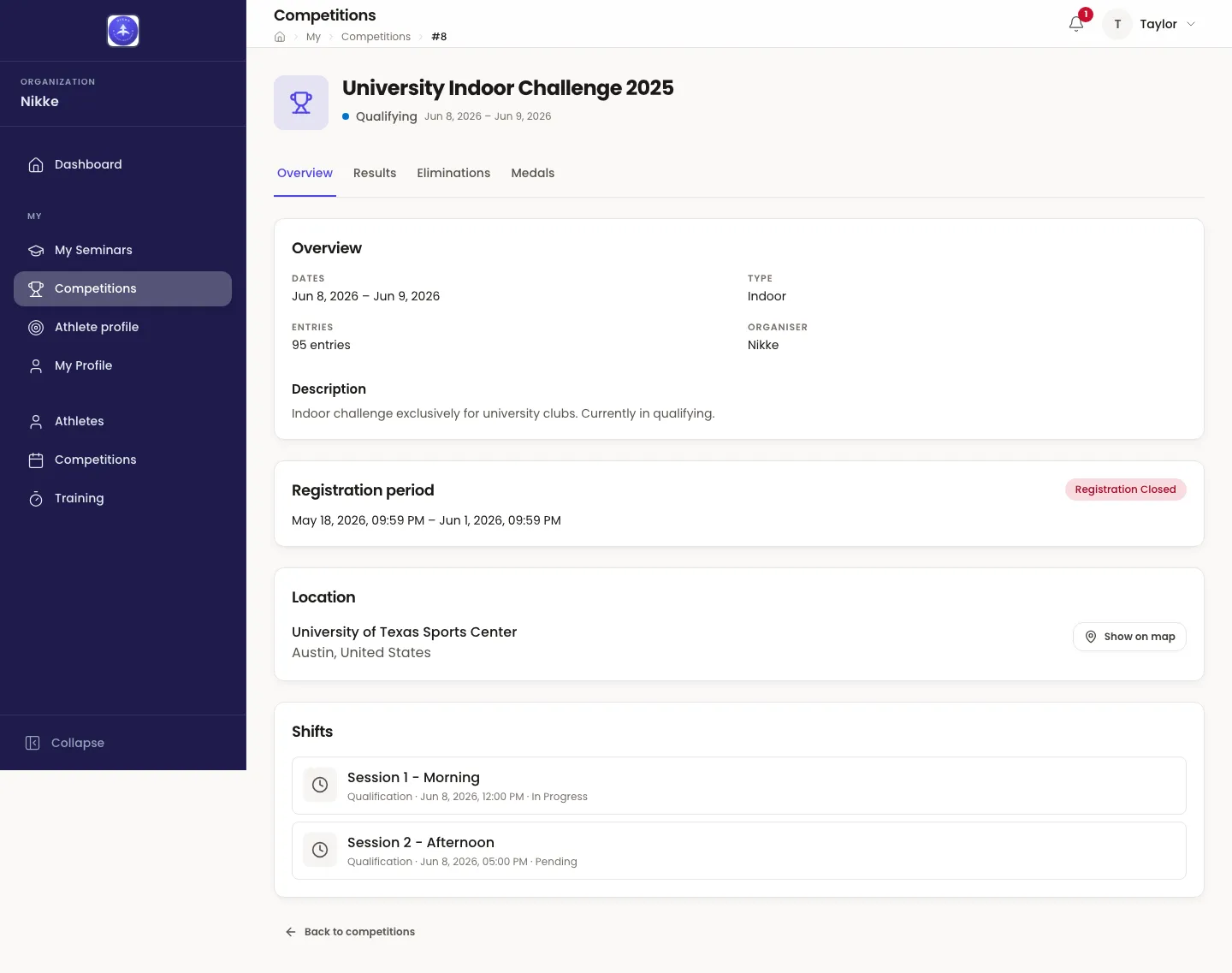
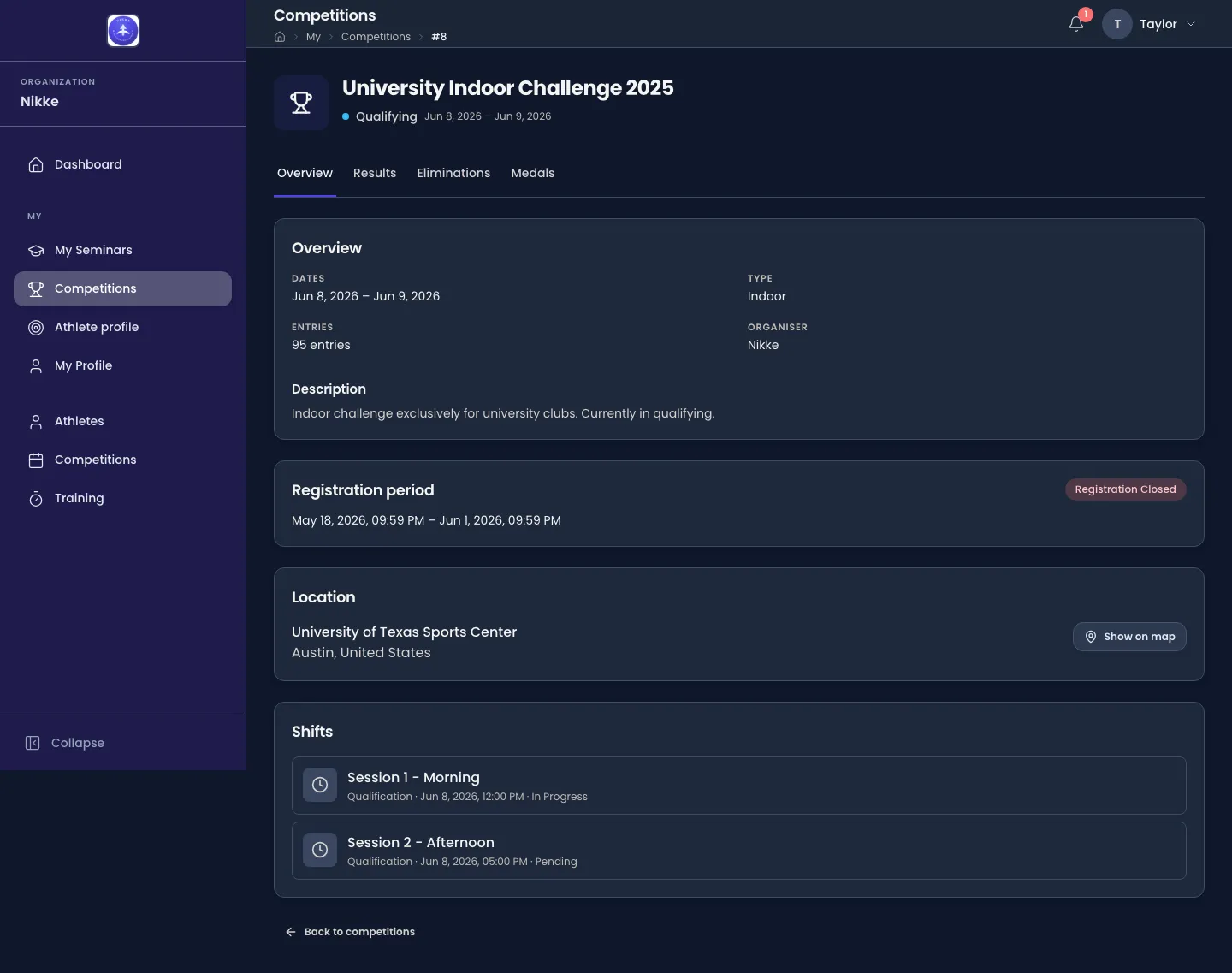
- Overview — the dates, the type, the entry count, who organises it, and the description.
- Registration period — the window and its current state, or a plain No registration window has been set.
- Location — the venue and, where an address exists, Show on map.
- Shifts — the shifts the competition shoots in, each with its phase, its date and time, or Time to be announced where the time is not fixed yet.
If you hold an announcer grant for the competition, an Announcer card sits between the overview and the registration period and opens the live briefing; nobody else sees it. And if you are a registered athlete, your own card comes first of all — the next section.
Your own entry and result
Section titled “Your own entry and result”A person whose account is linked to an athlete record — any athlete record, whatever its standing — gets one more card on the Overview tab, above everything else, and it changes with the competition’s tab on the calendar.
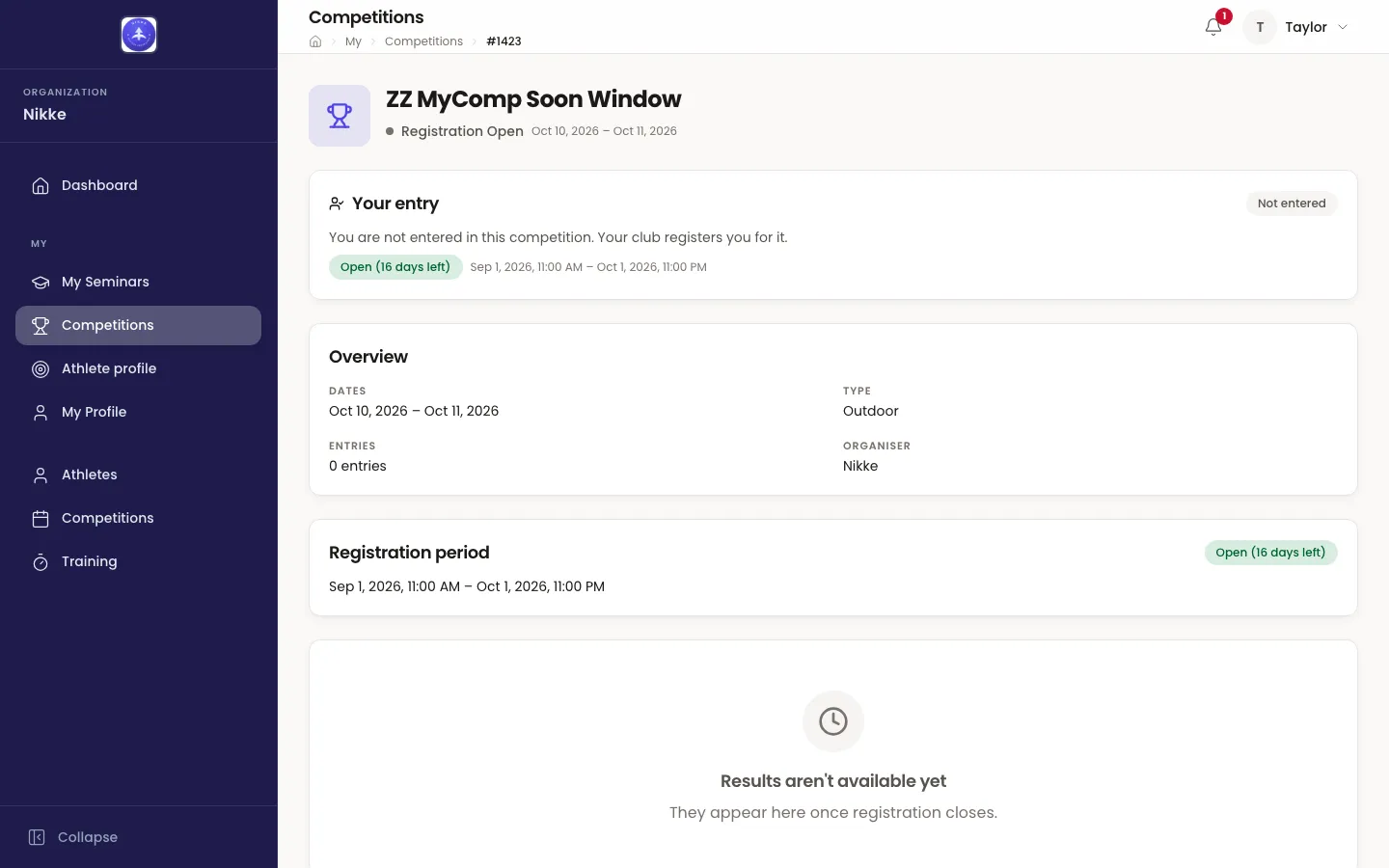
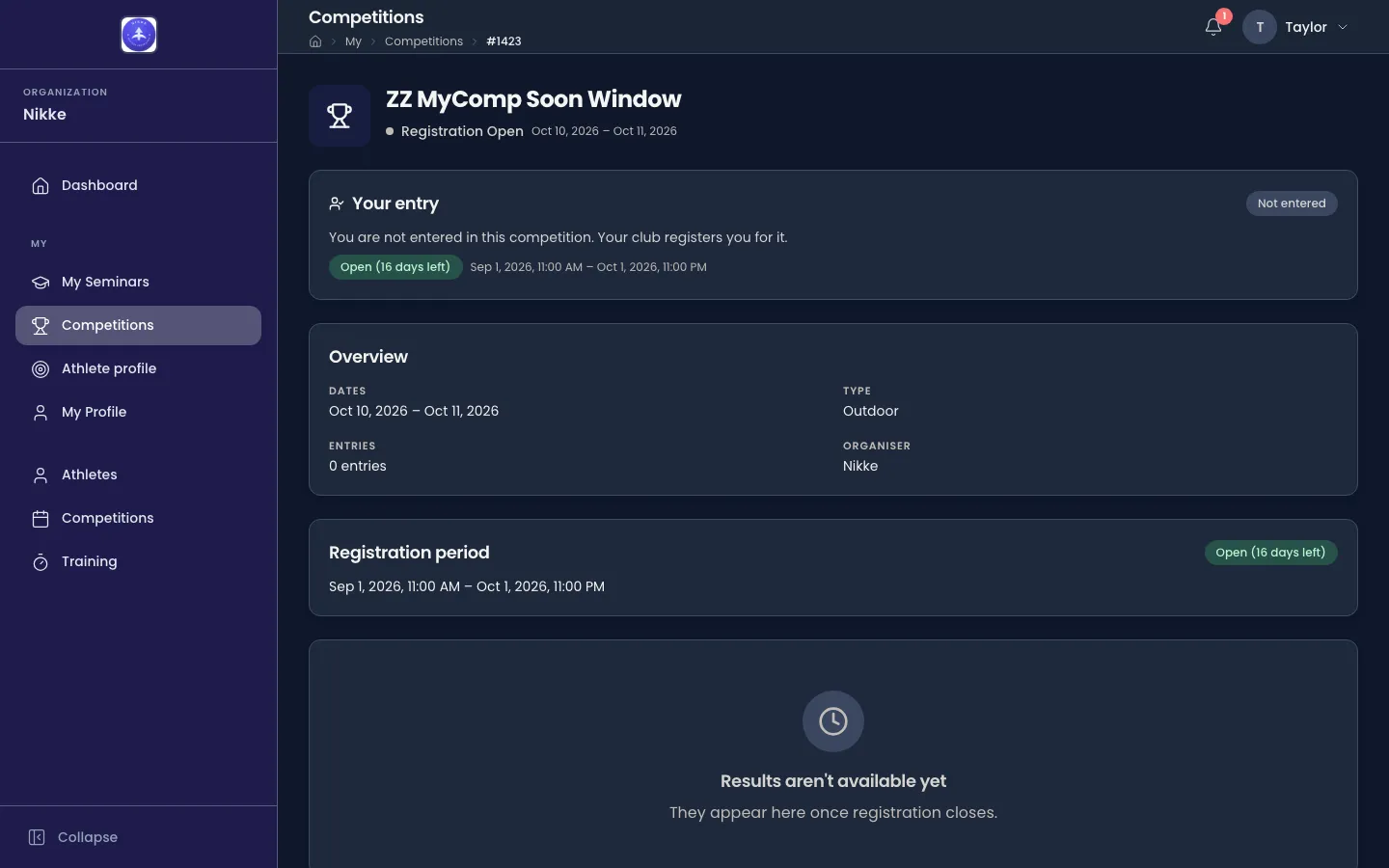
On an upcoming competition the card is Your entry. Entered, it shows your standing — Entered, Withdrawn, No show or Disqualified — and the League you are entered in, or No league assigned yet while none has been set. Not entered, it says so — You are not entered in this competition. Your club registers you for it. — and repeats the registration window beneath, so you know how long your club has. There is nothing to press: entering is done by your club, or by whoever administers entries where you are, as Entries describes.
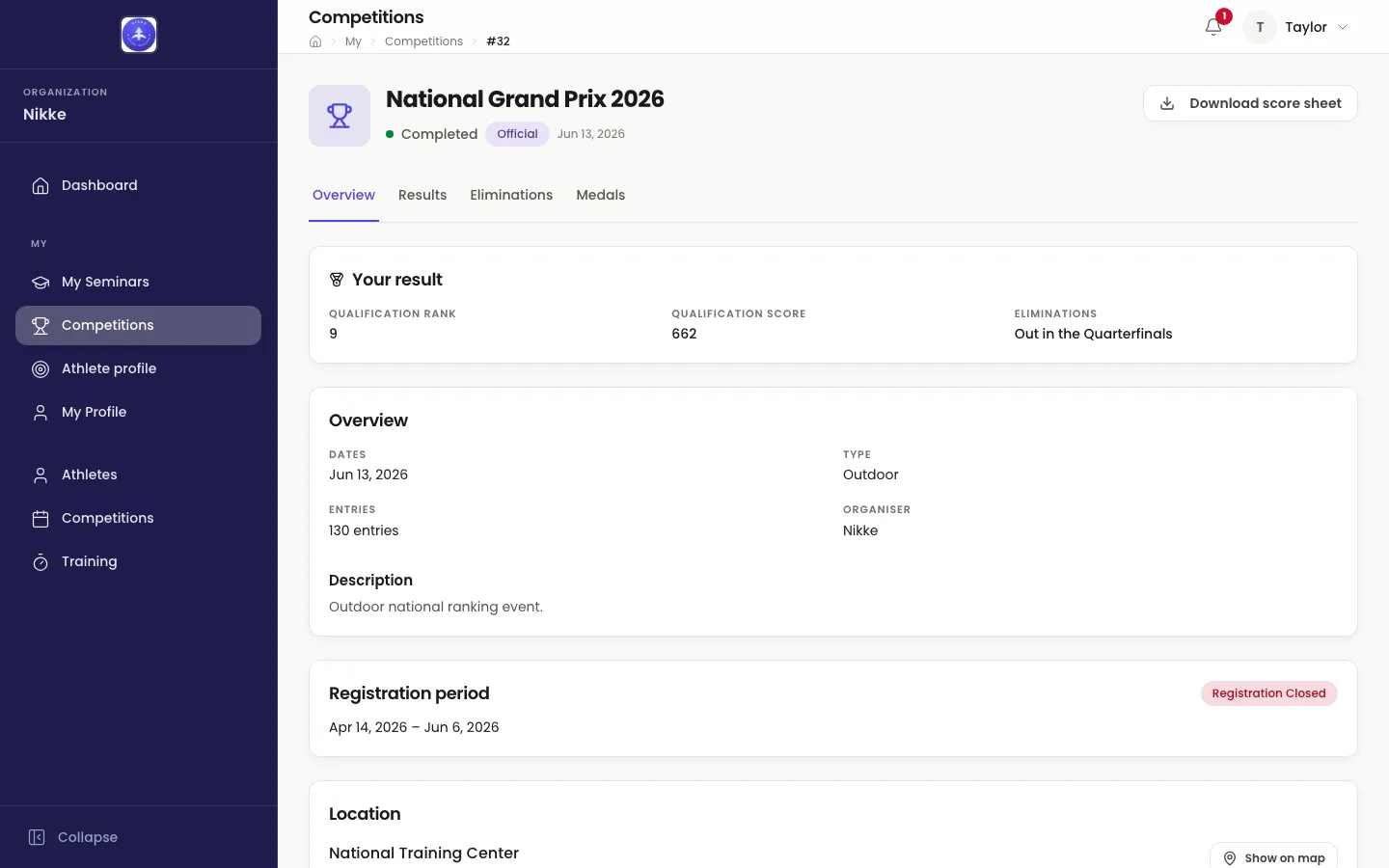
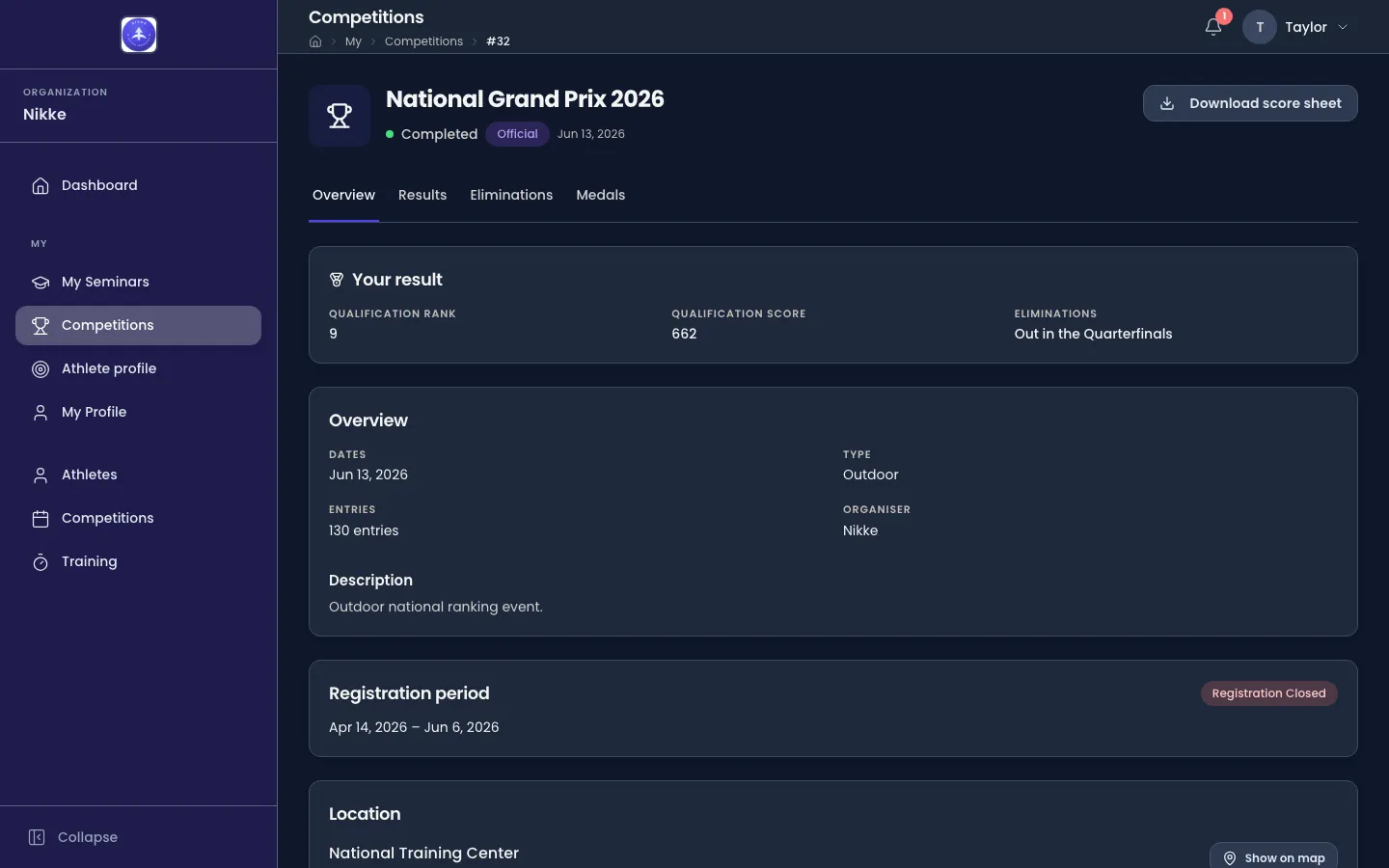
On a past competition you were entered in, the card is Your result: your Qualification rank and Qualification score, and under Eliminations how far you went — Out in the Quarterfinals, Out in the Round of 16, and so on, a 1st place to 4th place where you reached the medal matches, or Did not shoot the eliminations. An individual medal shows as a Gold medal, Silver medal or Bronze medal chip at the card’s right. It is the same result everyone reads on the Results, Eliminations and Medals tabs, marked out for you — it never holds a number the shared results do not. A past competition you were not entered in has no card; one you were entered in but that recorded nothing for you shows dashes and Did not shoot the eliminations.
The two cards, the Your entry column, the You markers on the tabs below and Download score sheet appear only for a person with an athlete record, and only where your federation, club or academy keeps the athlete portal on; switched off, the calendar is the same for everyone.
Results
Section titled “Results”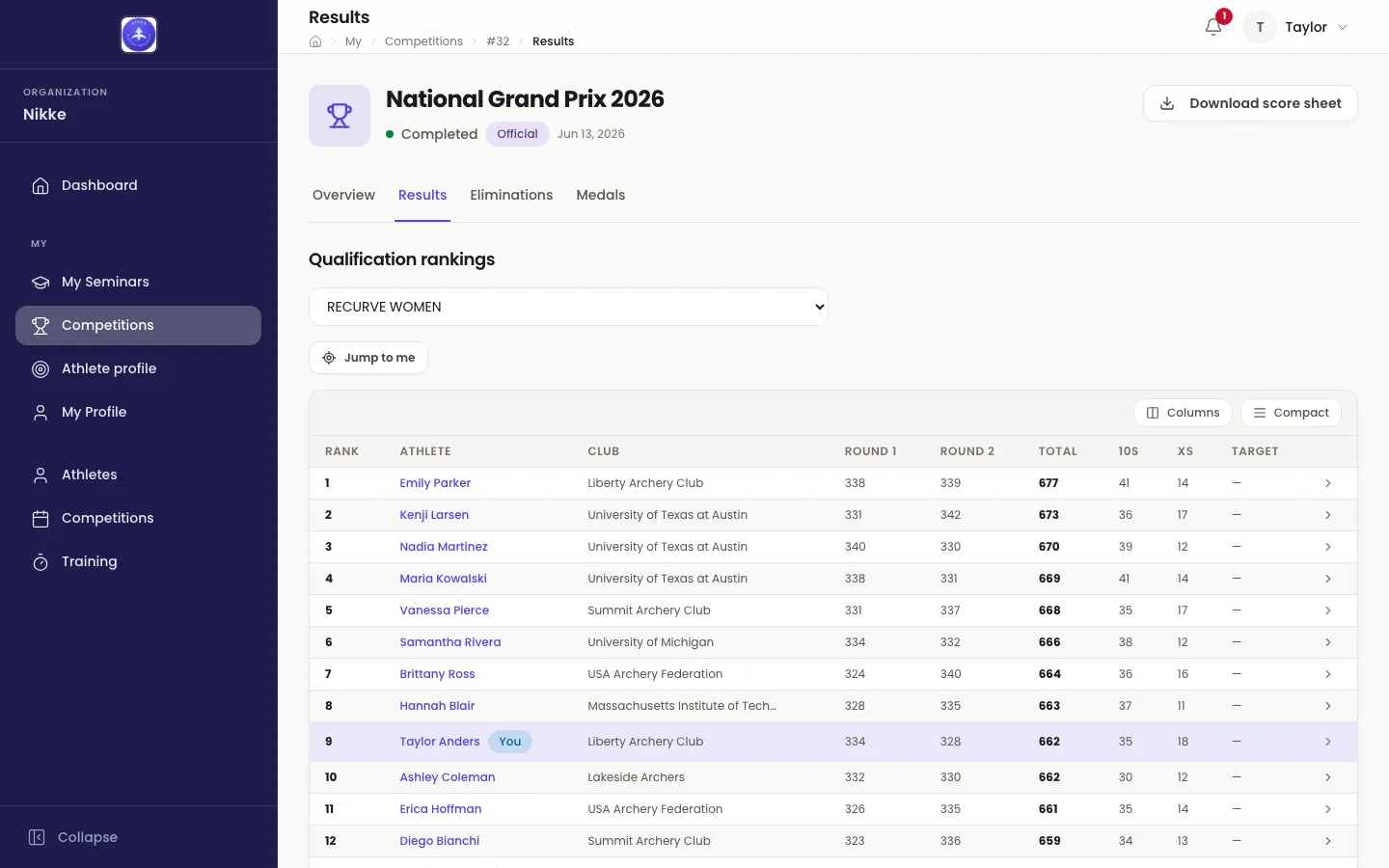
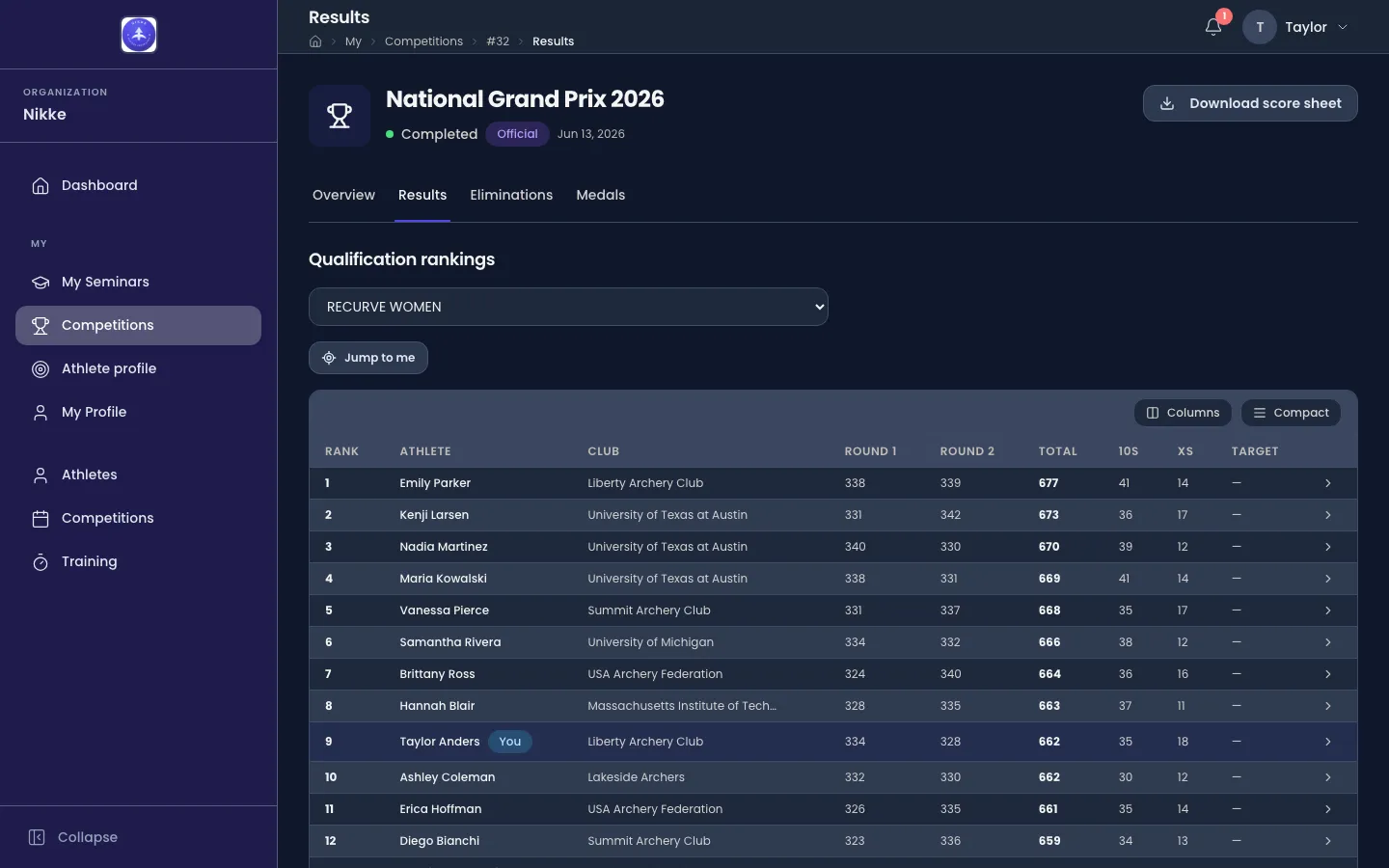
Qualification rankings lists every archer with a qualification score, ranked within their league. The dropdown opens on All leagues; pick one league to read its ranking on its own — on All leagues each league’s leader is a rank 1, so the ranks repeat. The columns are Rank, Athlete, Club, one Round 1, Round 2 … column for each qualification round shot, Total, 10s, Xs and Target.
Where you shot the competition, your own row is tinted and carries a You chip after your name, and a Jump to me button beside the dropdown scrolls the table to it. The button is only offered while your row is in the table on screen — pick a league you did not shoot in and it goes.
While the competition is being shot — today is inside its dates and it is qualifying or has eliminations in progress — a green Live badge with Updates every 60s sits above the table, and the ranking refreshes itself on that rhythm. Outside its dates there is no badge and no polling, even if the competition was left in one of those states.
Open a row to see how that archer’s total was built: their Rank, Total, 10s and Xs, then one card per round listing every end — End 1, End 2 … — with each arrow’s value and the end’s total, an X shown in its own colour. A round with nothing recorded says No arrows recorded for this round. Back to rankings returns to the table.
Eliminations
Section titled “Eliminations”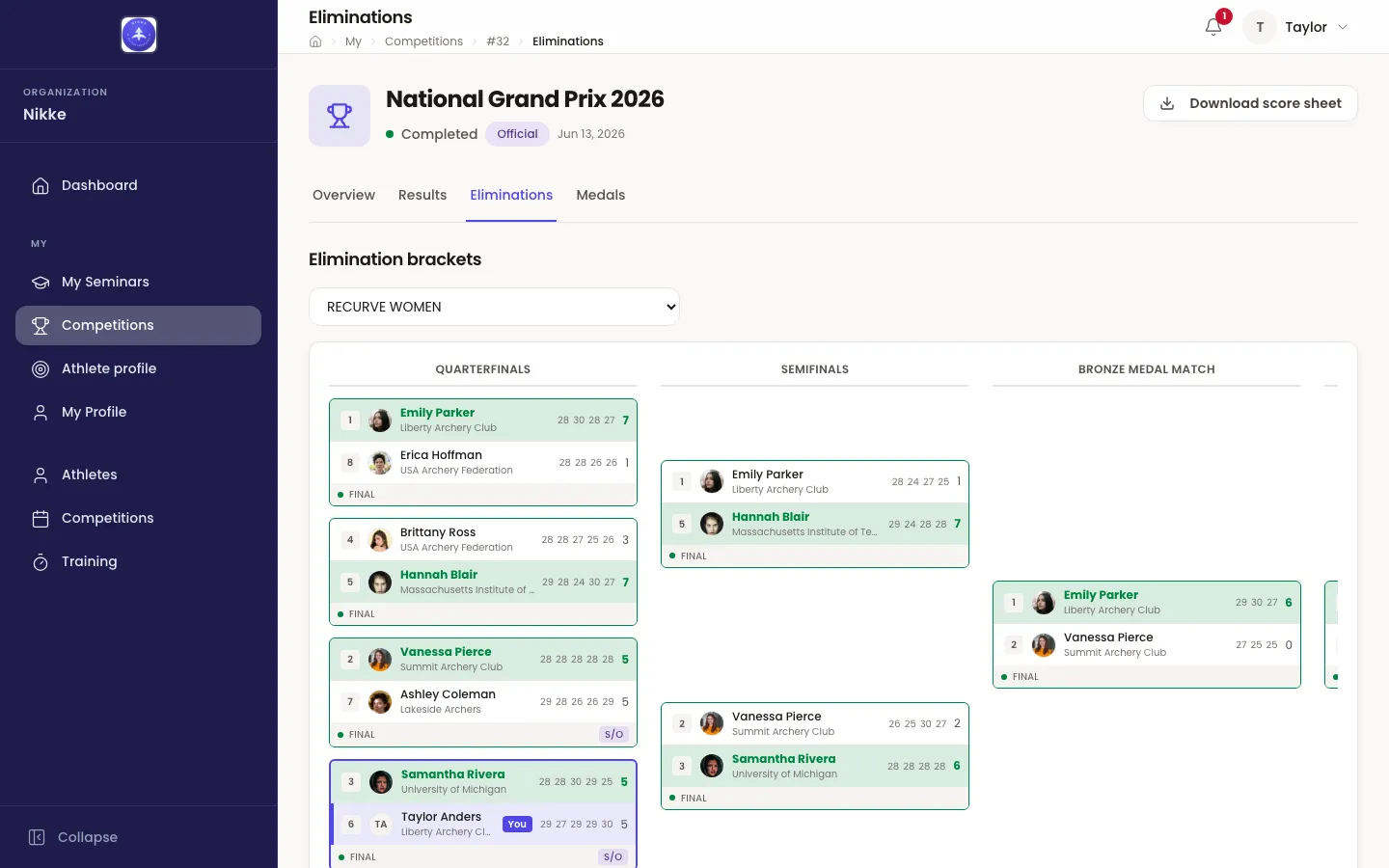
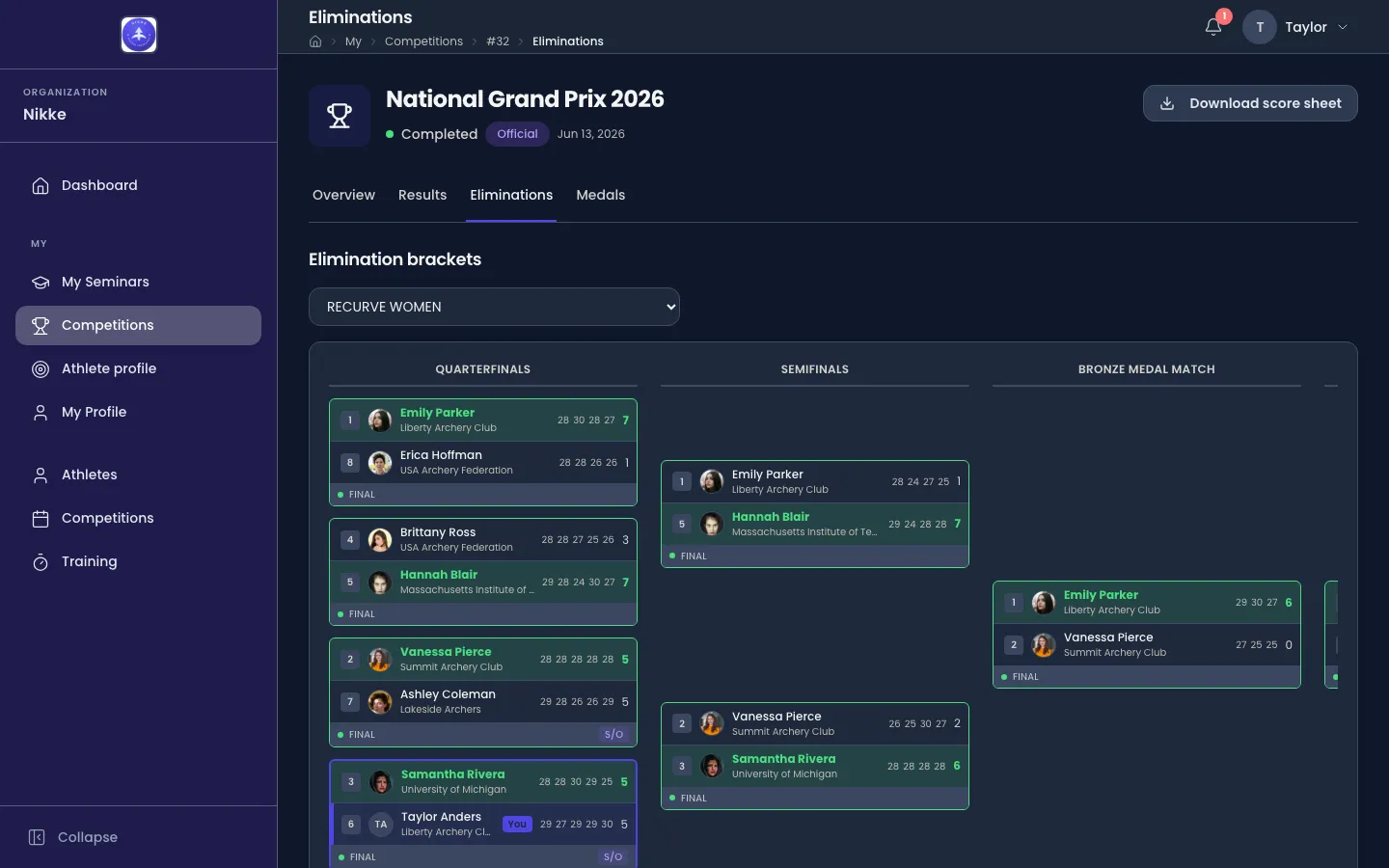
Elimination brackets shows one league’s bracket at a time — choose it in the dropdown. For an archer entered in the competition, the dropdown opens on your own league; for anyone else, on the first. Where a league also ran a team round or a mixed team round, an Individual / Team / Mixed switch appears under the dropdown and each is a bracket of its own.
The board reads left to right by round — Round of 16, Quarterfinals, Semifinals, then Bronze medal match and, last, Gold medal match. Every match is a card: each side’s seed, photo — the club’s crest for a team side, initials where there is neither — name and club, the score of every set or end shot, and the set points or the match total, with the winner’s row tinted. The card’s footer says where the match stands — Scheduled, Live, Final, Bye or Walkover — and shows S/O when a shoot-off settled it. A slot whose archer is not yet known reads To be decided.
Your own matches are outlined in your federation, club or academy’s colour, and your side of each carries a You pill — so your run through the bracket reads as one line down the tree. A team side you shot in is marked the same way.
Open a card to read the match end by end. The scorecard names the round and league, and states the format: Set scoring with the arrows per set and the sets it can run to (the recurve and barebow form, where each set is won, drawn or lost for set points), or Cumulative scoring with the arrows per end and the number of ends (the compound form, where the arrows simply add up). The two sides sit side by side with their Set points or Total, and a table lists each Set or End with every arrow on both sides and the running totals. A team side lists its archers beneath the club. Where a shoot-off decided the match, a Shoot-off row shows the arrows and the card says so — Decided by a shoot-off., or that it was decided on closeness to the centre. Back to the bracket returns to the board.
Medals
Section titled “Medals”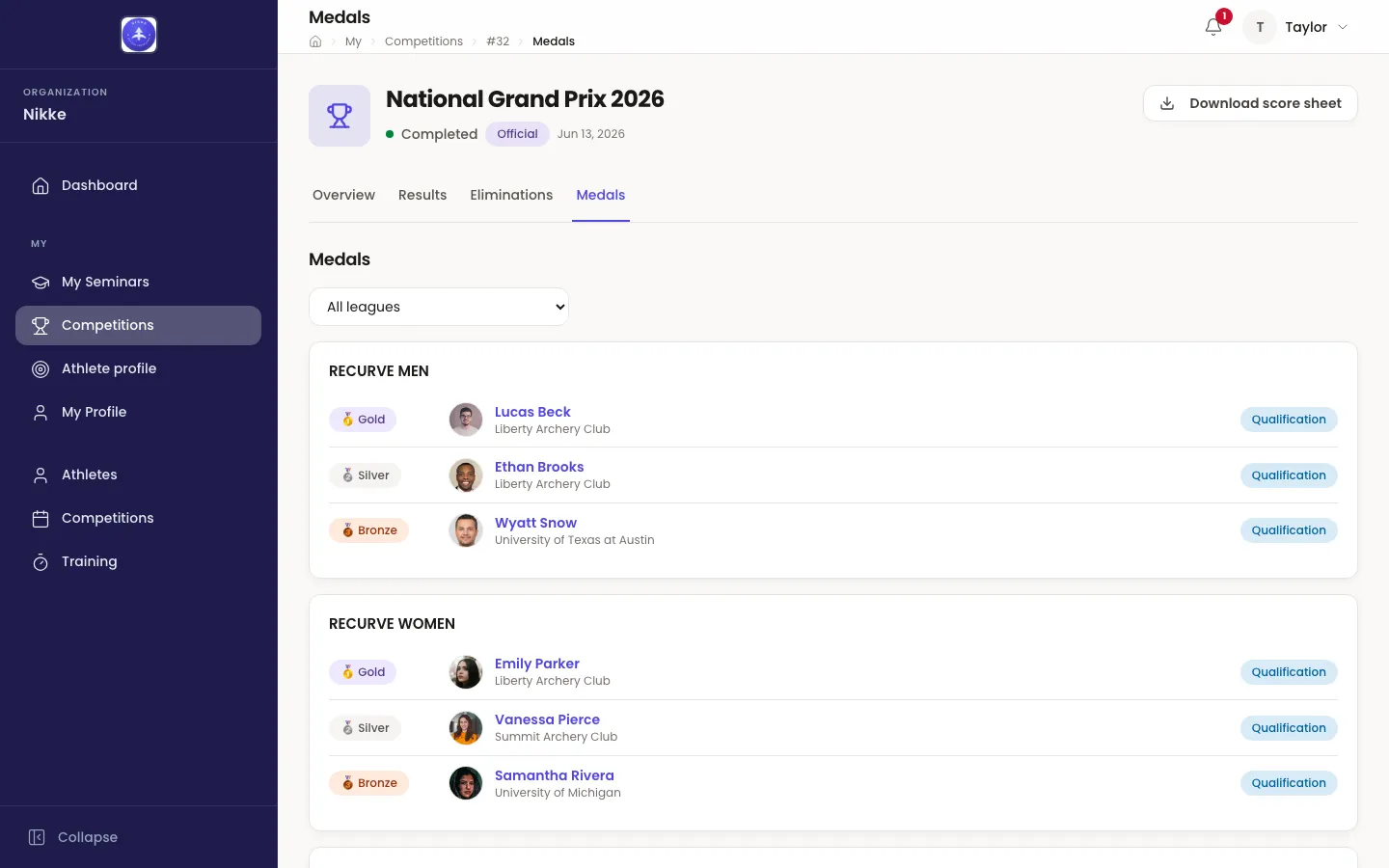
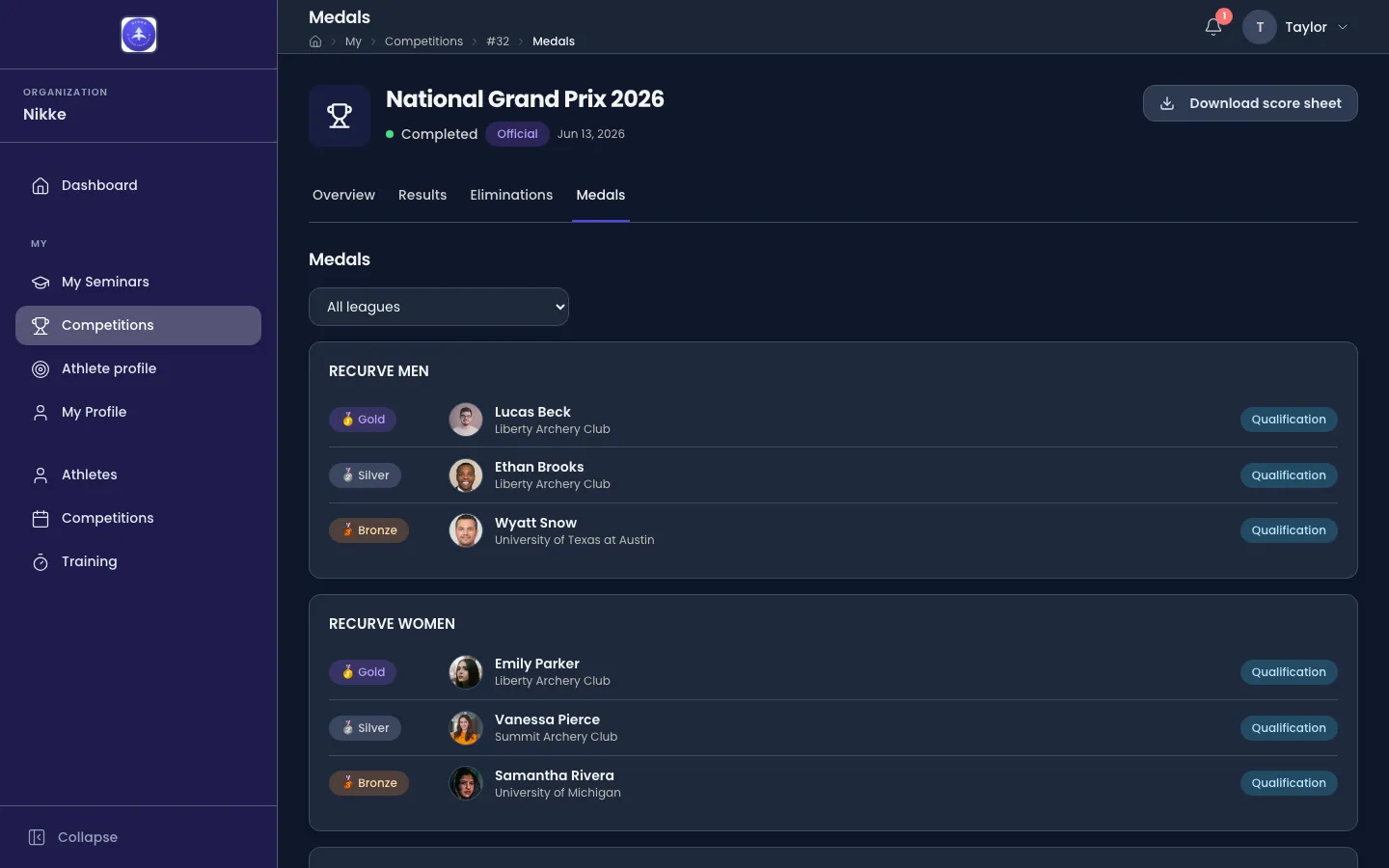
Medals shows who stood on the podium, one card per league — all of them, or one picked from the dropdown. Each row is a Gold, Silver or Bronze chip, the winner’s photo, name and club, and a chip saying how the medal was won: Elimination for a medal decided in the bracket, Qualification for one awarded on the qualification ranking. A league that also awarded team or mixed team medals groups its rows under Individual, Team and Mixed; a team medal shows the club’s crest (its initials where it has none) and name, with the archers of the side listed beneath. Until the finals are decided the tab says No medals yet.
Back to competitions, at the foot of every tab, returns to the calendar — to the Past tab for a past competition, so you land back where you came from.
What the calendar shows — and what it does not
Section titled “What the calendar shows — and what it does not”The calendar only ever shows what you may already see. A competition your federation, club or academy keeps hidden from the public calendar stays hidden here too — unless you are connected to it, by an entry, a judging assignment or an announcer grant, in which case it appears for you and not for others. A hidden competition and a competition that does not exist answer with the same Competition not found page, deliberately: the page refuses to confirm that there is something you cannot see.
Results follow the same rule: what you may read on the Results, Eliminations and Medals tabs is decided by the competition’s visibility, never by your permissions. Your own entry and result are the one exception in the other direction — they are shown to you because the athlete record is yours, and to nobody else.
This is the same rule the mobile app follows — signed in, its events feed reads this calendar, so a competition you are entered in shows up on your phone even when the public feed does not carry it.
Athletes cross paths with this page from elsewhere too: a competition named on your Athlete profile — in its recent competitions, its medals or its team rounds — links straight to its calendar page, as does one named on an athlete’s record in the club portal.
Updated for v1.63.0