
Signing in
Velos does not ask you for a password. You give it your email address, it emails you a six-digit code, and that code signs you in. Nothing to remember, and nothing to leak.
Sign in with a code
Section titled “Sign in with a code”Step 1 — enter your email address.
Open Velos and you land on the sign-in page. Type the email address your account was created with, then choose Continue.
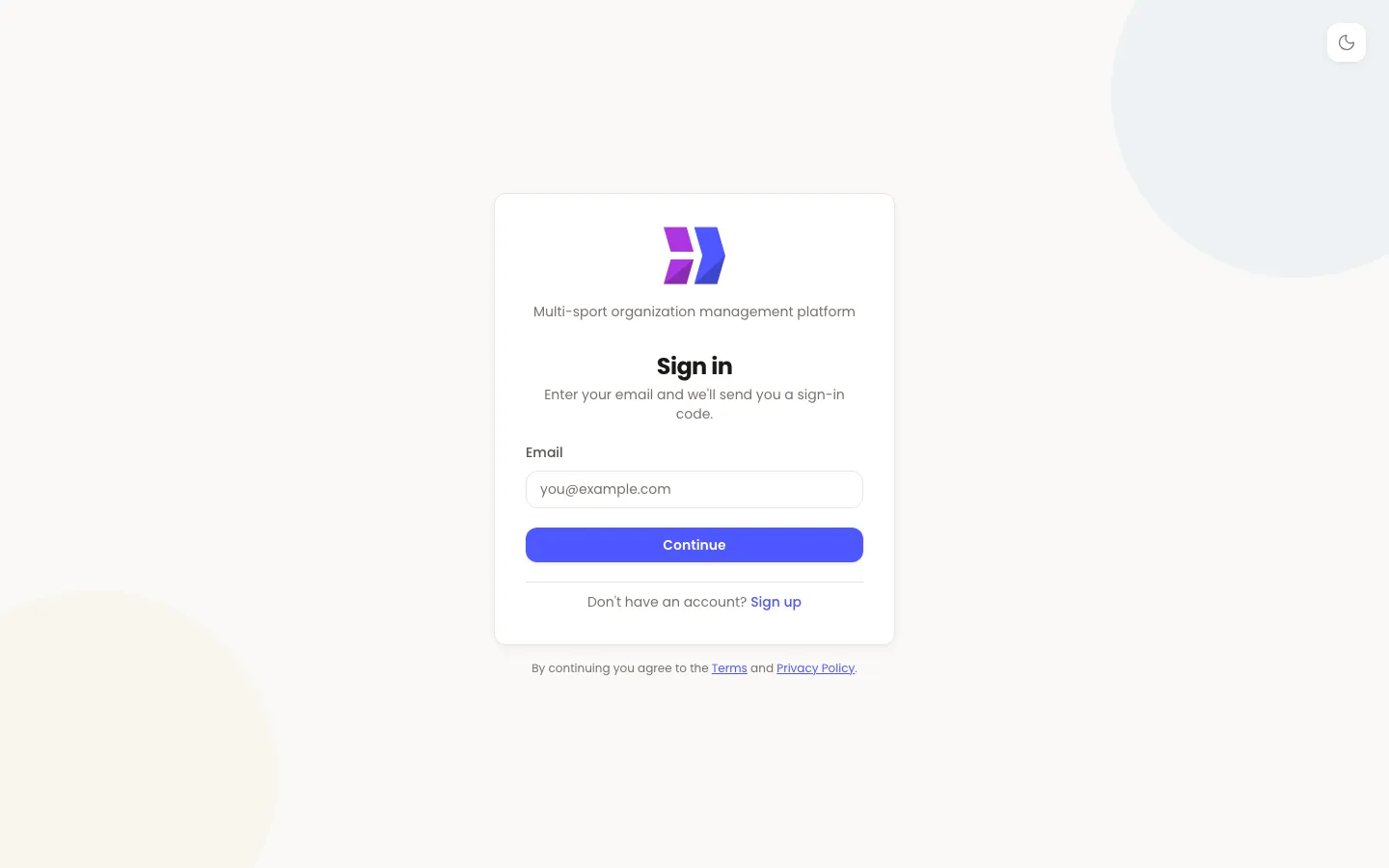
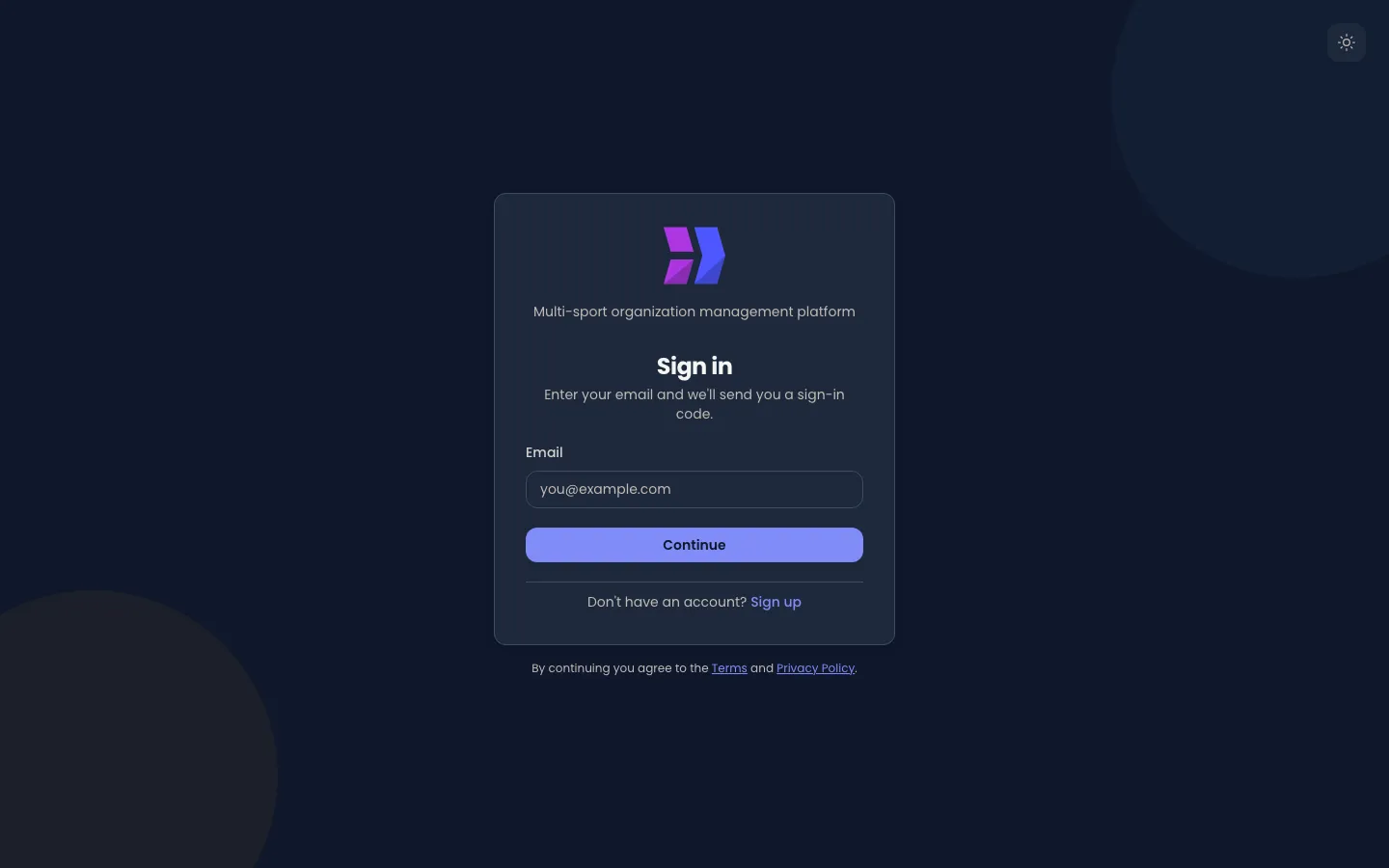
If you are not sure which address that is, ask whoever set your account up. It is usually the address they contacted you on.
Step 2 — enter the code from your email.
Velos emails you a six-digit code and swaps the page for a code box. Type the six digits — Velos checks the code the moment the last one goes in, so Sign In is only there for when you paste it.
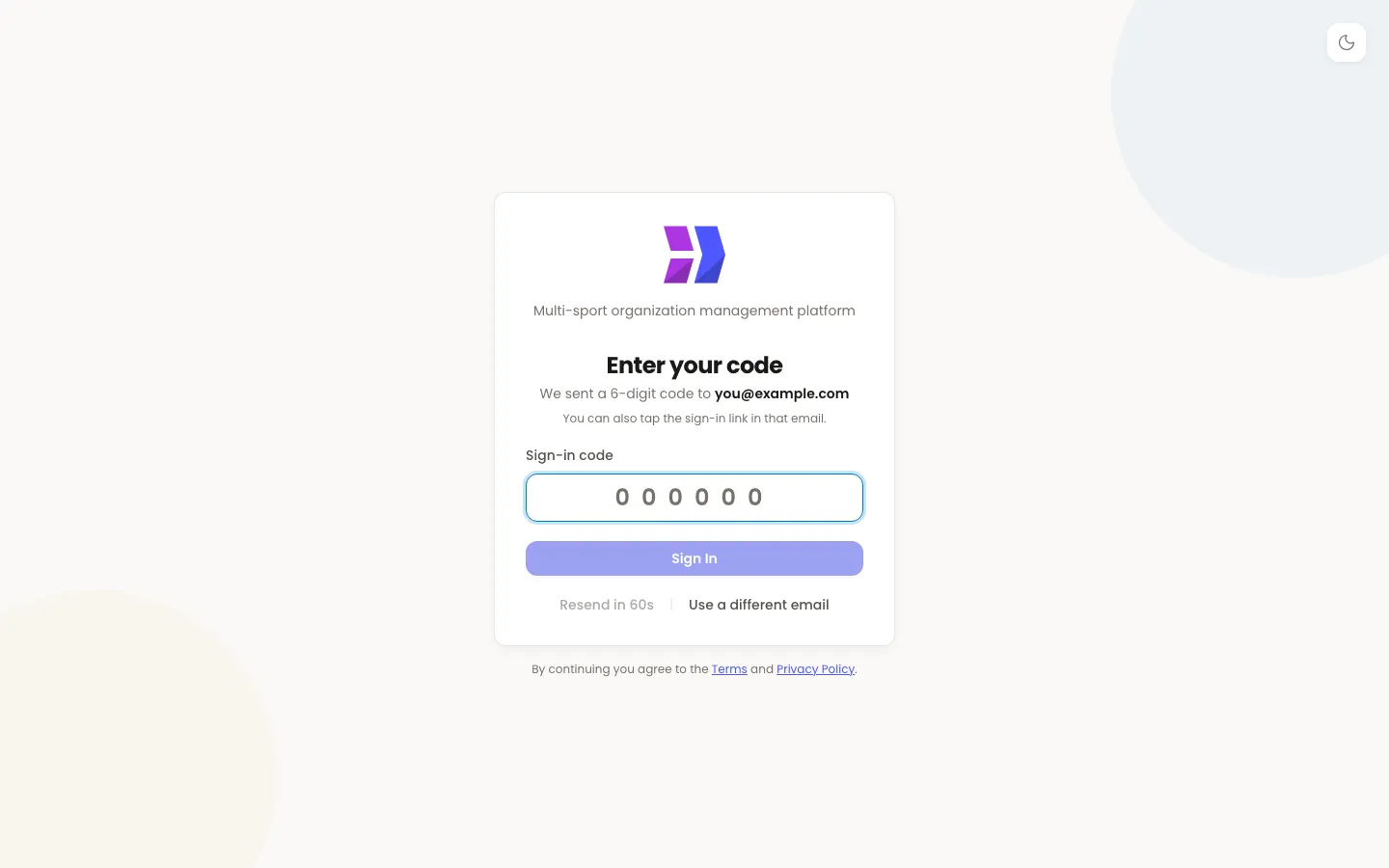
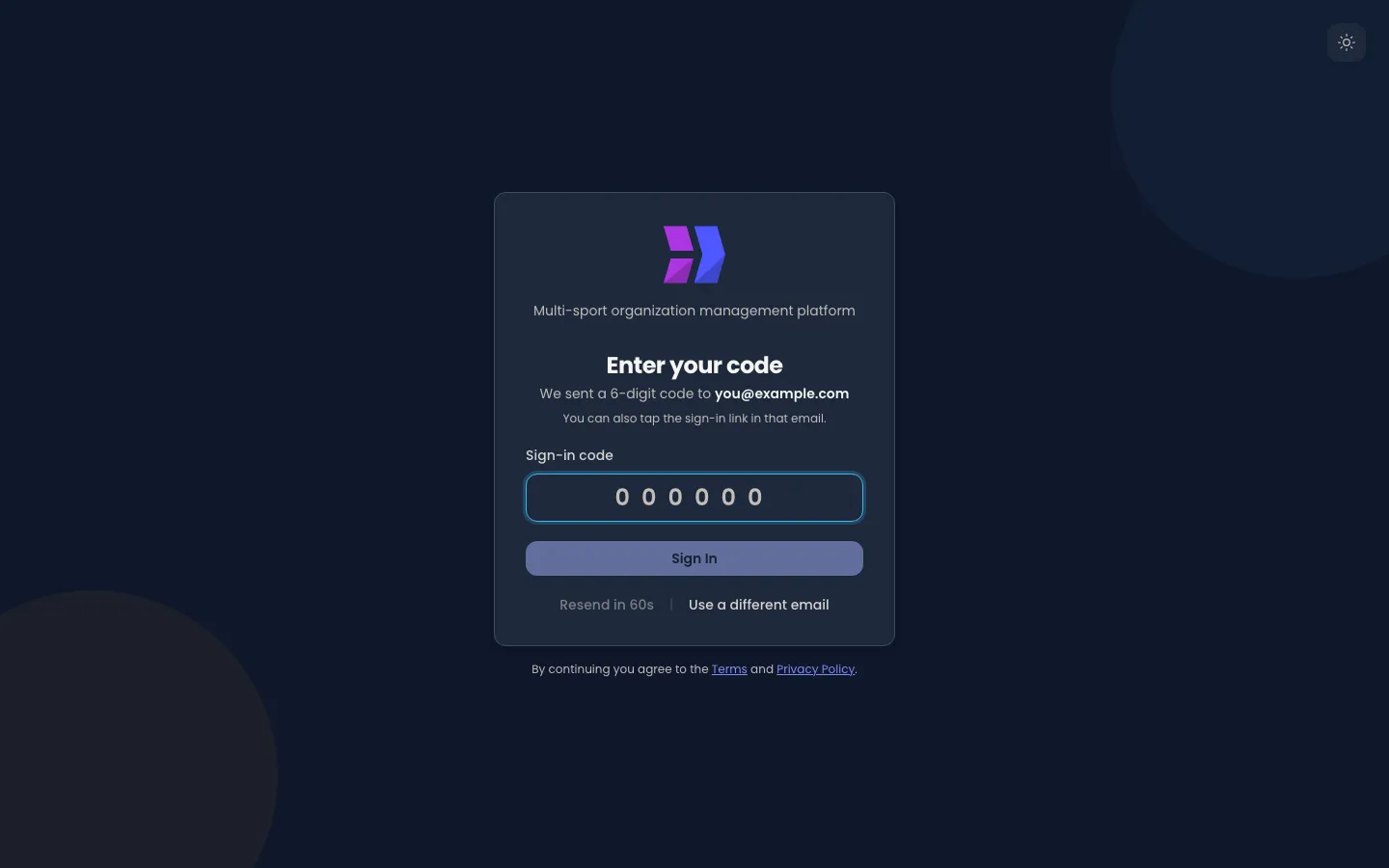
The same email also contains a sign-in link. Opening that link on the device you want to be signed in on does the same job as typing the code, which is easier on a phone.
Step 3 — if your address is used in more than one place, choose one.
Some people belong to more than one — a coach at a club who also helps at the federation. If your email address reaches several of them, Velos asks which one you are signing in to after your code is accepted. You can sign out and sign back in to switch.
Where you land
Section titled “Where you land”Where you arrive depends on what your account is. Staff land on the dashboard, described in Finding your way around. Everyone else lands on the first of their own pages: a club coach or official on My Club, a judge on My Judging, anyone else on the competition calendar or their own profile. Those pages are covered in Your own pages.
When the code does not arrive
Section titled “When the code does not arrive”Work down this list. The first two account for almost every case.
- Check your spam or junk folder. The email arrives from your federation, club or academy’s Velos address, which your mail provider has not seen before.
- Check the address you typed. Velos deliberately shows the same “we sent you a code” screen whether or not the address it was given belongs to an account — that is what stops a stranger using the sign-in page to find out who has an account. So a typo looks exactly like a successful send. Choose Use a different email and try again.
- Wait for the resend. The Resend code link is disabled for the first minute, so the countdown is normal and not a fault. When it becomes available, use it once.
- Ask for your account to be checked. If several attempts produce nothing, the address on your account may not be the one you are checking. Whoever administers Velos where you are can see the address on file and correct it.
Codes are short-lived and single-use. If you request a second code, the first one stops working — use the newest email in your inbox, not the first.
Requests are also rate-limited per address. If you ask for many codes in a few minutes, Velos stops sending for a while; waiting a quarter of an hour clears it.
Staying signed in
Section titled “Staying signed in”Once you are in, Velos keeps you signed in on that browser. Closing the tab, or coming back the next morning, does not usually mean signing in again. Sessions do eventually expire, and when one does you are simply returned to the sign-in page.
To sign out deliberately — always do this on a shared or public computer — open the account menu at the top right and choose Logout. It ends your session on Velos itself, not only in that browser. See Finding your way around for where that menu is.
If whoever administers Velos where you are disables your account, you are signed out: a tab you have open signs out as soon as it next reaches Velos, and the sign-in page tells you why with Your account has been disabled. Contact your organization’s administrator if you need access. Only they can turn the account back on.
Signing in with a code is the same for everyone on Velos — it is not something your federation, club or academy switches on or off. Some also run the Velos mobile app for their athletes; it signs in the same way, with a code sent to the same address.
Updated for v1.63.0