
Competitions
A competition in Velos is anything your federation, club or academy runs and scores — a local shoot, a championship, a trials day — with its own dates, venue, leagues and its own run from setup to final results. It belongs to one sport and never spans sports.
This section follows a single archery competition through that run, in the order you meet it. Read it front to back before your first competition, or jump straight to the stage you are standing in.
The stages
Section titled “The stages”A competition runs five stages, and it runs them once per league — Recurve Men, Compound Women — rather than once overall. Each league moves through them on its own clock, and its own stage is the Phase column on the competition’s Leagues tab.
- Pending — the league is on the competition and can take entries; nothing has been shot in it. While every one of its leagues sits here the competition itself reads Draft, and that is where dates, the registration window, shifts and target assignments are settled.
- Qualifying — the ranking round is being shot and scored. A league arrives here on its own, the first time one of its entries is scored.
- Qualification Complete — that league’s scoring is closed and its standings are locked, which is what lets its elimination bracket be drawn from them.
- Eliminations in Progress — its head-to-head matches are being shot and scored.
- Completed — that league is settled: medals awarded, results final.
A real competition runs them out of step. Recurve Men can be shooting its bracket while Compound Women is still on the shooting line and Recurve U21 Women is already finished — which is exactly what a finals day looks like. Nothing waits for the slowest league.
The card at the top is a summary
Section titled “The card at the top is a summary”The row of stages on a competition’s Overview is a rollup of its leagues, not a gate on any of them.


It reads its leagues and reports the whole: it stays on Draft until one of them starts, shows Qualifying while any is still shooting, only reaches Qualification Complete once every league has closed its own, jumps to Eliminations in Progress the moment any league’s bracket is under way, and reaches Completed only when the last league is done. The count beside the heading — 1/6 categories complete on the competition above — is the more honest progress bar.
So when a button is missing or a screen says it is not ready yet, it is the league’s phase that is talking, not this card. Leagues is where those phases are managed.
Nothing skips ahead on its own, with two exceptions worth knowing: a league starts qualifying by itself when its first score is saved, and it completes by itself when its last bracket finishes. Everything in between happens because you asked for it.
Where you see it
Section titled “Where you see it”Every competition your federation, club or academy runs is on one list, under Archery → Competitions.
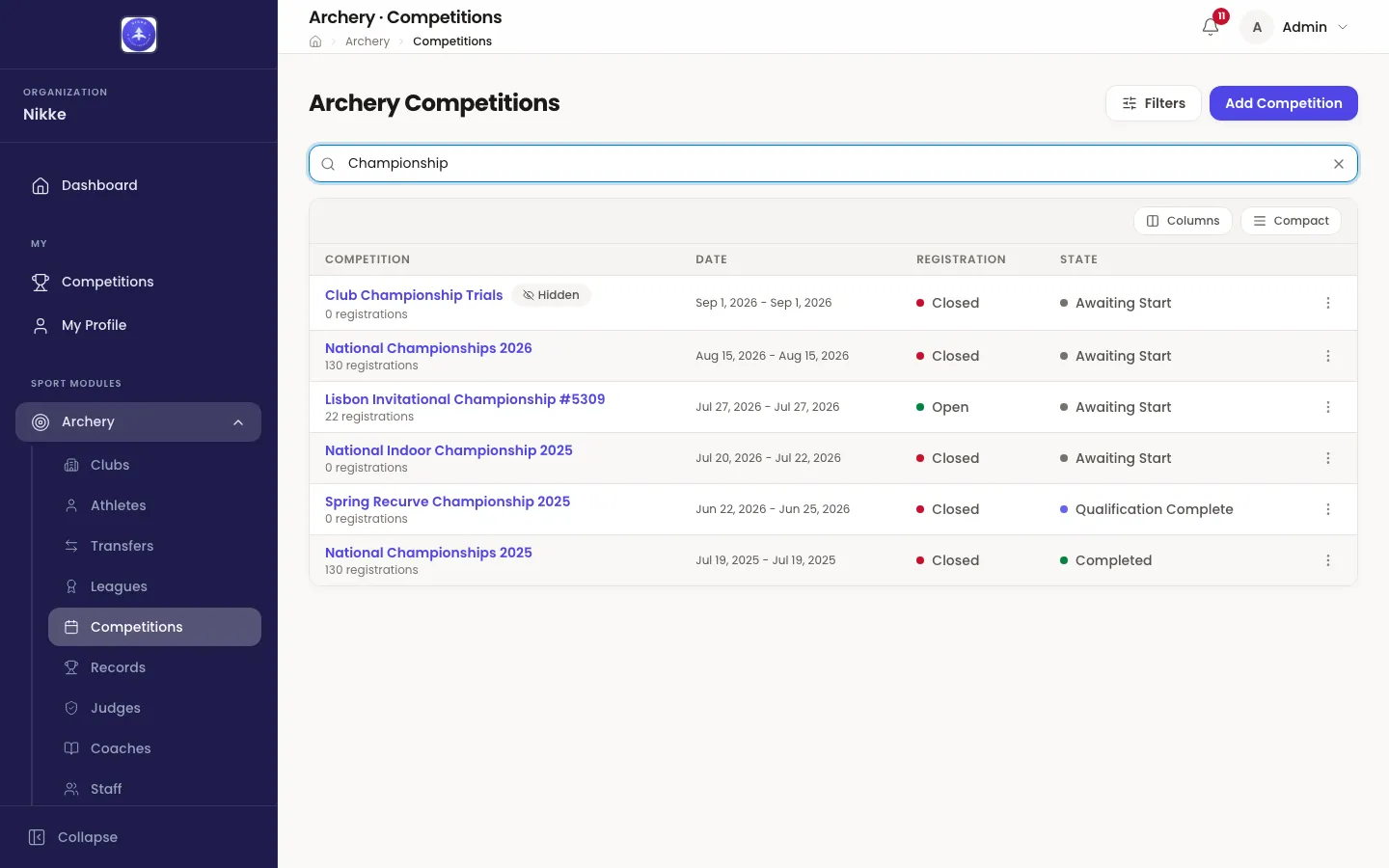
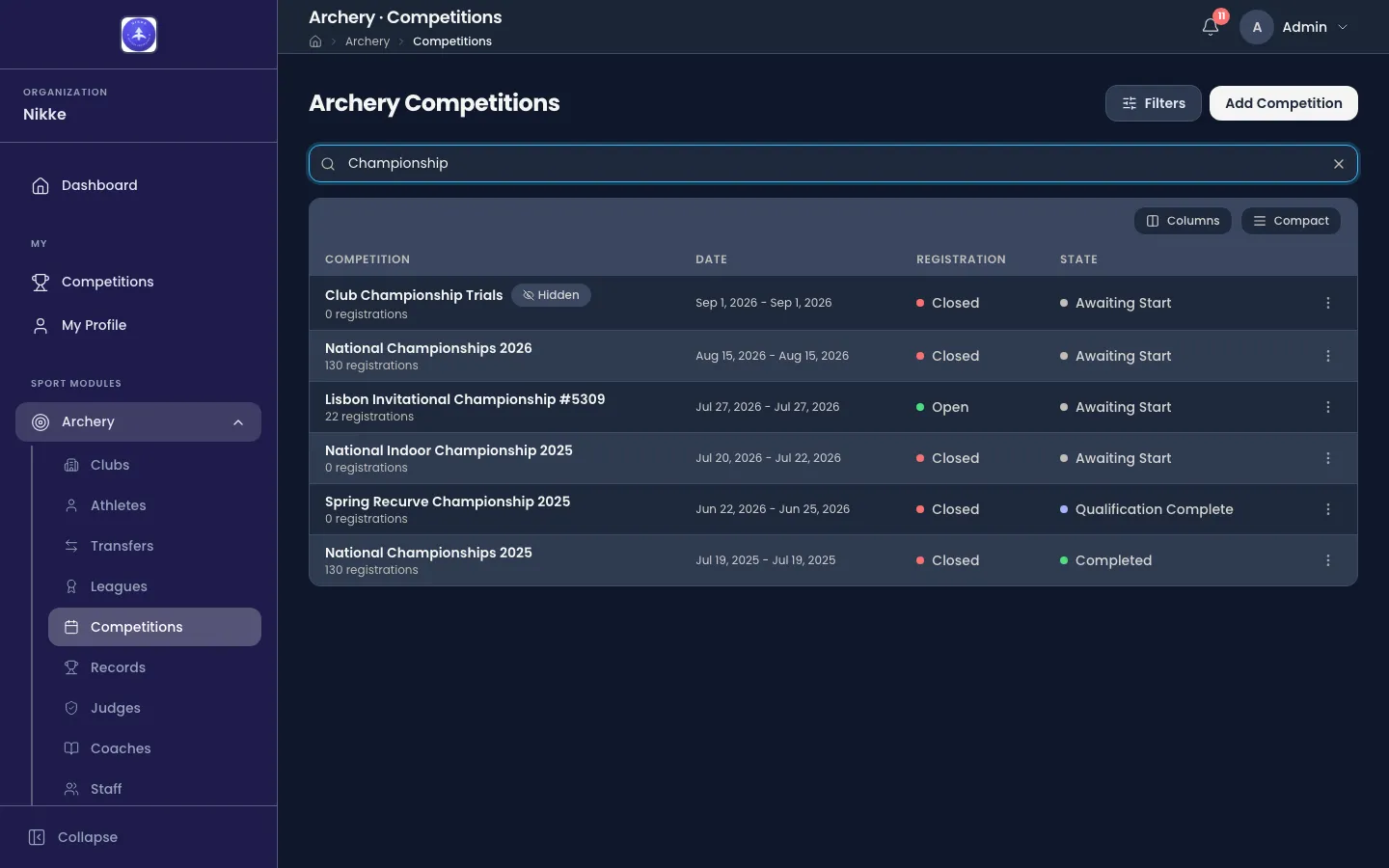
The search box above the table narrows it by name, which is how you find one competition in a federation with years of them behind it. Filters narrows it by anything else.
The two right-hand columns answer the two questions people actually ask:
- Registration — whether athletes can be entered right now, and how long is left.
- State — the stage from the list above. While a competition is still a draft this column says something more useful than “Draft”: Scheduled, Registration Open, Upcoming or Awaiting Start, depending on where today sits against its dates.
A Hidden badge means the competition is not published — it exists for the people running it and does not appear publicly. Everything in this guide works the same either way.
Open a competition and you land on its Overview, with the rest of the work on tabs across the top: Leagues, Registrations, Shifts, Scoring, Eliminations, Medals, Records, Sponsors and Prints. Those tabs are the order of the job, left to right. Two more appear only where your federation, club or academy has switched them on and your account may use them: Scoring monitor, between Scoring and Eliminations, and Announcer at the end.
Deleting a competition
Section titled “Deleting a competition”Delete, at the top of the competition and in the ⋮ menu of its row on the list, removes it. While nobody is entered it simply asks you to confirm. Once entries exist it warns instead: the competition has so many registrations, and deleting it also deletes all of them — and any withdrawn, no-show or disqualified entries — along with every score, shift and bracket, which cannot be undone. Where every entry has been withdrawn, marked no-show or disqualified, the warning says there are no registered entries but those are still there, and deletes them too. Where the competition set records, the warning adds that they will be retracted and the previous holders reinstated. Confirm and it goes ahead; for an event that was actually shot, prefer leaving it in place and hidden.
Who does what
Section titled “Who does what”Velos does not give a competition its own set of roles — what you can do here is what your account can do generally, described in Roles and access. In practice:
- Organizers set the competition up, take entries, build shifts, close qualification, draw brackets and award medals.
- Scoring staff and judges work in Scoring and in the elimination Score Entry screen, and check what has been entered against the paper scorecards.
- Clubs see the competition and their own athletes’ entries, and can enter athletes while registration is open.
- Athletes see their own entry, their shift and their target, in the mobile app.
The stages, page by page
Section titled “The stages, page by page”- Setting up — creating the competition and opening its registration window.
- Leagues — the leagues a competition runs, what they are shot at, who may enter them, and the five phases each one moves through.
- Entries — getting athletes into it, and what an entry’s status means once they are in.
- Shifts and targets — scheduling who shoots when, and putting every archer on a numbered target.
- Qualification — recording ends and arrows, ending shifts, and closing a league’s qualification.
- Eliminations — drawing brackets from the standings, scoring matches, and shoot-offs.
- Team and mixed team events — the club teams a league fields, how they are picked and seeded, and the matches they shoot.
- Field of play — the shifts a finals day is shot in, and which match stands on which target.
- Medals and final standings — where a league’s medals come from, and the finishing order behind them.
- Results and prints — the paperwork the day itself needs, the record book, and results on a screen.
Competitions are shot by athletes, and athletes belong to clubs. Clubs covers how those rosters are kept, and who may enter whom.
Updated for v1.63.0