
Performance
Every score Velos holds is attached to the athlete who shot it — a qualification round, an elimination match, a training session. Performance is what the platform does with them afterwards: totals, trends and comparisons that are read rather than entered. Nothing here is typed in; every figure on these pages is calculated from something already recorded.
It arrives in two layers, and it is worth knowing which one you are looking at before you go hunting for a screen.
What every athlete record carries
Section titled “What every athlete record carries”The first layer is always there. Open an athlete under Archery → Athletes and their record already totals what they have shot — no configuration, no separate area to find.
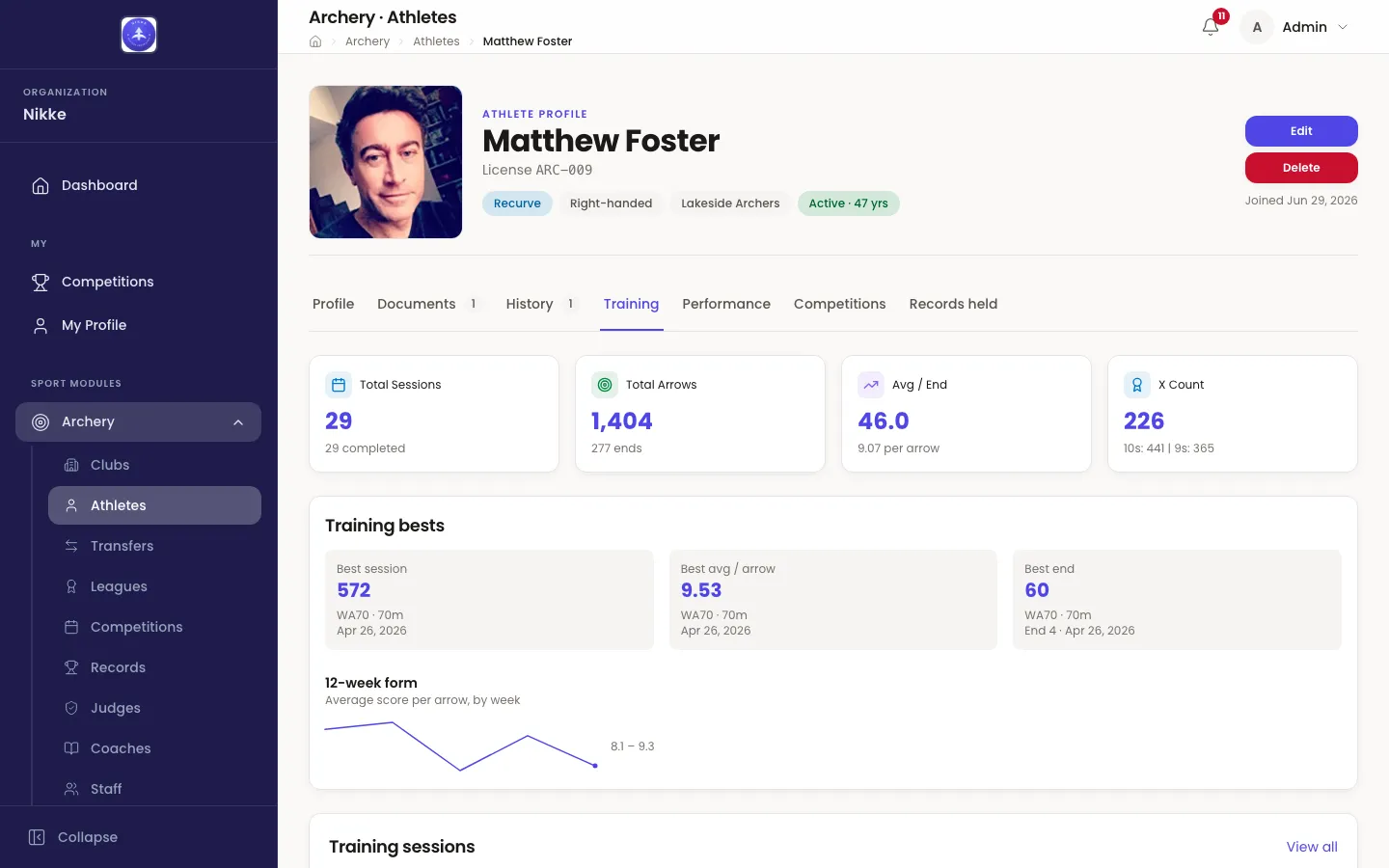
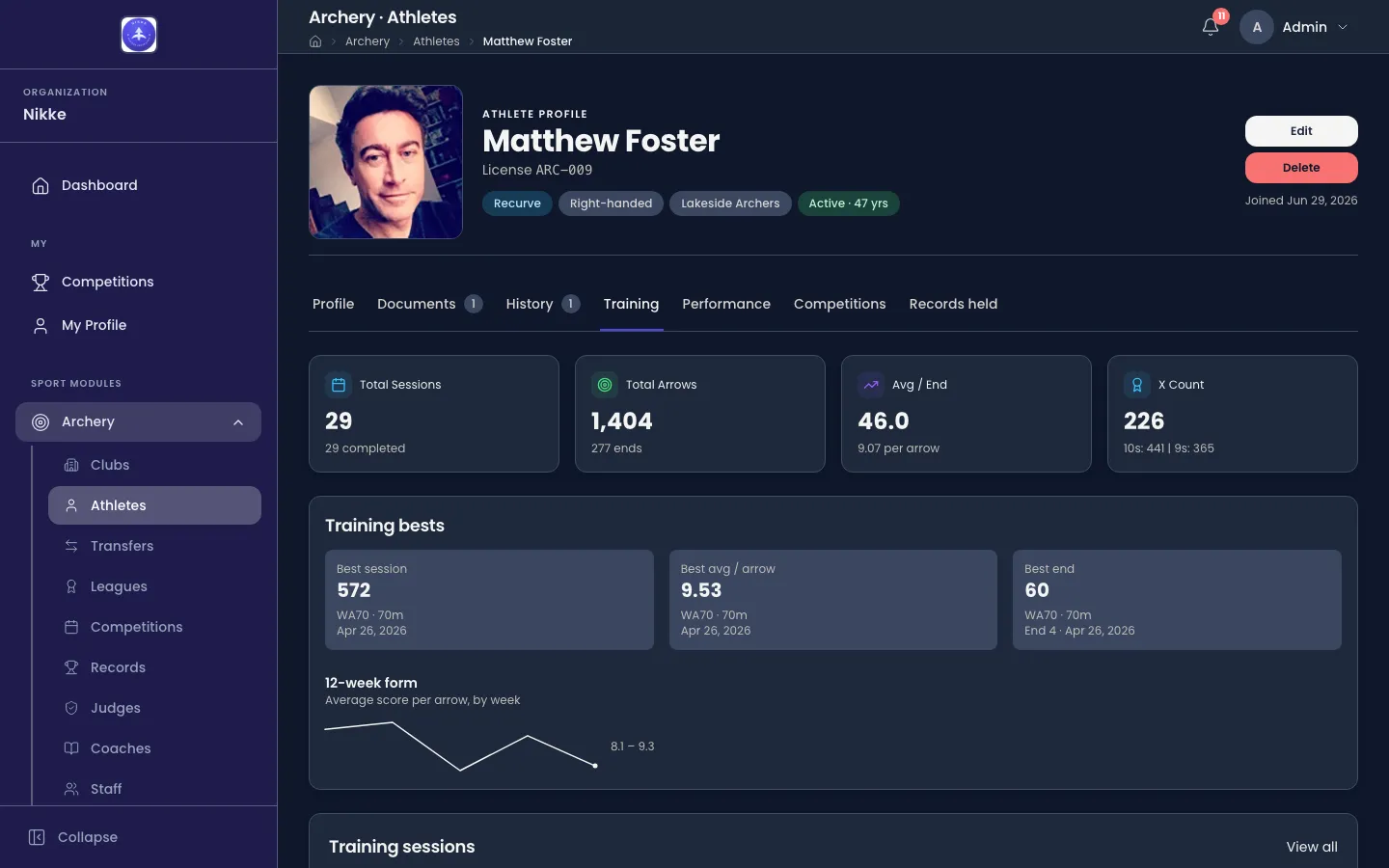
- Total Sessions counts every training session, with how many of them finished.
- Total Arrows counts the arrows, with the number of ends they came in.
- Avg / End is the average end score, with the per-arrow average under it.
- X Count counts the Xs, with the 10s and 9s under it.
These four — and the Training bests and 12-week form cards under them — are explained where they are recorded, in Training. The tab beside them — Performance — is the second layer, and it only appears where the Performance suite is switched on.
The Performance suite
Section titled “The Performance suite”The second layer is a set of screens for federations and academies that manage athletes as a programme rather than one at a time: squads, season form, match analytics, and exports for selection meetings. It lives under Archery → Performance in the sidebar and opens on a strip of five tabs — Cockpit, Squads, Talent, Match-craft and Reports.
If Performance is not in your sidebar, nothing is broken and nothing is hidden behind a menu. The suite is not part of every Velos: it is switched on per federation, club or academy, and where it is off, the athlete record simply has no Performance tab either. Ask whoever administers Velos where you are.
Two things are worth knowing before you read any figure in it.
It reads, it never writes. The suite computes from competition results and training sessions that already exist. A number that looks wrong is a scoring correction to be made where the score was entered, not something to fix here.
A lens sits over almost every screen. Indoor and outdoor arrows are never mixed, and most screens are scoped to one season as well. The filter row is not decoration — change it and the figures change with it.
The pages in this section
Section titled “The pages in this section”- The squad cockpit — the board a coach lands on, the filters that narrow it, the watchlist, and the squads behind the filter.
- Athlete analysis — one athlete’s progression and consistency, and the cohort view that looks for the athletes you have not noticed yet.
- Match-craft and reports — what elimination results say about an athlete’s match play, and the exports that take any of it away with you.
You have reached the end of the guides. If you arrived here first, the sensible place to start is Getting started — signing in, what your account can do, and how the sidebar is laid out.
Updated for v1.63.0