
Roles and access
Two people can sign in to the same Velos and see two different apps. That is not a fault: what your account can do is decided when it is set up, and Velos hides what you cannot use rather than showing you buttons that would refuse you.
How access is decided
Section titled “How access is decided”Two things decide what you get.
How far your account reaches. Velos calls this the account type, and there are three:
| Account type | Reaches |
|---|---|
| Organization | Everything belonging to the federation, club or academy you signed in to. |
| Club | One club — its athletes, its entries, its training. |
| Individual | One person’s own data, and the assignments given to them. |
What your account is allowed to do inside that reach. Each account carries a list of permissions — read athletes, write entries, approve transfers, and so on. Whoever sets your account up usually starts from one of the roles below rather than picking permissions one by one, and the account remembers which role that was: its form reads Role: and the name, then Matches the role exactly or how far it has since been adjusted — +2 extra, −1 removed. The name is a label for the job the login was set up for; it grants nothing on its own, and a role edited later does not follow the accounts already made from it.
The six built-in roles
Section titled “The six built-in roles”Every Velos comes with these. They are starting points: your account may have been adjusted afterwards, so treat the descriptions as the shape of the job rather than a guarantee.
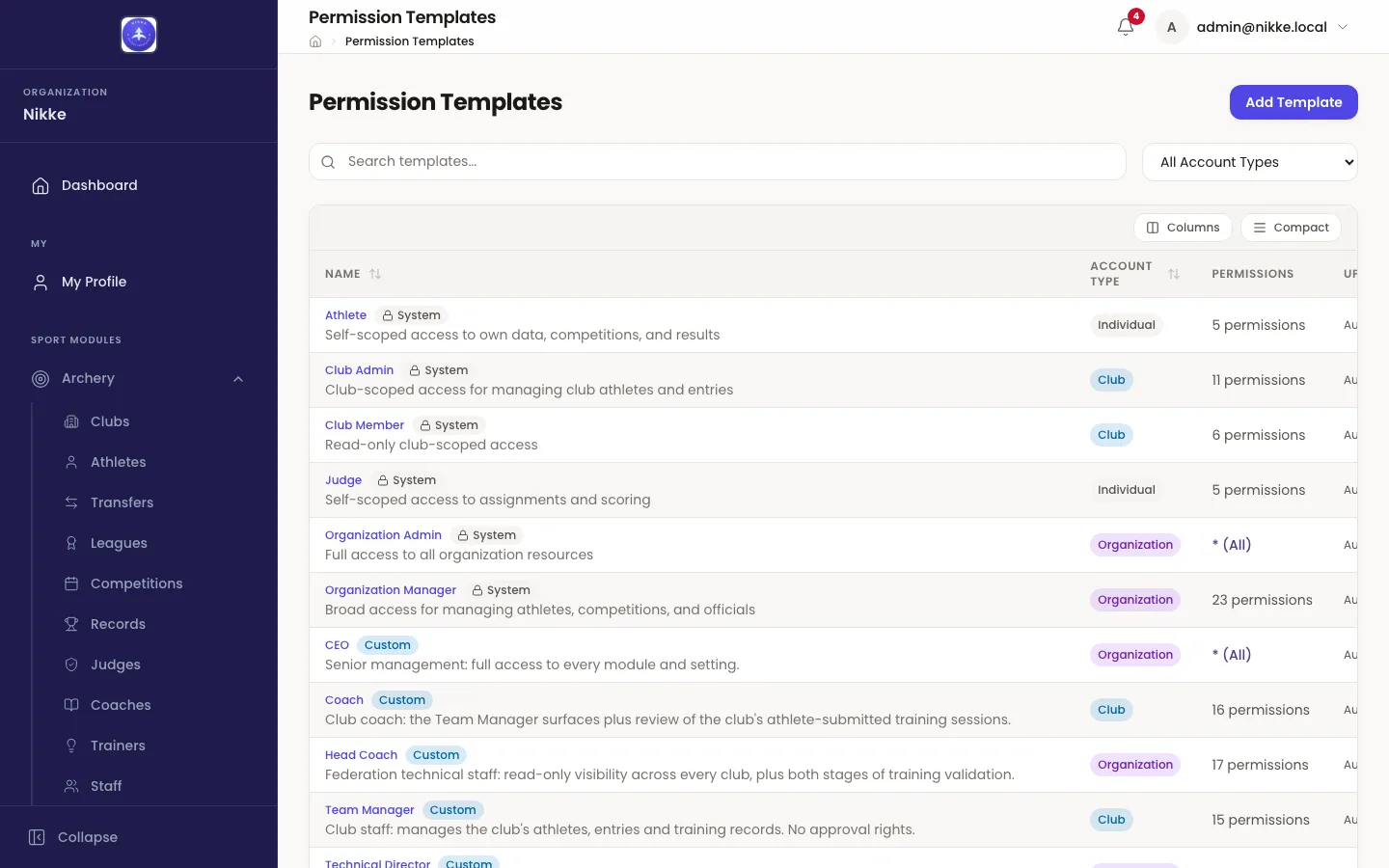
Organization Admin
Section titled “Organization Admin”Full access to everything. Sets up sports, competitions and leagues, invites people, changes settings and branding, and handles billing. Usually one or two people.
Organization Manager
Section titled “Organization Manager”Broad access to the day-to-day running of the sport, without the keys to the building. Manages athletes, competitions, entries, scoring, transfers, officials and records; can approve athlete registrations and transfers; can read the audit trail. Cannot change settings or billing.
Club Admin
Section titled “Club Admin”Runs one club. Manages that club’s athletes, enters them into competitions, records training, and starts transfers. Sees competitions and scoring across the federation, but can only change their own club’s things.
Club Member
Section titled “Club Member”The read-only version of the above. Sees the club, its athletes, the competitions, the entries and the scores. Changes nothing.
Athlete
Section titled “Athlete”Sees their own athlete record, the competitions they can enter, their entries and their scores, and records their own training. It is applied when an administrator creates a login for an athlete; an athlete who simply signs in for the first time gets an account with no permissions at all, which is enough for the pages below.
Sees their own assignments and the competitions they are officiating, and records scores for the matches they are on. No access to athlete administration.
Pages that need no role at all
Section titled “Pages that need no role at all”Permissions decide what an account may do. A few pages instead follow what the person is: everyone signed in gets the competition calendar and their own profile, a registered athlete gets their own athlete file and their own entry and result on the calendar, a registered club coach or club official gets their club’s portal, and a person with a judge record gets their assignments. There is no permission behind any of them — the record itself is the grant, and what each page lets you do follows the record too: a club official acts for their club, everyone else reads. They live in the My group of the sidebar and are covered in Your own pages. An account’s form lists the standings its person holds under Also registered as — Self-service access follows these standings and needs no permissions. A club official is listed once for each club they hold a seat at: Club official · Lakeside Archers, Club official · Summit Archery Club.
So an account with an empty permission list is not an account that sees nothing — it is an account that sees exactly its own things.
Where the roles live
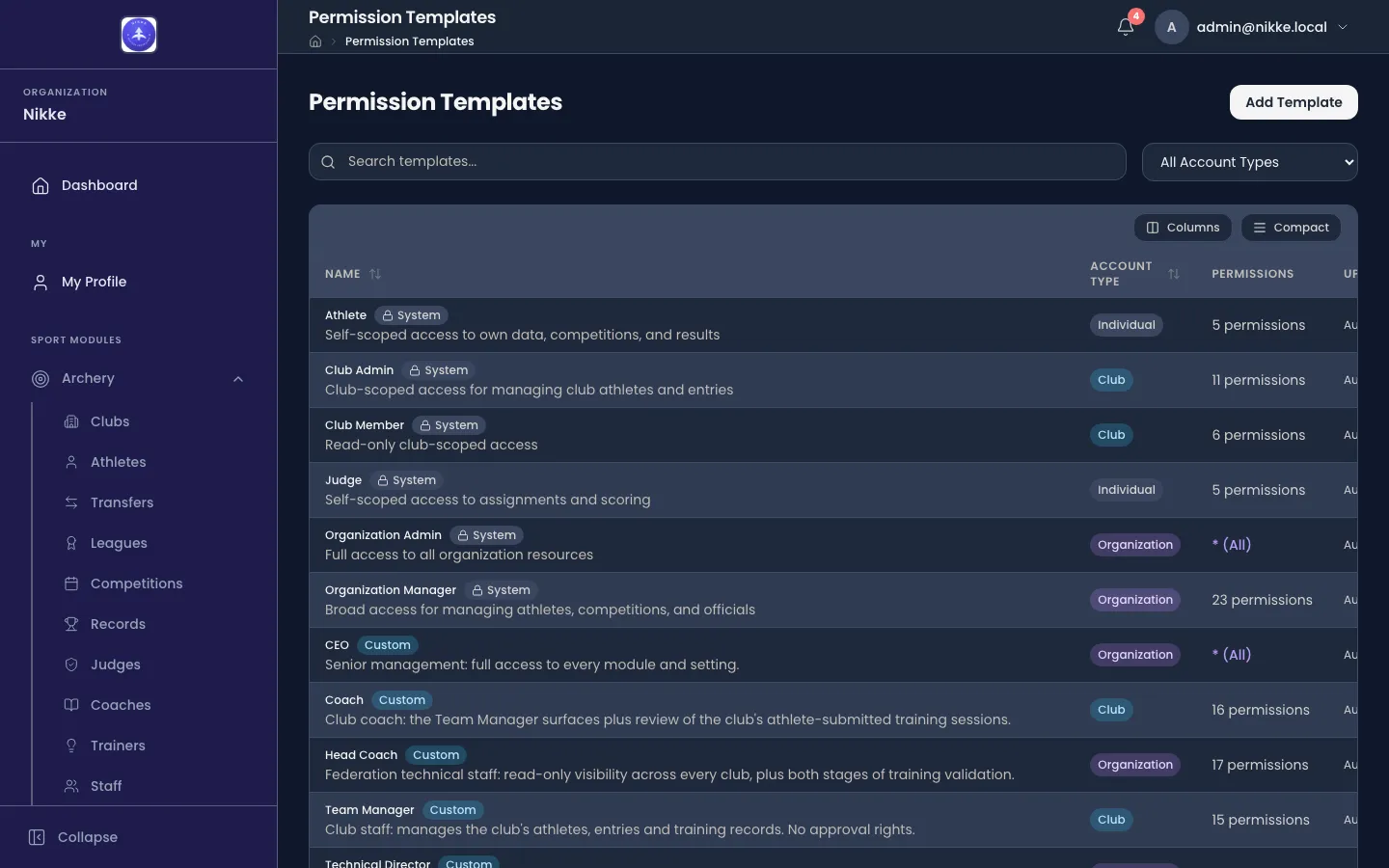
Section titled “Where the roles live”If you administer Velos, the roles are on the Permission Templates page under Administration in the sidebar. Each one shows its account type and how many permissions it carries, and your federation, club or academy can add its own alongside the built-in ones — the ones marked Custom below were added locally, not by Velos. The accounts themselves are on the Users page beside it, which opens on the organization-wide accounts alone: Filters → Account type brings the club and individual accounts into view. Saving a person, or registering them as an athlete or an official, never creates a login — a login is made on purpose from Users, or by the person’s own first sign-in.
When something is missing
Section titled “When something is missing”If this documentation describes a page you cannot find, it is one of three things:
- Your account does not reach it. Ask whoever administers Velos where you are — they can see your account and widen it.
- The sport is not in use. Velos shows a sidebar group per sport in use. A federation that only shoots archery has no tennis pages at all.
- The feature is not switched on. Individual features — training, seminars, the performance pages, announcements — are enabled per federation, club or academy, and are simply absent where they are off.
The three are indistinguishable from the outside, which is why the answer to all of them is the same: ask.
A page that is there but will not open is a different matter: that is your plan. Some parts of Velos — training, and the judges and trainers registers among them — come with the plan your federation, club or academy is on. Where the plan leaves one out, its page is still in the sidebar, but opening it shows Feature Not Available, names what needs a higher plan, and offers View Plans & Upgrade. Changing the plan is for whoever administers Velos where you are.
Updated for v1.63.0