
Results and prints
Medals decided, the last of a competition is its paperwork: closing it, printing what the day needs, and putting the result on a noticeboard, in the record book and on a screen.
Medals
Section titled “Medals”Medals are awarded on the Medals tab — automatically from a league’s bracket, or from its final standings for a league that shot none — and they print from the Awards stage below. Medals and final standings covers where each one comes from, what Provisional means, and the full finishing order behind the top three.
Closing the competition
Section titled “Closing the competition”There is no separate publish step: a competition is finished when every one of its leagues is. Each closes on its own — Mark complete on the Leagues tab for a league that shot no bracket, the last of its brackets finishing for one that did — and the competition’s own stage follows to Completed once they all have. It is a rollup of its leagues, not a stage of its own.
Mark Completed, on the Overview, is the override for the whole competition: it closes every league in one go, including any still in progress. It appears as soon as a competition leaves Draft, but Velos refuses it while the competition still reads Qualifying — nothing has been settled yet — so it lands once every league has closed its qualification or one of them has started its bracket. Keep it for the end of a day that has run out of road, not as the normal way to finish.
Prints
Section titled “Prints”Prints is the paperwork. Every document a competition can produce is here, grouped by the stage of the event it belongs to.
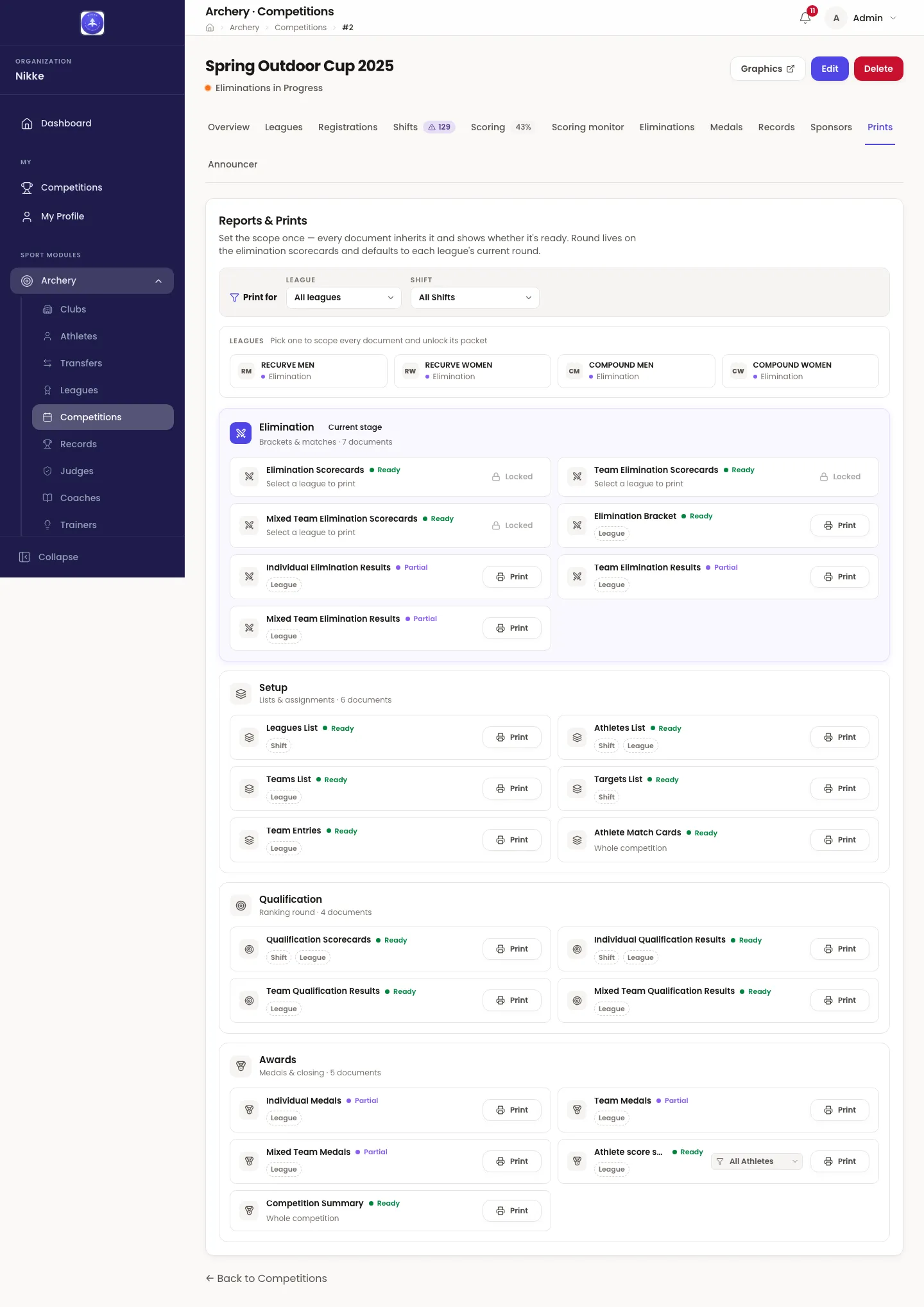
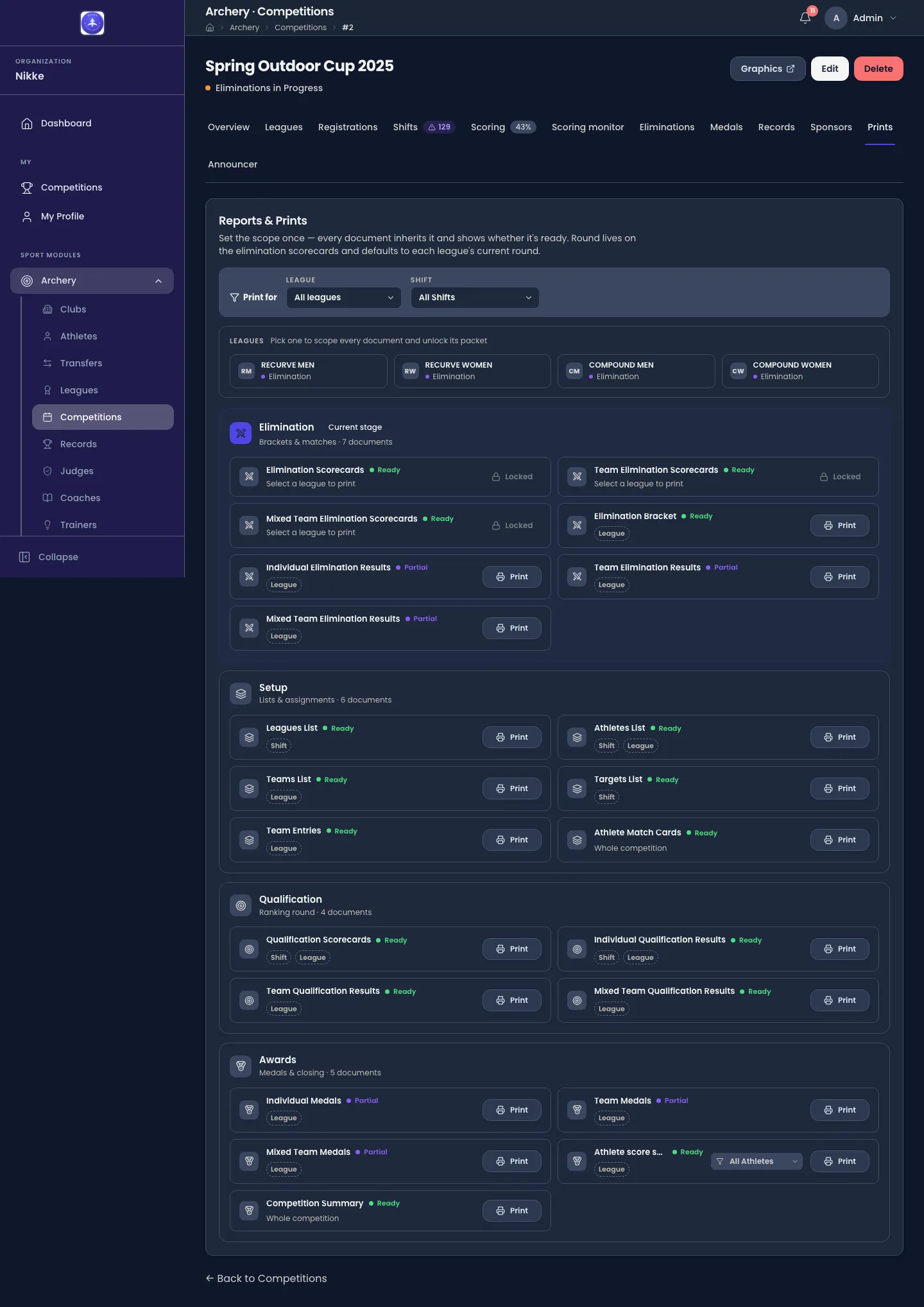
The four stages match the run of the event:
- Setup — the lists and assignments you need before shooting: leagues, athletes, teams, team entries, target assignments and match cards.
- Qualification — the scorecards to hand out, and the qualification results that come back from them, individual, team and mixed team.
- Elimination — bracket sheets, per-match scorecards for each bow style, and the elimination results.
- Awards — the medal lists, the athlete score sheets and a competition summary.
Every document carries its own state, so you can see what is worth printing:
- Ready — everything it needs exists.
- Partial — it will print, but not everything is in yet.
- Locked — it needs something that has not happened, and it says what.
Scope once, print anything
Section titled “Scope once, print anything”The scope bar at the top applies to everything below it, rather than being asked for document by document. Set the league, and optionally the shift, and every document inherits it.
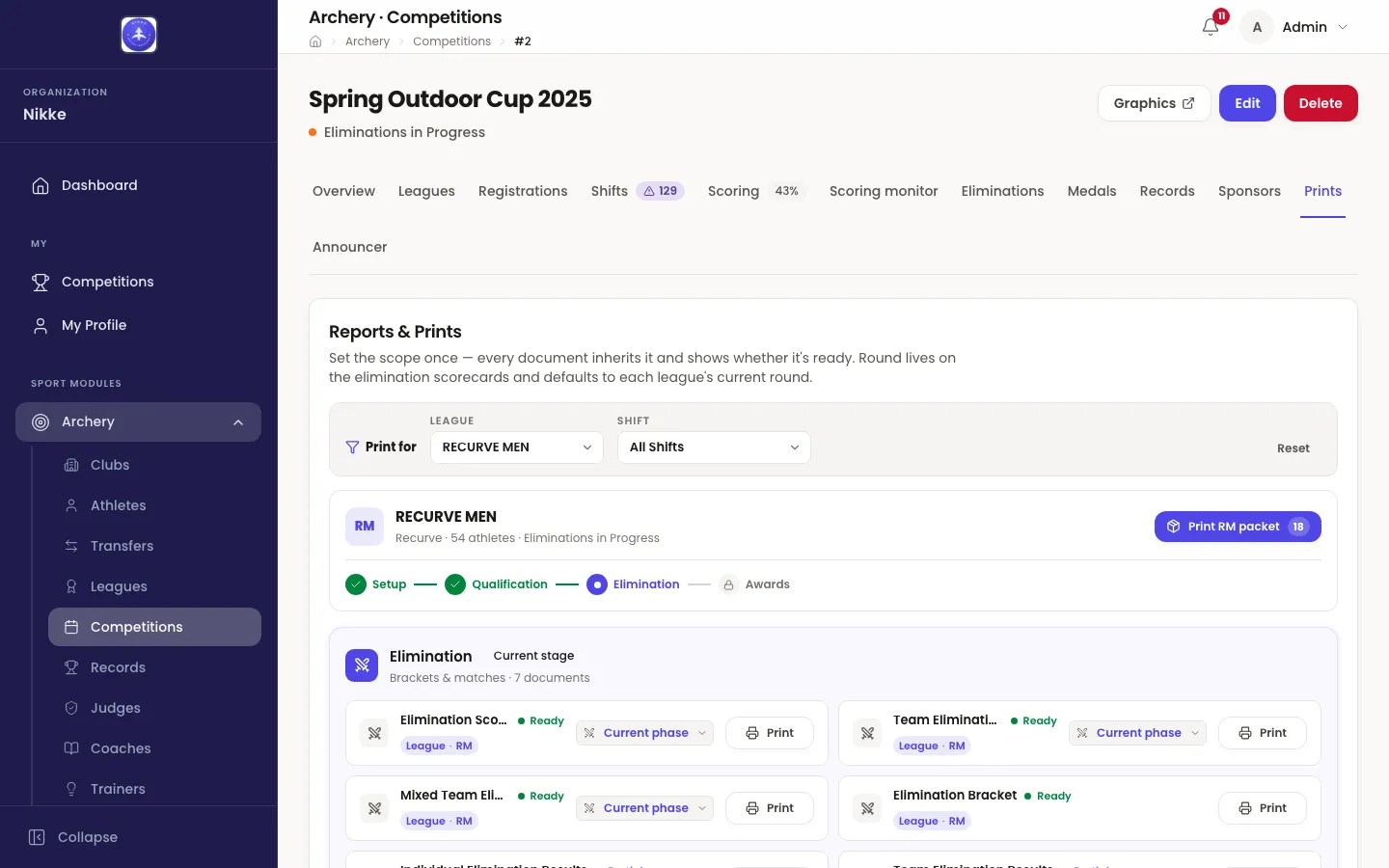
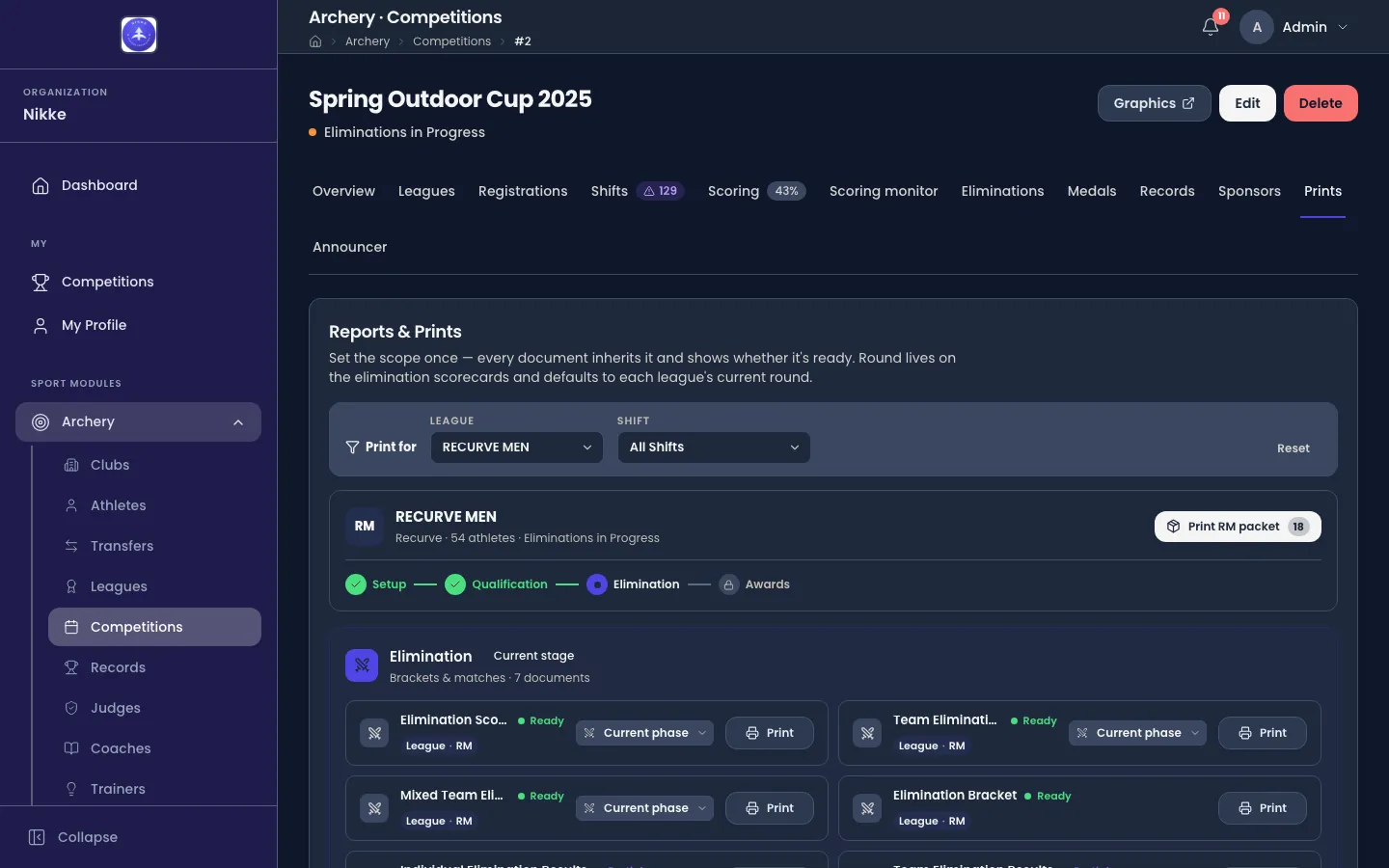
Choosing a league also unlocks two shortcuts:
- Print <league> packet prints everything that league currently needs, in one go — the fastest way to get a category’s papers onto the field.
- Field packet does the same for the whole competition.
Documents open as PDFs, each in a new browser tab, ready to print or to send on; a packet opens one tab per document and reports how many it opened — Opened 3 documents — once every one is up. If your browser blocks the tab — Safari does, until you allow pop-ups for the site — Velos says so: Your browser blocked the new tab — Allow pop-ups for this site in your browser settings, then try again. A packet stops at the first document the browser blocks. The same applies to every print and download button that opens a tab: target boards from the field of play, the seminar report, certificates and credential files. An archer’s own score sheet is saved as a file instead and is never blocked.
Athlete score sheets
Section titled “Athlete score sheets”Athlete score sheets, under Awards, is the record of each athlete’s shooting arrow by arrow — every end of their qualification and every set of the elimination matches they shot, with the totals those arrows produce. It is the filled counterpart of a scorecard: a scorecard is printed blank to be written on, a score sheet is printed from what was recorded. Scope it to a league for that league’s athletes, or pick one athlete for a single sheet; with nothing chosen it prints the whole competition, one page per athlete. It is ready as soon as any scoring exists, and while a league has not yet closed the stage a figure belongs to, the sheet marks that figure Provisional. An athlete can also download their own sheet from their competition page.
Logos and sponsors
Section titled “Logos and sponsors”Every document carries a logo at the top: the competition’s own where one was uploaded on its form, otherwise the logo your federation, club or academy set under Settings, and the Velos mark where there is neither. The wide header on the list-style documents has room for both, the federation’s on the left and the competition’s on the right.
The sponsors named on the competition’s Sponsors tab print along the foot of its documents as a row of logos, ordered by their tier and then by the order you gave them. Only the first eight print, and a sponsor with no logo never does. The same row shows on the competition’s page in My Competitions.
Final classification
Section titled “Final classification”There is no separate results screen: the final classification of a league is its printed result. Print Individual Elimination Results for a league that ran a bracket, or Individual Qualification Results for one that did not, with team and mixed team versions of each. Medals and final standings covers the order those documents come out in, and the federation rule that can change it.
Records
Section titled “Records”Where a competition is marked as an Official Event, the scores shot in it are checked against your federation, club or academy’s records. New ones show on the competition’s Records tab and in Archery → Records. A competition that is not marked official is invisible to the record book — which is exactly what you want for a club night.
Showing results on a screen
Section titled “Showing results on a screen”A competition can drive a public display — a scoreboard for the venue, or an overlay for a stream — from a Graphics controller reached from the button at the top of the competition. It has its own scenes for standings, brackets and live matches.
That’s the run
Section titled “That’s the run”You have taken a competition from an empty form to a published result. If you came here in order, the rest of the story is the people in it: Clubs for rosters and transfers, Training for what happens between events, and Performance for what the numbers say over a season.
Updated for v1.63.0